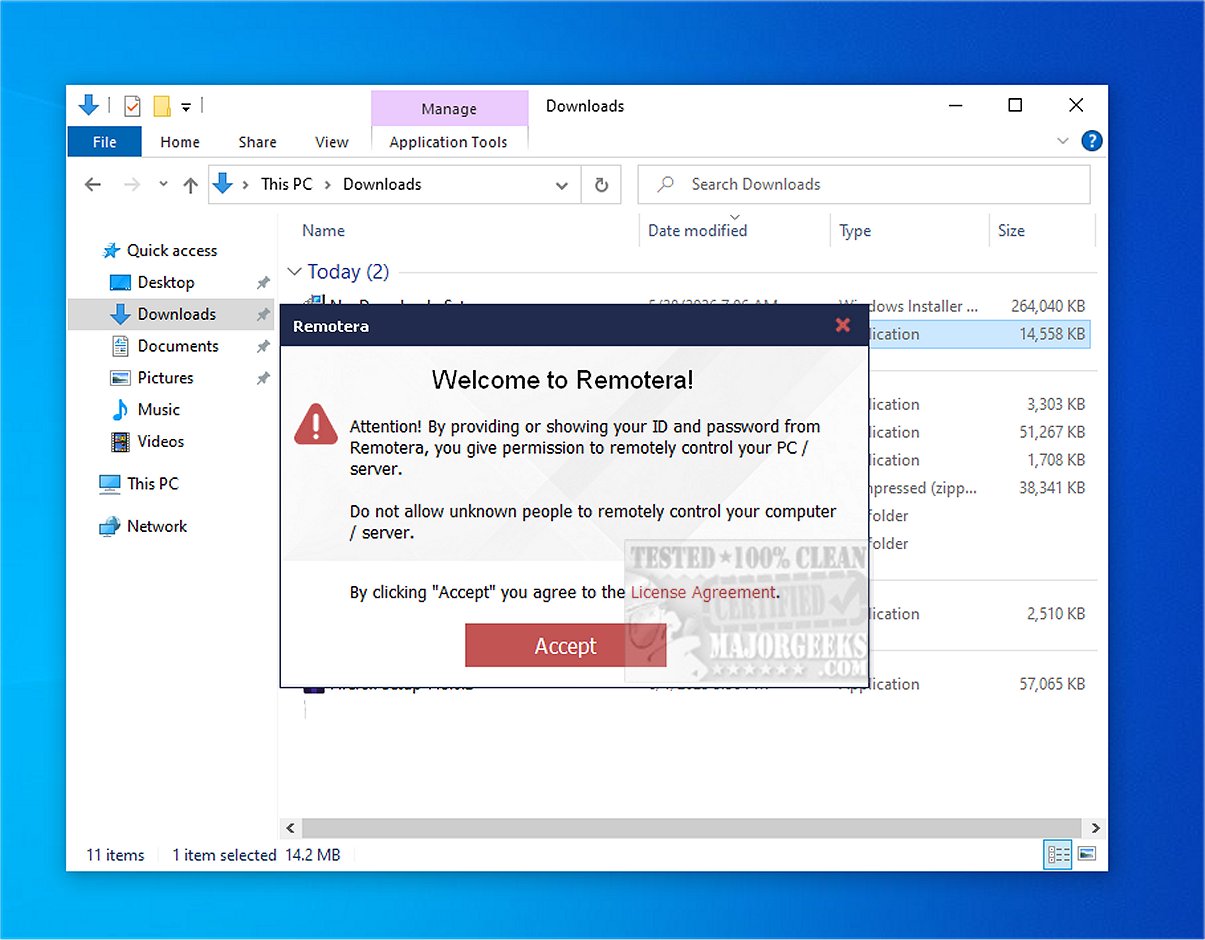
Remotera 2.2 has been released, offering an advanced remote access software solution designed to provide a fast, secure, and user-friendly experience for users needing to connect to remote computers.
Effortless Remote Connections
With Remotera, users can easily connect to another computer from virtually anywhere, granting them control over remote PCs. This tool allows users to manage files, run applications, and provide technical support as though they are physically present at the machine.
File Sharing Simplified
The software facilitates seamless file and folder transfers between local and remote PCs during a session, eliminating the need for email or external cloud services. This makes sharing documents, reports, and essential files straightforward, and it supports multiple simultaneous connections, which is ideal for IT support, training, and collaborative work.
Robust Security Measures
Security is a top priority for Remotera. The software employs AES encryption to safeguard remote sessions and uses SRTP for audio, video, and file transfers, ensuring data is encrypted in transit and reducing interception risks. Each connection generates a unique session password, further enhancing security by preventing the re-use of passwords from previous sessions.
Integrated Communication Tools
Remotera includes built-in communication features such as text chat and voice communication, which improve the support experience and troubleshooting efficiency. Additionally, it offers a view-only mode for presentations and training, allowing users to share their screens without granting control to others.
Unattended Access Capabilities
The software also supports unattended access, enabling users to access their Windows PCs anytime, making it a great option for managing remote machines or conducting maintenance outside of regular hours.
Remotera stands out as a free and efficient remote access tool for Windows users. Its intuitive interface, robust security features, and seamless file transfer capabilities make it an excellent choice for individuals and organizations. Users can enjoy the benefits of remote connectivity without incurring any costs, making it a valuable resource for anyone in need of remote support or access solutions.
Looking ahead, future updates could focus on expanding platform compatibility to include macOS and mobile operating systems, enhancing multi-user functionalities, and introducing AI-driven support features to streamline troubleshooting. Additionally, improving user interface customization options could further enhance user experience and satisfaction
Key Features of Remotera
Effortless Remote Connections
With Remotera, users can easily connect to another computer from virtually anywhere, granting them control over remote PCs. This tool allows users to manage files, run applications, and provide technical support as though they are physically present at the machine.
File Sharing Simplified
The software facilitates seamless file and folder transfers between local and remote PCs during a session, eliminating the need for email or external cloud services. This makes sharing documents, reports, and essential files straightforward, and it supports multiple simultaneous connections, which is ideal for IT support, training, and collaborative work.
Robust Security Measures
Security is a top priority for Remotera. The software employs AES encryption to safeguard remote sessions and uses SRTP for audio, video, and file transfers, ensuring data is encrypted in transit and reducing interception risks. Each connection generates a unique session password, further enhancing security by preventing the re-use of passwords from previous sessions.
Integrated Communication Tools
Remotera includes built-in communication features such as text chat and voice communication, which improve the support experience and troubleshooting efficiency. Additionally, it offers a view-only mode for presentations and training, allowing users to share their screens without granting control to others.
Unattended Access Capabilities
The software also supports unattended access, enabling users to access their Windows PCs anytime, making it a great option for managing remote machines or conducting maintenance outside of regular hours.
Conclusion
Remotera stands out as a free and efficient remote access tool for Windows users. Its intuitive interface, robust security features, and seamless file transfer capabilities make it an excellent choice for individuals and organizations. Users can enjoy the benefits of remote connectivity without incurring any costs, making it a valuable resource for anyone in need of remote support or access solutions.
Future Enhancements
Looking ahead, future updates could focus on expanding platform compatibility to include macOS and mobile operating systems, enhancing multi-user functionalities, and introducing AI-driven support features to streamline troubleshooting. Additionally, improving user interface customization options could further enhance user experience and satisfaction
Remotera 2.2 released
Remotera provides cutting-edge remote access software that offers a fast, secure, and user-friendly experience.