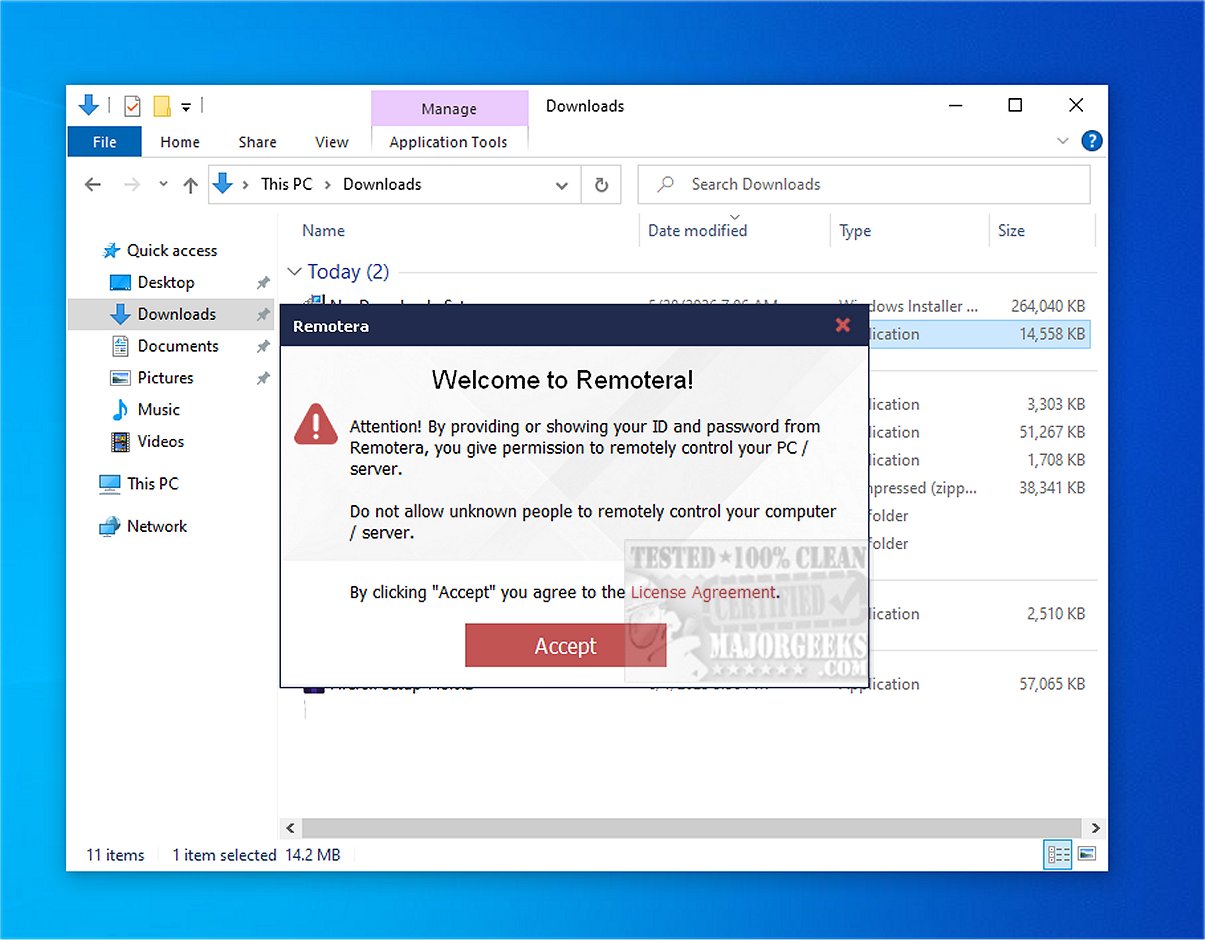
Remotera has recently launched version 2.1 of its advanced remote access software, designed to deliver a fast, secure, and user-friendly experience for users needing remote connectivity. This cutting-edge tool allows individuals to connect to and control another computer from almost anywhere in the world, facilitating seamless management of files, applications, and technical support as if they were physically present.
Key Features of Remotera
1. Effortless Remote Connections: Remotera simplifies the process of remote access, enabling users to connect to distant PCs easily. This feature is especially valuable for IT professionals, support teams, and those engaged in collaborative projects.
2. File Sharing Made Simple: The software includes an intuitive file transfer system that allows users to share documents and other essential files directly within their remote session. This eliminates the need for email or external cloud services, streamlining the workflow for transferring installers, reports, screenshots, and archives.
3. Multiple Connections Support: Users can connect to several remote computers at once or allow multiple trusted users to access their PC. This capability is beneficial for administrative tasks, technical support, and training.
4. Robust Security Measures: Remotera employs AES encryption to protect remote sessions, ensuring that data remains secure during transmission. Additionally, SRTP is used to safeguard audio, video, and file transfers. Each session is protected by a randomly generated password, which enhances security by preventing unauthorized access and ensuring that session passwords are unique to each connection.
5. Integrated Communication Tools: The software includes built-in text chat and voice communication features, which enhance troubleshooting efficiency and provide an improved support experience. For training or presentations, Remotera offers a view-only mode, allowing users to share their screens while preventing others from taking control.
6. Unattended Access: Remotera also supports unattended access, enabling users to remotely manage their Windows PCs at any time. This feature is perfect for accessing office computers from home or performing maintenance outside of regular hours.
Conclusion: Experience the Future of Remote Access
With Remotera 2.1, users benefit from a completely free remote access tool for Windows that combines ease of use with powerful features. The software's intuitive interface allows for efficient control over remote desktops, secure file transfers, and effective online assistance. As remote connectivity continues to grow in importance, Remotera stands out as an invaluable resource, offering users the freedom to connect and collaborate without incurring any costs.
Future Directions and Enhancements
Looking ahead, Remotera could further enhance its offerings by introducing features such as cross-platform compatibility, mobile access, and enhanced analytics for user sessions. Additional improvements could focus on user customization options, integration with popular project management tools, and advanced session recording capabilities for training and compliance. As remote work becomes increasingly prevalent, the demand for innovative and secure remote access solutions like Remotera is likely to grow, providing opportunities for continued development and feature expansion
Key Features of Remotera
1. Effortless Remote Connections: Remotera simplifies the process of remote access, enabling users to connect to distant PCs easily. This feature is especially valuable for IT professionals, support teams, and those engaged in collaborative projects.
2. File Sharing Made Simple: The software includes an intuitive file transfer system that allows users to share documents and other essential files directly within their remote session. This eliminates the need for email or external cloud services, streamlining the workflow for transferring installers, reports, screenshots, and archives.
3. Multiple Connections Support: Users can connect to several remote computers at once or allow multiple trusted users to access their PC. This capability is beneficial for administrative tasks, technical support, and training.
4. Robust Security Measures: Remotera employs AES encryption to protect remote sessions, ensuring that data remains secure during transmission. Additionally, SRTP is used to safeguard audio, video, and file transfers. Each session is protected by a randomly generated password, which enhances security by preventing unauthorized access and ensuring that session passwords are unique to each connection.
5. Integrated Communication Tools: The software includes built-in text chat and voice communication features, which enhance troubleshooting efficiency and provide an improved support experience. For training or presentations, Remotera offers a view-only mode, allowing users to share their screens while preventing others from taking control.
6. Unattended Access: Remotera also supports unattended access, enabling users to remotely manage their Windows PCs at any time. This feature is perfect for accessing office computers from home or performing maintenance outside of regular hours.
Conclusion: Experience the Future of Remote Access
With Remotera 2.1, users benefit from a completely free remote access tool for Windows that combines ease of use with powerful features. The software's intuitive interface allows for efficient control over remote desktops, secure file transfers, and effective online assistance. As remote connectivity continues to grow in importance, Remotera stands out as an invaluable resource, offering users the freedom to connect and collaborate without incurring any costs.
Future Directions and Enhancements
Looking ahead, Remotera could further enhance its offerings by introducing features such as cross-platform compatibility, mobile access, and enhanced analytics for user sessions. Additional improvements could focus on user customization options, integration with popular project management tools, and advanced session recording capabilities for training and compliance. As remote work becomes increasingly prevalent, the demand for innovative and secure remote access solutions like Remotera is likely to grow, providing opportunities for continued development and feature expansion
Remotera 2.1 released
Remotera provides cutting-edge remote access software that offers a fast, secure, and user-friendly experience.