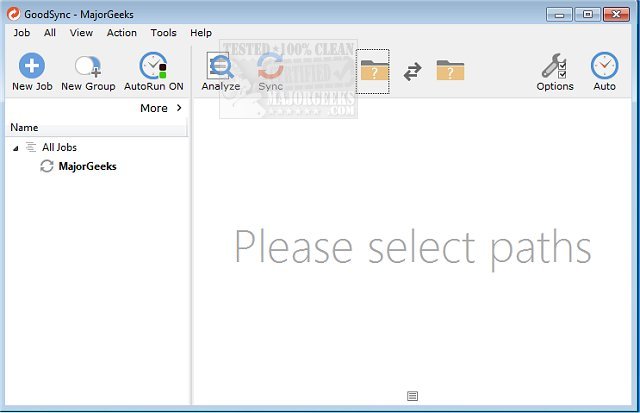
GoodSync has released version 12.11.1.1, enhancing its capabilities for file backup and synchronization. This software allows users to seamlessly back up and sync files across various platforms, including computers, mobile devices, and external drives, without relying on cloud services. GoodSync's functionality extends to syncing files between different environments such as FTP servers, Amazon S3, Google Drive, Azure, and more. Users can back up files to portable drives and connect multiple computers for comprehensive data management.
One of the standout features of GoodSync is its flexibility; it allows for manual file syncing, scheduled backups, or real-time synchronization based on file changes. This is particularly beneficial for protecting critical data, including photos, financial records, music files, and emails. By using third-party servers when needed, GoodSync ensures that your data is securely backed up according to your preferences and requirements.
In addition to its core functionalities, users may find it helpful to explore related topics, such as resetting or reinstalling Windows 10 using various methods that safeguard personal files. This can complement GoodSync's capabilities by ensuring that your operating system is also well-maintained while your files remain secure.
As technology continues to evolve, software like GoodSync plays a crucial role in data management, providing users with the tools they need to protect and organize their information effectively
One of the standout features of GoodSync is its flexibility; it allows for manual file syncing, scheduled backups, or real-time synchronization based on file changes. This is particularly beneficial for protecting critical data, including photos, financial records, music files, and emails. By using third-party servers when needed, GoodSync ensures that your data is securely backed up according to your preferences and requirements.
In addition to its core functionalities, users may find it helpful to explore related topics, such as resetting or reinstalling Windows 10 using various methods that safeguard personal files. This can complement GoodSync's capabilities by ensuring that your operating system is also well-maintained while your files remain secure.
As technology continues to evolve, software like GoodSync plays a crucial role in data management, providing users with the tools they need to protect and organize their information effectively
GoodSync 12.11.1.1 released
GoodSync will backup and sync your files between your computer, mobile device, or drive without any need for the cloud.