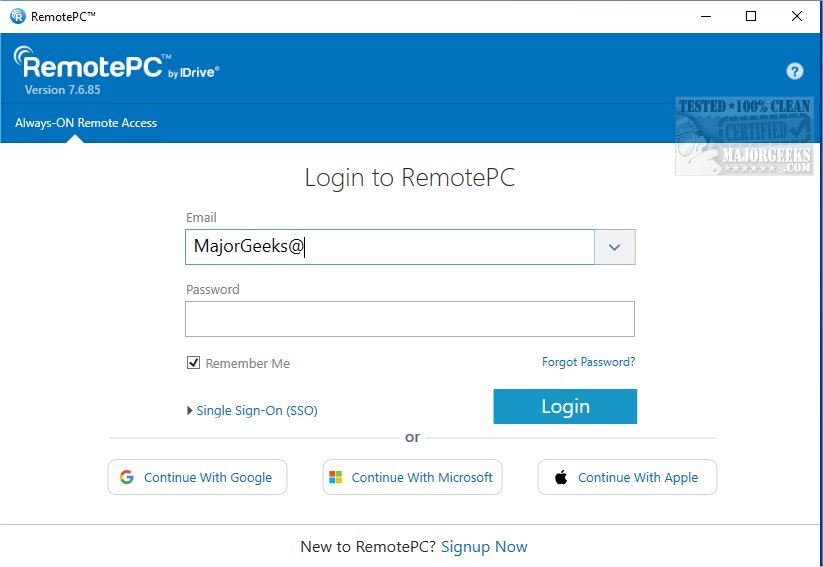
RemotePC has released version 7.7.11.3, enhancing its secure remote desktop access capabilities, allowing users to connect to their computers from anywhere, at any time. This tool is designed to support flexible work arrangements, boosting productivity by providing reliable access to remote devices.
RemotePC enables real-time connections to remote computers with internet access and the RemotePC application installed. Users can work efficiently from home, cafes, or while traveling. The Always-ON Remote Access feature allows users to manage documents, emails, and applications seamlessly. Additionally, users can generate a session code for secure and instant access to their devices.
One of the standout features of RemotePC is its ability to manage locked or logged-off PCs. This flexibility allows users to address urgent tasks or monitor systems remotely, regardless of the computer’s status. The application offers adjustable connection settings, allowing users to prioritize visual quality or response speed based on their internet connection.
RemotePC enhances collaboration by allowing multiple users to access the same computer for joint projects, presentations, or file sharing. The mobile app includes an extended keyboard feature for easier control from smartphones or tablets. Users can also remotely lock their computers after sessions for enhanced security.
The platform includes a Whiteboard feature for interactive brainstorming sessions, allowing users to draw and annotate on the remote screen. Privacy is prioritized with options to turn off the host computer's display during remote sessions.
Adaptability is another key aspect of RemotePC, enabling users to adjust screen resolution and print documents from remote computers to local printers. Real-time messaging capabilities facilitate effective communication during collaboration.
For security, RemotePC includes a 'Trusted Devices' feature that restricts access to recognized devices. Users can also remotely restart their computers without needing to reconnect, simplifying troubleshooting.
Overall, RemotePC boasts exceptional file transfer capabilities, enhancing data sharing and collaboration. With its comprehensive features, RemotePC is a leading solution for remote work and teamwork.
Extended Features and Benefits:
- Cross-Platform Accessibility: RemotePC supports various operating systems, ensuring compatibility with Windows, macOS, and mobile devices, making it versatile for different user needs.
- Scalability: Ideal for both individual users and businesses, RemotePC can scale according to the number of users and devices, making it suitable for teams of any size.
- User-Friendly Interface: The intuitive design of RemotePC allows even non-technical users to navigate the application with ease, reducing the learning curve associated with remote access tools.
- 24/7 Customer Support: RemotePC offers round-the-clock customer service to assist with any issues or questions, ensuring users can rely on expert help whenever needed.
- Integration with Other Tools: The software can be integrated with various productivity and collaboration tools, enhancing its functionality and making remote work even more efficient.
With these features, RemotePC not only stands out for its security and reliability but also for its user-centric approach to remote access and collaboration
RemotePC enables real-time connections to remote computers with internet access and the RemotePC application installed. Users can work efficiently from home, cafes, or while traveling. The Always-ON Remote Access feature allows users to manage documents, emails, and applications seamlessly. Additionally, users can generate a session code for secure and instant access to their devices.
One of the standout features of RemotePC is its ability to manage locked or logged-off PCs. This flexibility allows users to address urgent tasks or monitor systems remotely, regardless of the computer’s status. The application offers adjustable connection settings, allowing users to prioritize visual quality or response speed based on their internet connection.
RemotePC enhances collaboration by allowing multiple users to access the same computer for joint projects, presentations, or file sharing. The mobile app includes an extended keyboard feature for easier control from smartphones or tablets. Users can also remotely lock their computers after sessions for enhanced security.
The platform includes a Whiteboard feature for interactive brainstorming sessions, allowing users to draw and annotate on the remote screen. Privacy is prioritized with options to turn off the host computer's display during remote sessions.
Adaptability is another key aspect of RemotePC, enabling users to adjust screen resolution and print documents from remote computers to local printers. Real-time messaging capabilities facilitate effective communication during collaboration.
For security, RemotePC includes a 'Trusted Devices' feature that restricts access to recognized devices. Users can also remotely restart their computers without needing to reconnect, simplifying troubleshooting.
Overall, RemotePC boasts exceptional file transfer capabilities, enhancing data sharing and collaboration. With its comprehensive features, RemotePC is a leading solution for remote work and teamwork.
Extended Features and Benefits:
- Cross-Platform Accessibility: RemotePC supports various operating systems, ensuring compatibility with Windows, macOS, and mobile devices, making it versatile for different user needs.
- Scalability: Ideal for both individual users and businesses, RemotePC can scale according to the number of users and devices, making it suitable for teams of any size.
- User-Friendly Interface: The intuitive design of RemotePC allows even non-technical users to navigate the application with ease, reducing the learning curve associated with remote access tools.
- 24/7 Customer Support: RemotePC offers round-the-clock customer service to assist with any issues or questions, ensuring users can rely on expert help whenever needed.
- Integration with Other Tools: The software can be integrated with various productivity and collaboration tools, enhancing its functionality and making remote work even more efficient.
With these features, RemotePC not only stands out for its security and reliability but also for its user-centric approach to remote access and collaboration
RemotePC 7.7.11.3 released
RemotePC offers secure remote desktop access, enabling users to connect to their computers anytime, anywhere, day or night. It allows for flexible work arrangements and enhances productivity by providing reliable access to your remote devices.