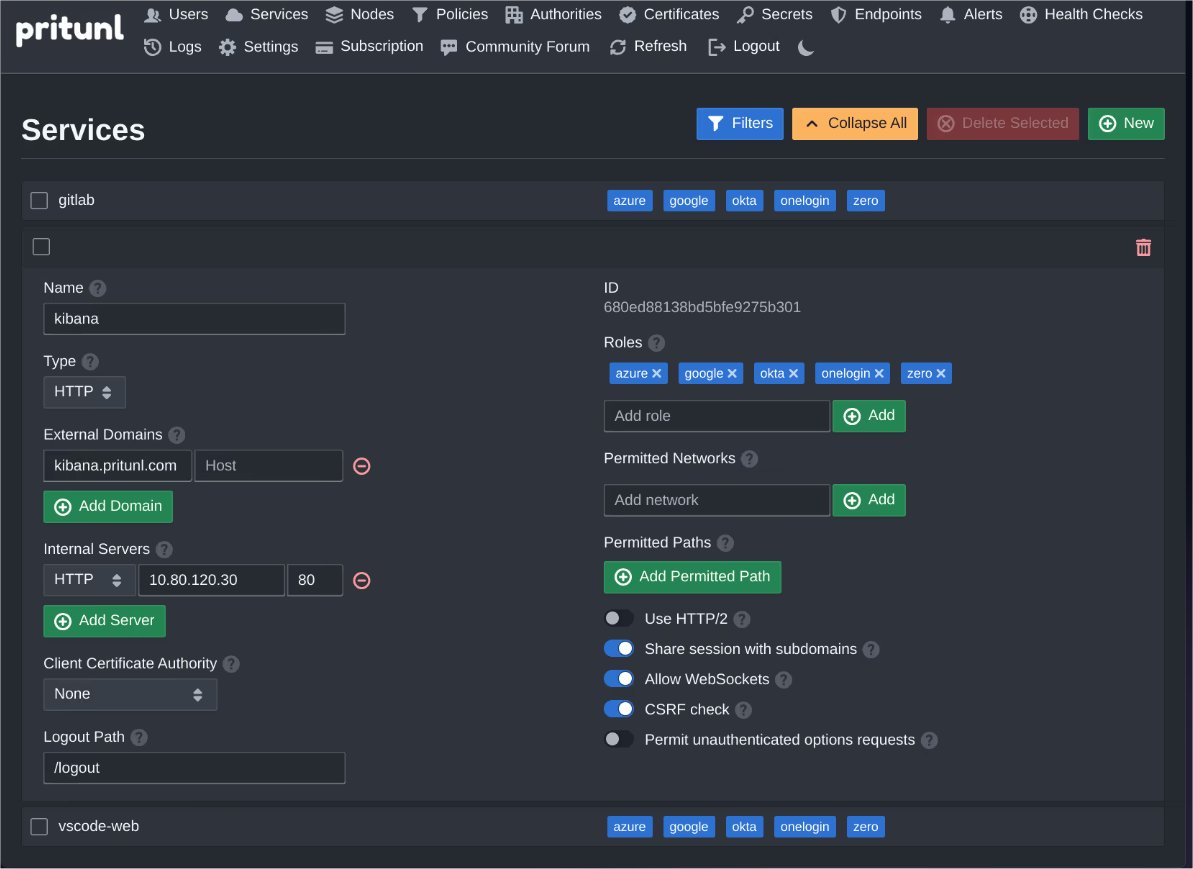
Pritunl has announced the release of version 1.4.4744.47, an open-source application designed for the configuration, import, and management of OpenVPN profiles. This minimalistic OpenVPN client stands out due to its modern and user-friendly interface, facilitating efficient connections to OpenVPN servers.
Key features of Pritunl include the ability to import an unlimited number of existing profiles, providing users with flexibility and ease of use. The application also offers minor connection configuration options to enhance performance. Pritunl simplifies the management of OpenVPN profiles by allowing users to add multiple credential sets, view server and client IP addresses, and track connection duration directly from the app. This makes it a valuable tool for OpenVPN users seeking more management capabilities within a straightforward setup.
In addition to its core functionalities, users can explore various related topics such as the drawbacks of using free VPN services, enabling Windows Defender Sandbox in recent Windows versions, troubleshooting slow internet connections, improving wireless network performance, checking network adapter speed, and monitoring internet usage on the taskbar.
As Pritunl continues to evolve, users can look forward to further enhancements that may include improved security features, additional customization options, and better integration with other networking tools, ensuring that it remains a top choice for OpenVPN management
Key features of Pritunl include the ability to import an unlimited number of existing profiles, providing users with flexibility and ease of use. The application also offers minor connection configuration options to enhance performance. Pritunl simplifies the management of OpenVPN profiles by allowing users to add multiple credential sets, view server and client IP addresses, and track connection duration directly from the app. This makes it a valuable tool for OpenVPN users seeking more management capabilities within a straightforward setup.
In addition to its core functionalities, users can explore various related topics such as the drawbacks of using free VPN services, enabling Windows Defender Sandbox in recent Windows versions, troubleshooting slow internet connections, improving wireless network performance, checking network adapter speed, and monitoring internet usage on the taskbar.
As Pritunl continues to evolve, users can look forward to further enhancements that may include improved security features, additional customization options, and better integration with other networking tools, ensuring that it remains a top choice for OpenVPN management
Pritunl 1.4.4744.47 released
Pritunl provides you with an Open Source option for configuring, importing, and managing of OpenVPN profiles.