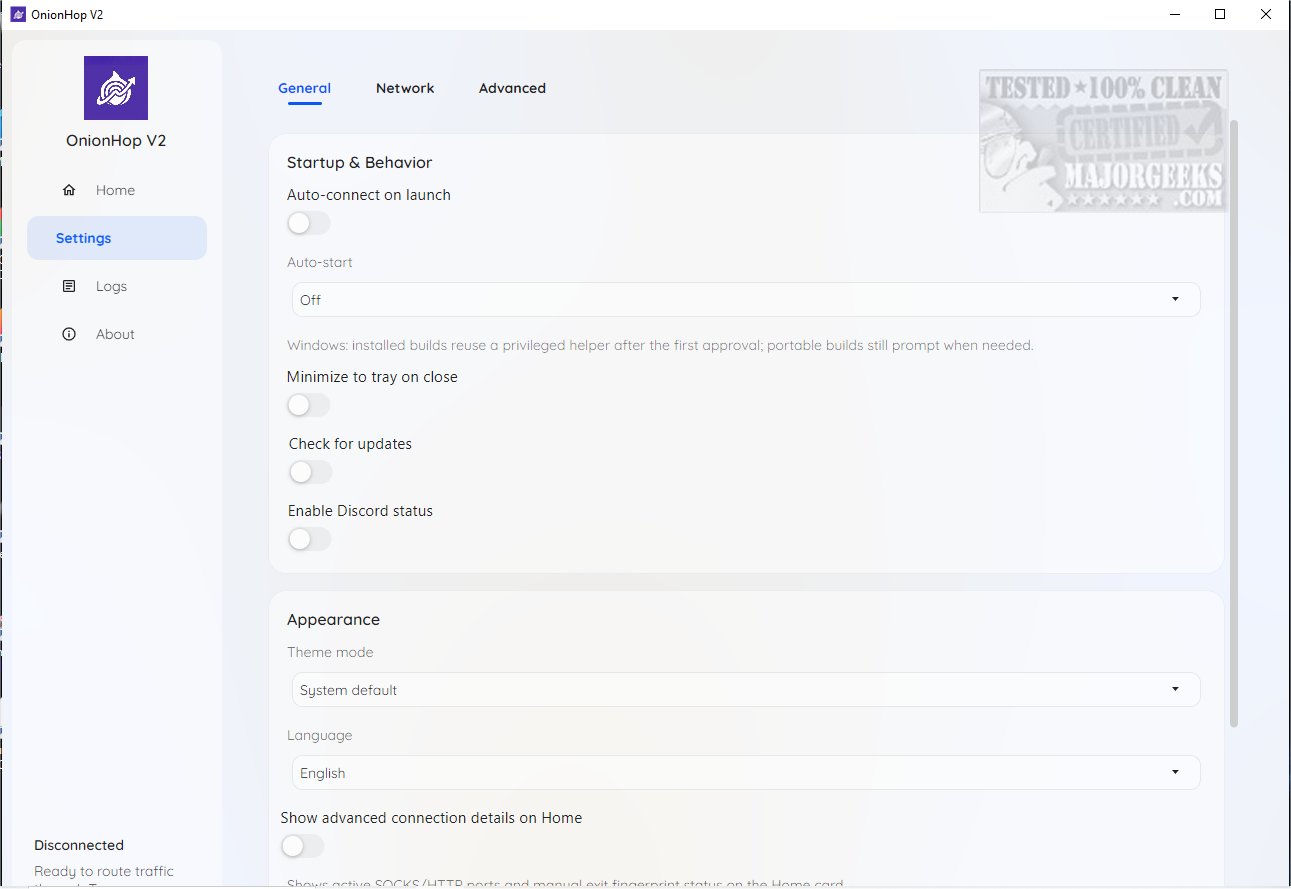
OnionHop has introduced version 3.7.6, a desktop application designed to enhance your online privacy by routing internet traffic through the Tor network. Available for both Windows and macOS, OnionHop offers two main connection modes: Proxy Mode and TUN/VPN Mode.
1. Connection Modes:
- Proxy Mode (Recommended): This mode initiates Tor locally and sets the system proxy to Tor's local SOCKS5 endpoint. It is ideal for everyday users who prefer a seamless browsing experience without many restrictions.
- TUN/VPN Mode (Admin Required): This mode creates a system-wide tunnel using sing-box and Wintun on Windows. It provides a more comprehensive security approach and minimizes the risk of DNS leaks, but it may present compatibility issues with some applications.
Additionally, users can select a Hybrid Mode that combines features of both Proxy and TUN/VPN modes to troubleshoot compatibility problems.
2. Censored Network Mode:
One of the standout features of OnionHop is its Censored Network Mode, which enhances tunneling capabilities for users in areas with restrictive internet access. This mode utilizes Secure DNS and SNI bridges, providing additional security layers. Users can also implement custom bridges if needed.
3. Exit Location Selection:
Choosing the right exit location is crucial for performance. While users can manually select an exit node from a list, the automatic mode is generally recommended to optimize speed and reliability.
Conclusion:
OnionHop 3.7.6 is an innovative solution for enhancing online privacy while browsing. It effectively balances user-friendliness for those with limited technical skills and offers extensive customization options for advanced users. The secure browsing experience provided by OnionHop caters to various needs, making it a valuable tool for anyone looking to protect their online presence.
*Related Articles:*
- Why You Shouldn't (Mostly) Use Free VPN Services
- How to Disable Windows 10 & 11 Activity History Permanently
- How to Customize Windows 10 & 11 Location Services
- How to Disable Advertising ID for Relevant Ads in Windows 10 & 11
Extension: Future Prospects and User Feedback
As OnionHop continues to evolve, user feedback will play a critical role in shaping its future updates. The integration of additional features, enhanced user interface, and improved compatibility with various applications could further solidify its standing in the online privacy sector. Encouraging community engagement through forums or feedback channels may also lead to innovative ideas and improvements, ensuring that OnionHop remains a cutting-edge tool for privacy-conscious users
1. Connection Modes:
- Proxy Mode (Recommended): This mode initiates Tor locally and sets the system proxy to Tor's local SOCKS5 endpoint. It is ideal for everyday users who prefer a seamless browsing experience without many restrictions.
- TUN/VPN Mode (Admin Required): This mode creates a system-wide tunnel using sing-box and Wintun on Windows. It provides a more comprehensive security approach and minimizes the risk of DNS leaks, but it may present compatibility issues with some applications.
Additionally, users can select a Hybrid Mode that combines features of both Proxy and TUN/VPN modes to troubleshoot compatibility problems.
2. Censored Network Mode:
One of the standout features of OnionHop is its Censored Network Mode, which enhances tunneling capabilities for users in areas with restrictive internet access. This mode utilizes Secure DNS and SNI bridges, providing additional security layers. Users can also implement custom bridges if needed.
3. Exit Location Selection:
Choosing the right exit location is crucial for performance. While users can manually select an exit node from a list, the automatic mode is generally recommended to optimize speed and reliability.
Conclusion:
OnionHop 3.7.6 is an innovative solution for enhancing online privacy while browsing. It effectively balances user-friendliness for those with limited technical skills and offers extensive customization options for advanced users. The secure browsing experience provided by OnionHop caters to various needs, making it a valuable tool for anyone looking to protect their online presence.
*Related Articles:*
- Why You Shouldn't (Mostly) Use Free VPN Services
- How to Disable Windows 10 & 11 Activity History Permanently
- How to Customize Windows 10 & 11 Location Services
- How to Disable Advertising ID for Relevant Ads in Windows 10 & 11
Extension: Future Prospects and User Feedback
As OnionHop continues to evolve, user feedback will play a critical role in shaping its future updates. The integration of additional features, enhanced user interface, and improved compatibility with various applications could further solidify its standing in the online privacy sector. Encouraging community engagement through forums or feedback channels may also lead to innovative ideas and improvements, ensuring that OnionHop remains a cutting-edge tool for privacy-conscious users
OnionHop 3.7.6 released
OnionHop enhances your online privacy by routing your internet traffic through the Tor network using either a proxy or a TUN/VPN connection. This setup ensures a more secure web browsing experience while requiring minimal effort to install and configure.