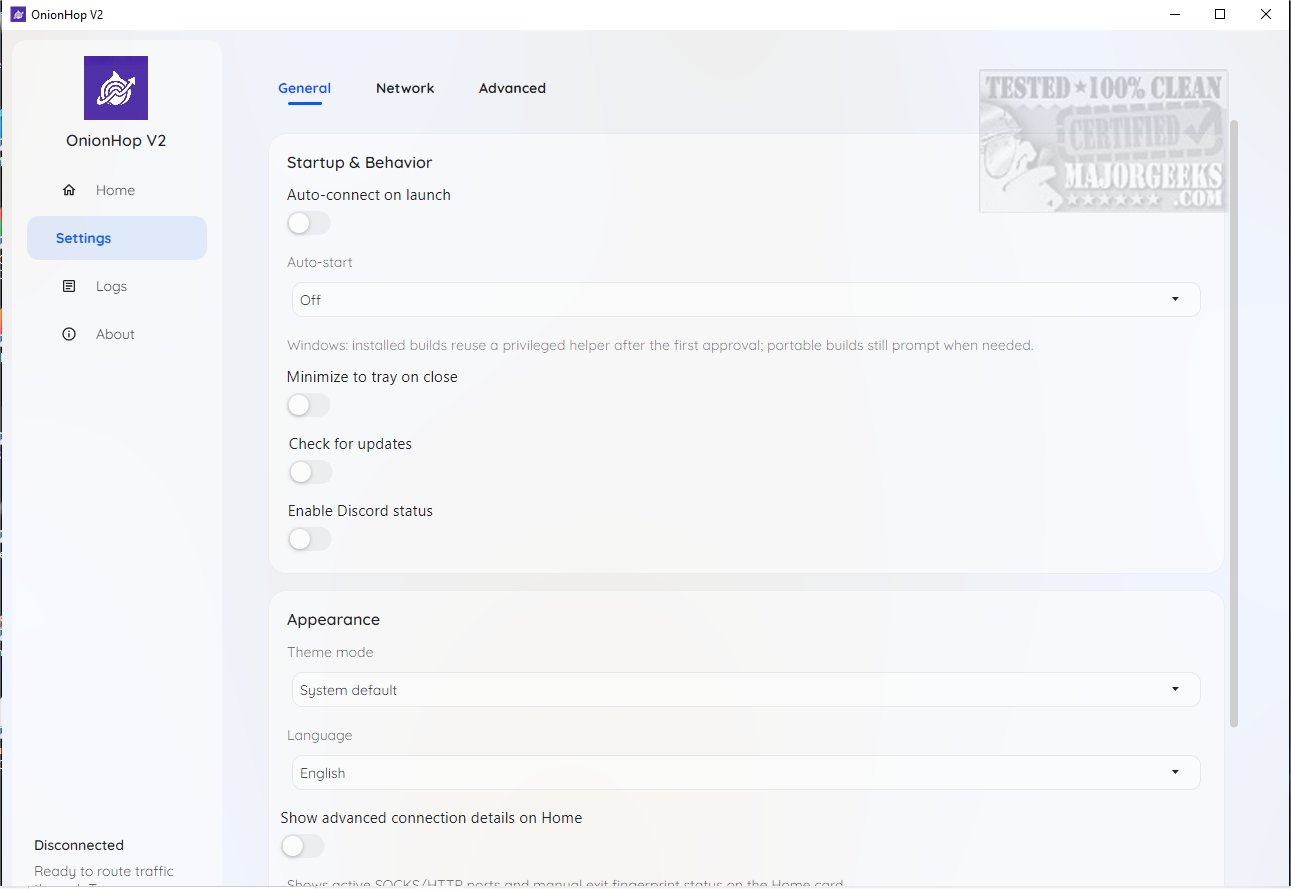
OnionHop 3.7.11 has been released, offering enhanced online privacy by routing internet traffic through the Tor network. The application is available for both Windows and macOS and can be set up with minimal effort. OnionHop features two primary connection modes:
1. Proxy Mode (Recommended): This mode initiates Tor locally and sets the system proxy to Tor's local SOCKS5 endpoint, making it suitable for everyday users who prefer a straightforward browsing experience.
2. TUN/VPN Mode (Admin Required): This option creates a system-wide tunnel that significantly reduces the risk of DNS leaks, though it may be more restrictive concerning app compatibility.
For troubleshooting compatibility issues, users can utilize a Hybrid Mode that blends both Proxy and TUN/VPN features. Additionally, OnionHop includes a Censored Network Mode that utilizes Secure DNS and SNI bridges to enhance tunneling capabilities, especially beneficial for users in regions with strict internet regulations. Users can select exit nodes manually or use the automatic mode for optimal performance.
Overall, OnionHop is designed to elevate online privacy while balancing ease of use for non-technical individuals and offering customization for advanced users. It positions itself as a robust solution for secure web browsing.
Extension: In the rapidly evolving digital landscape, privacy tools like OnionHop are becoming increasingly vital. As concerns over data privacy and surveillance grow, tools that enhance anonymity and secure browsing are essential for protecting personal information. OnionHop not only provides basic privacy features but also adapts to various user needs, from casual browsing to secure access in heavily censored regions. The ability to customize connection settings and utilize advanced modes like Censored Network Mode ensures that users can maintain their privacy without sacrificing internet accessibility or speed. As technology continues to advance, we can expect further improvements in applications like OnionHop, making online security more accessible and effective for everyone
1. Proxy Mode (Recommended): This mode initiates Tor locally and sets the system proxy to Tor's local SOCKS5 endpoint, making it suitable for everyday users who prefer a straightforward browsing experience.
2. TUN/VPN Mode (Admin Required): This option creates a system-wide tunnel that significantly reduces the risk of DNS leaks, though it may be more restrictive concerning app compatibility.
For troubleshooting compatibility issues, users can utilize a Hybrid Mode that blends both Proxy and TUN/VPN features. Additionally, OnionHop includes a Censored Network Mode that utilizes Secure DNS and SNI bridges to enhance tunneling capabilities, especially beneficial for users in regions with strict internet regulations. Users can select exit nodes manually or use the automatic mode for optimal performance.
Overall, OnionHop is designed to elevate online privacy while balancing ease of use for non-technical individuals and offering customization for advanced users. It positions itself as a robust solution for secure web browsing.
Extension: In the rapidly evolving digital landscape, privacy tools like OnionHop are becoming increasingly vital. As concerns over data privacy and surveillance grow, tools that enhance anonymity and secure browsing are essential for protecting personal information. OnionHop not only provides basic privacy features but also adapts to various user needs, from casual browsing to secure access in heavily censored regions. The ability to customize connection settings and utilize advanced modes like Censored Network Mode ensures that users can maintain their privacy without sacrificing internet accessibility or speed. As technology continues to advance, we can expect further improvements in applications like OnionHop, making online security more accessible and effective for everyone
OnionHop 3.7.11 released
OnionHop enhances your online privacy by routing your internet traffic through the Tor network using either a proxy or a TUN/VPN connection. This setup ensures a more secure web browsing experience while requiring minimal effort to install and configure.