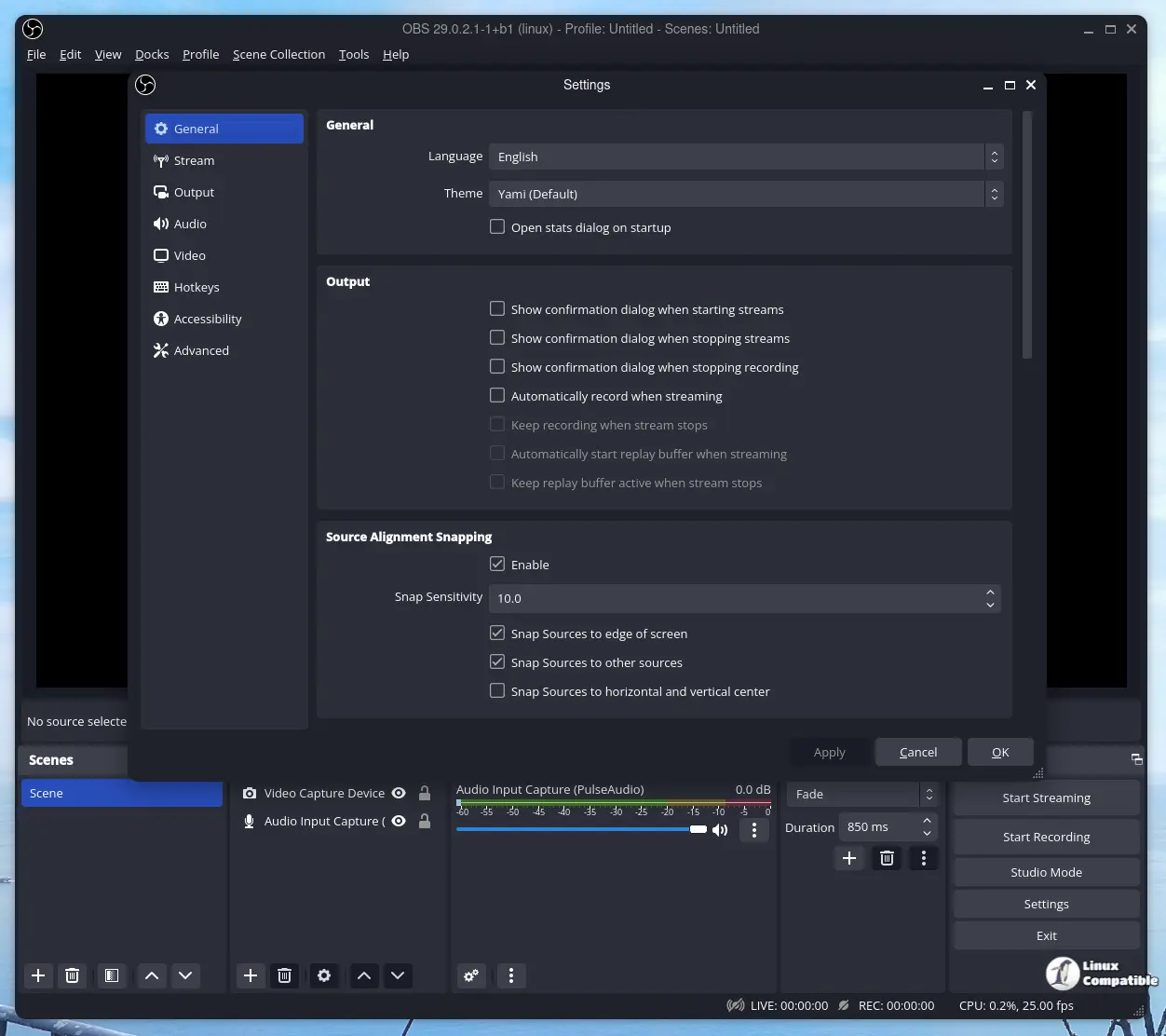
OBS Studio has released version 32.2.0 Beta 1, which addresses several user frustrations, including a fix for the notorious black screen issue during display capture and a revamped source menu for easier navigation. The new searchable dialog replaces the old cluttered dropdown menu, making it simpler to add sources and manage frame rates, while dynamic bitrate adjustments enhance multitrack video capabilities. This beta also improves stability on Windows with various bug fixes and security enhancements, while macOS users must update to native builds for Apple Silicon compatibility. Overall, the update aims to streamline user experience and enhance functionality for streamers
OBS Studio 32.2.0 Beta 1 Fixes Black Screens and Streamlines Source Setup for Faster Recordings
The beta drops. OBS Studio 32.2.0 Beta 1 replaces the cluttered source menu with a searchable dialog and tightens up the frame rate selector to stop recording chop. Apple Silicon Macs automatically switch to native builds while the update patches the dreaded display capture black screen bug that ruins streams and forces outdated Intel binaries to update. Windows gets a cleaner startup routine with fixed virtual camera resets and dynamic bitrate adjustments for multitrack video, though plugin makers should drop the deprecated button function before the stable version ships.