Norton 360 Remover, version 26.7.11086.2615, has been released as a dedicated tool for uninstalling the latest Norton device security software from Windows systems. This utility is specifically designed to ensure a comprehensive removal of all related files and settings, allowing users to start with a clean slate before reinstalling the software. By utilizing Norton 360 Remover, users can eliminate any remnants of previous installations, ultimately improving the performance and reliability of their Norton security solutions.
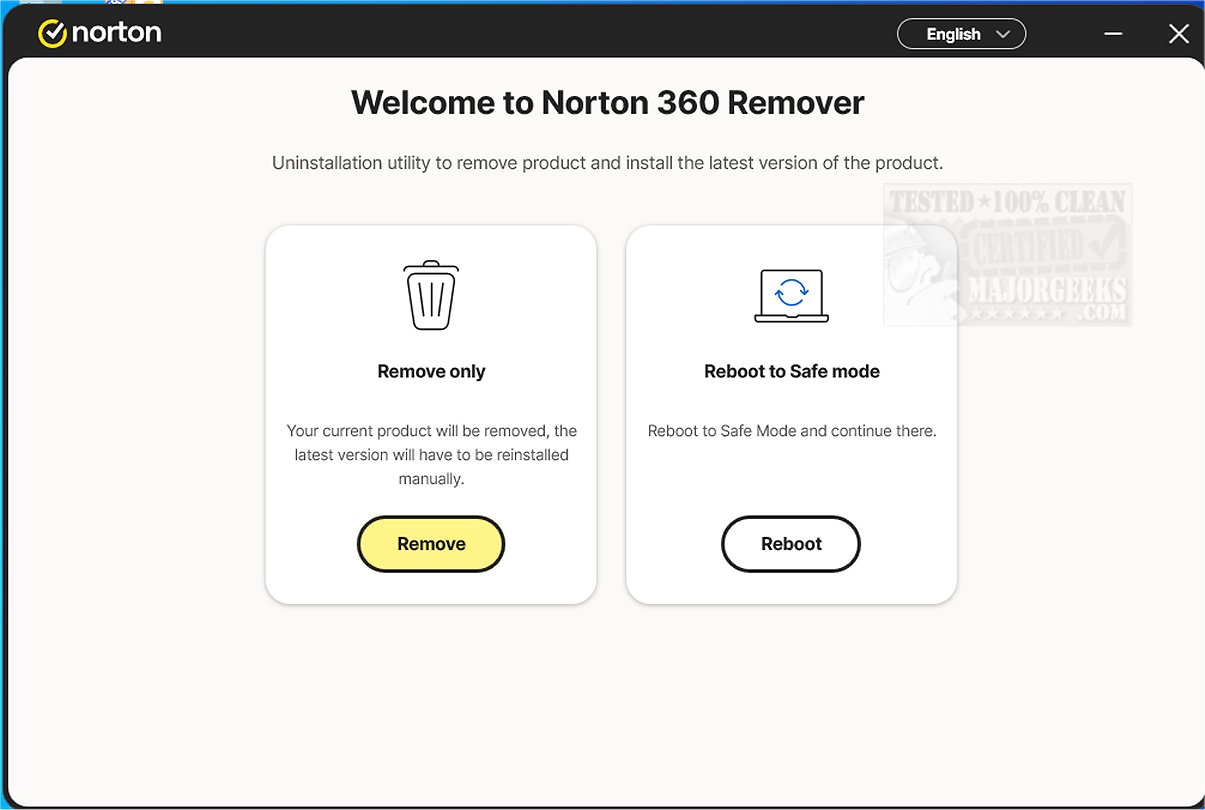
The tool features a straightforward and user-friendly interface, presenting two main options for users: a complete uninstallation followed by manual reinstallation of the current version, or the option to reboot into safe mode for further troubleshooting.
The verdict from tech experts is that Norton 360 Remover is an essential application for anyone looking to simplify the removal process of Norton 360 products from their computer. Its intuitive design makes it easy to operate, ensuring a smooth and efficient cleanup, free from unnecessary clutter.
For those seeking additional guidance, similar resources are available, including instructions on how to uninstall programs, manually remove program entries from the Apps & Features list, and uninstall suggested apps and ads in Windows 10/11 settings.
In summary, Norton 360 Remover serves as a vital tool for users wishing to manage their Norton security installations effectively, promising an efficient uninstallation process that enhances system performance. Moving forward, users may consider integrating this tool into their routine maintenance practices to ensure their systems remain optimized and free of outdated software components
The tool features a straightforward and user-friendly interface, presenting two main options for users: a complete uninstallation followed by manual reinstallation of the current version, or the option to reboot into safe mode for further troubleshooting.
The verdict from tech experts is that Norton 360 Remover is an essential application for anyone looking to simplify the removal process of Norton 360 products from their computer. Its intuitive design makes it easy to operate, ensuring a smooth and efficient cleanup, free from unnecessary clutter.
For those seeking additional guidance, similar resources are available, including instructions on how to uninstall programs, manually remove program entries from the Apps & Features list, and uninstall suggested apps and ads in Windows 10/11 settings.
In summary, Norton 360 Remover serves as a vital tool for users wishing to manage their Norton security installations effectively, promising an efficient uninstallation process that enhances system performance. Moving forward, users may consider integrating this tool into their routine maintenance practices to ensure their systems remain optimized and free of outdated software components
Norton 360 Remover 26.7.11086.2615 released
Norton 360 Remover is a specialized tool designed to effectively uninstall or remove the latest version of the Norton device security product from your Windows device.