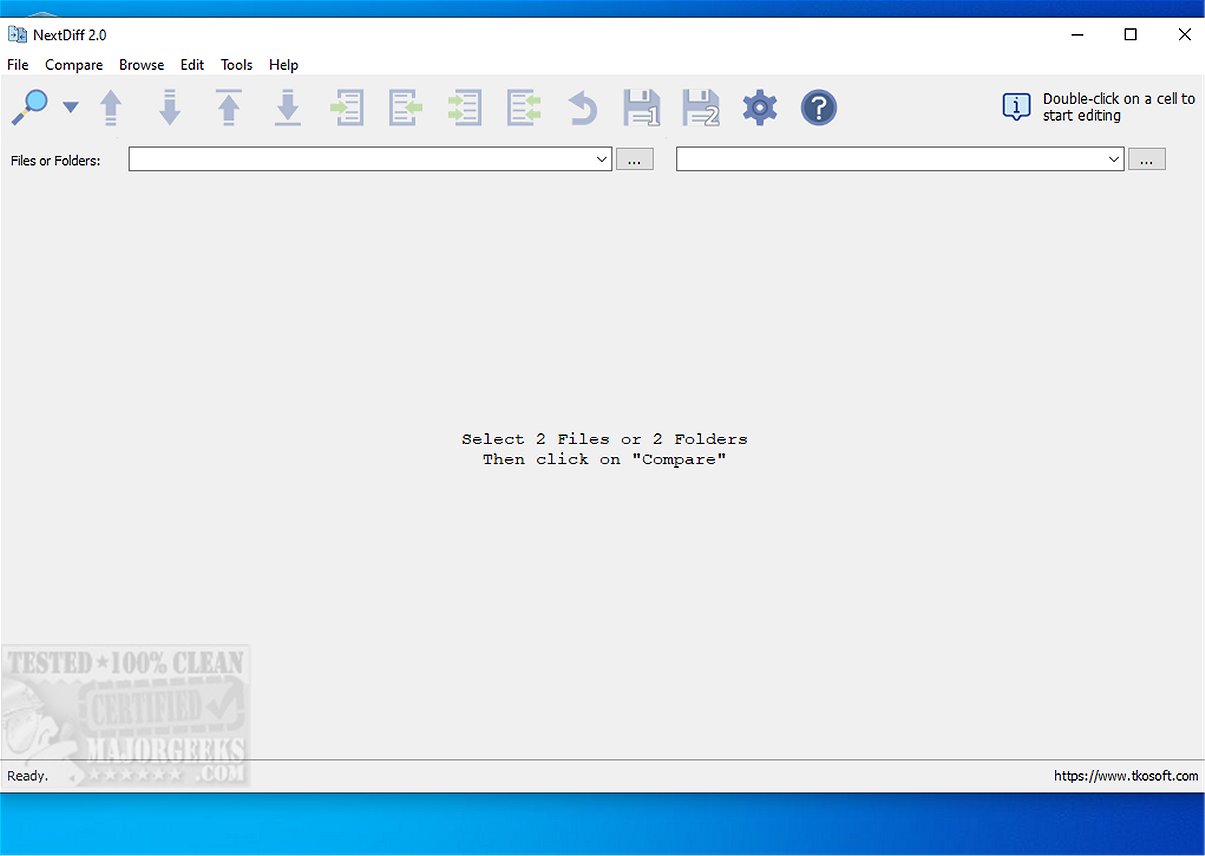
NextDiff 2.5 has been released as a free comparison tool for Windows, designed to help users easily identify differences between various file types, including text documents, source code files, and entire folders. Utilizing Apache Tika, NextDiff supports a wide range of file formats, such as .PDF, .DOCX, and .PPTX, making it versatile for different document types.
The tool operates efficiently, providing rapid analysis of selected files. Once the comparison is complete, users receive a summary dialog that quantifies matching and differing lines, with discrepancies clearly highlighted. This automatic highlighting feature, paired with a user-friendly interface, simplifies the process of identifying inconsistencies, making it accessible even for individuals with limited technical experience.
Key features of NextDiff include:
- Side-by-side comparison of text files
- Highlighting of line-by-line and in-line changes
- The ability to compare source code, logs, scripts, configuration files, and documents
- Folder and subfolder comparison
- Detection of unique files on either side
- Options to mark newer files during folder comparisons
- Copying of differences in both directions
- Direct text editing within the comparison view
- Navigation through differences
- Customizable settings to ignore case, whitespace, and blank lines
- Support for various text file encodings, including ANSI, ASCII, and UTF formats
NextDiff prioritizes usability, allowing users to start comparisons with just a few clicks. The integration with Tika enhances its capability to process complex formats, although users should verify that the Java Development Kit (JDK) is installed for optimal performance.
In summary, NextDiff 2.5 is an excellent, free tool for anyone needing to compare files or folders on Windows. Its intuitive design and practical features make it a standout choice for both personal and commercial use. The tool's ability to quickly highlight differences and provide a comprehensive comparison experience ensures that it remains a vital resource for users dealing with various types of documents.
As NextDiff continues to evolve, future updates could further enhance its functionality by introducing features such as cloud integration for file access or collaboration tools for team projects. These additions would solidify its position as a leading file comparison tool in an increasingly digital workspace
The tool operates efficiently, providing rapid analysis of selected files. Once the comparison is complete, users receive a summary dialog that quantifies matching and differing lines, with discrepancies clearly highlighted. This automatic highlighting feature, paired with a user-friendly interface, simplifies the process of identifying inconsistencies, making it accessible even for individuals with limited technical experience.
Key features of NextDiff include:
- Side-by-side comparison of text files
- Highlighting of line-by-line and in-line changes
- The ability to compare source code, logs, scripts, configuration files, and documents
- Folder and subfolder comparison
- Detection of unique files on either side
- Options to mark newer files during folder comparisons
- Copying of differences in both directions
- Direct text editing within the comparison view
- Navigation through differences
- Customizable settings to ignore case, whitespace, and blank lines
- Support for various text file encodings, including ANSI, ASCII, and UTF formats
NextDiff prioritizes usability, allowing users to start comparisons with just a few clicks. The integration with Tika enhances its capability to process complex formats, although users should verify that the Java Development Kit (JDK) is installed for optimal performance.
In summary, NextDiff 2.5 is an excellent, free tool for anyone needing to compare files or folders on Windows. Its intuitive design and practical features make it a standout choice for both personal and commercial use. The tool's ability to quickly highlight differences and provide a comprehensive comparison experience ensures that it remains a vital resource for users dealing with various types of documents.
As NextDiff continues to evolve, future updates could further enhance its functionality by introducing features such as cloud integration for file access or collaboration tools for team projects. These additions would solidify its position as a leading file comparison tool in an increasingly digital workspace
NextDiff 2.5 released
NextDiff is a free comparison tool for Windows that allows users to easily identify differences between two files, whether they are text documents, source code files, or entire folders.