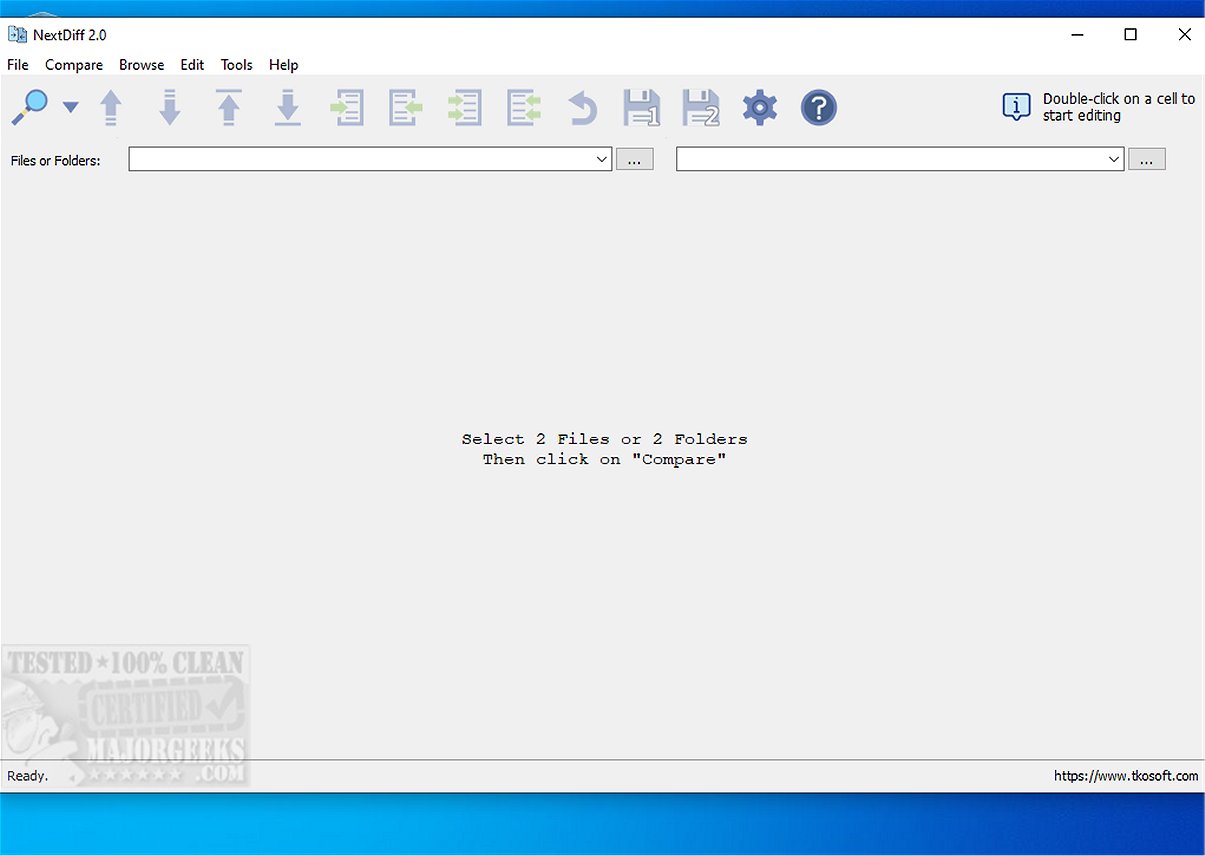
NextDiff 2.1 is a free comparison tool designed for Windows users, enabling effortless identification of differences between various file types, including text documents, source code, and entire folders. With its user-friendly interface, NextDiff simplifies the comparison process, making it accessible even for users with limited technical knowledge.
Key Features of NextDiff:
- File Comparison: NextDiff allows for side-by-side comparisons of text files, highlighting line-by-line and in-line changes for easy identification of discrepancies.
- Format Support: The tool supports a wide array of file formats, including .PDF, .DOCX, .PPTX, and more, thanks to its integration with Apache Tika. This feature enhances its capability to handle complex document types.
- Efficiency and Speed: The comparison process is rapid, providing users with a summary dialog that quantifies matching and differing lines almost instantly.
- User-Friendly Interface: Automatic highlighting of differences at a glance and a straightforward process for selecting and comparing files make NextDiff a practical choice for quick assessments.
- Advanced Functionality: Additional features include the ability to compare folders and subfolders, detect files unique to one side, mark newer files, copy differences across files, and edit text directly in the comparison view. Users can also navigate through differences easily and customize their comparison criteria by ignoring case, whitespace, and blank lines.
- Text File Encoding Support: NextDiff accommodates various text file encodings, such as ANSI, ASCII, UTF-8, UTF-8 BOM, and UTF-16.
Usability and Practicality:
NextDiff is designed to be practical and efficient, allowing users to initiate comparisons with just a few clicks. The ease of use is a significant advantage for individuals and organizations needing to perform file comparisons quickly.
Tika Integration for Enhanced Processing:
The integration with Apache Tika is crucial for processing complex file formats, making NextDiff a versatile tool in document management. Users must have the Java Development Kit (JDK) installed for Tika to function correctly.
Geek Verdict:
NextDiff is highly recommended for anyone seeking a reliable, free tool for comparing files, text, and folders on Windows. Its intuitive design and comprehensive features make it an excellent choice for both personal and commercial use.
Future Directions:
Looking ahead, NextDiff could further enhance its capabilities by integrating additional file formats and improving its machine learning algorithms to provide smarter comparison suggestions. Incorporating cloud storage compatibility for easy access to files across devices, as well as expanding its support for collaboration features, could also position NextDiff as a leading solution in the file comparison market
Key Features of NextDiff:
- File Comparison: NextDiff allows for side-by-side comparisons of text files, highlighting line-by-line and in-line changes for easy identification of discrepancies.
- Format Support: The tool supports a wide array of file formats, including .PDF, .DOCX, .PPTX, and more, thanks to its integration with Apache Tika. This feature enhances its capability to handle complex document types.
- Efficiency and Speed: The comparison process is rapid, providing users with a summary dialog that quantifies matching and differing lines almost instantly.
- User-Friendly Interface: Automatic highlighting of differences at a glance and a straightforward process for selecting and comparing files make NextDiff a practical choice for quick assessments.
- Advanced Functionality: Additional features include the ability to compare folders and subfolders, detect files unique to one side, mark newer files, copy differences across files, and edit text directly in the comparison view. Users can also navigate through differences easily and customize their comparison criteria by ignoring case, whitespace, and blank lines.
- Text File Encoding Support: NextDiff accommodates various text file encodings, such as ANSI, ASCII, UTF-8, UTF-8 BOM, and UTF-16.
Usability and Practicality:
NextDiff is designed to be practical and efficient, allowing users to initiate comparisons with just a few clicks. The ease of use is a significant advantage for individuals and organizations needing to perform file comparisons quickly.
Tika Integration for Enhanced Processing:
The integration with Apache Tika is crucial for processing complex file formats, making NextDiff a versatile tool in document management. Users must have the Java Development Kit (JDK) installed for Tika to function correctly.
Geek Verdict:
NextDiff is highly recommended for anyone seeking a reliable, free tool for comparing files, text, and folders on Windows. Its intuitive design and comprehensive features make it an excellent choice for both personal and commercial use.
Future Directions:
Looking ahead, NextDiff could further enhance its capabilities by integrating additional file formats and improving its machine learning algorithms to provide smarter comparison suggestions. Incorporating cloud storage compatibility for easy access to files across devices, as well as expanding its support for collaboration features, could also position NextDiff as a leading solution in the file comparison market
NextDiff 2.1 released
NextDiff is a free comparison tool for Windows that allows users to easily identify differences between two files, whether they are text documents, source code files, or entire folders.