NetSpeedTray 2.1.6 has been released, offering users an efficient tool to monitor their network speeds in real-time. This utility provides crucial insights into internet performance, enabling users to stay updated on their connection status.
Residing in the system tray, NetSpeedTray is designed for quick access to network speed information, making it easier for users to assess their internet performance without being intrusive. Unlike the built-in Task Manager, which offers detailed breakdowns of network usage per process, NetSpeedTray prioritizes convenience and unobtrusiveness.
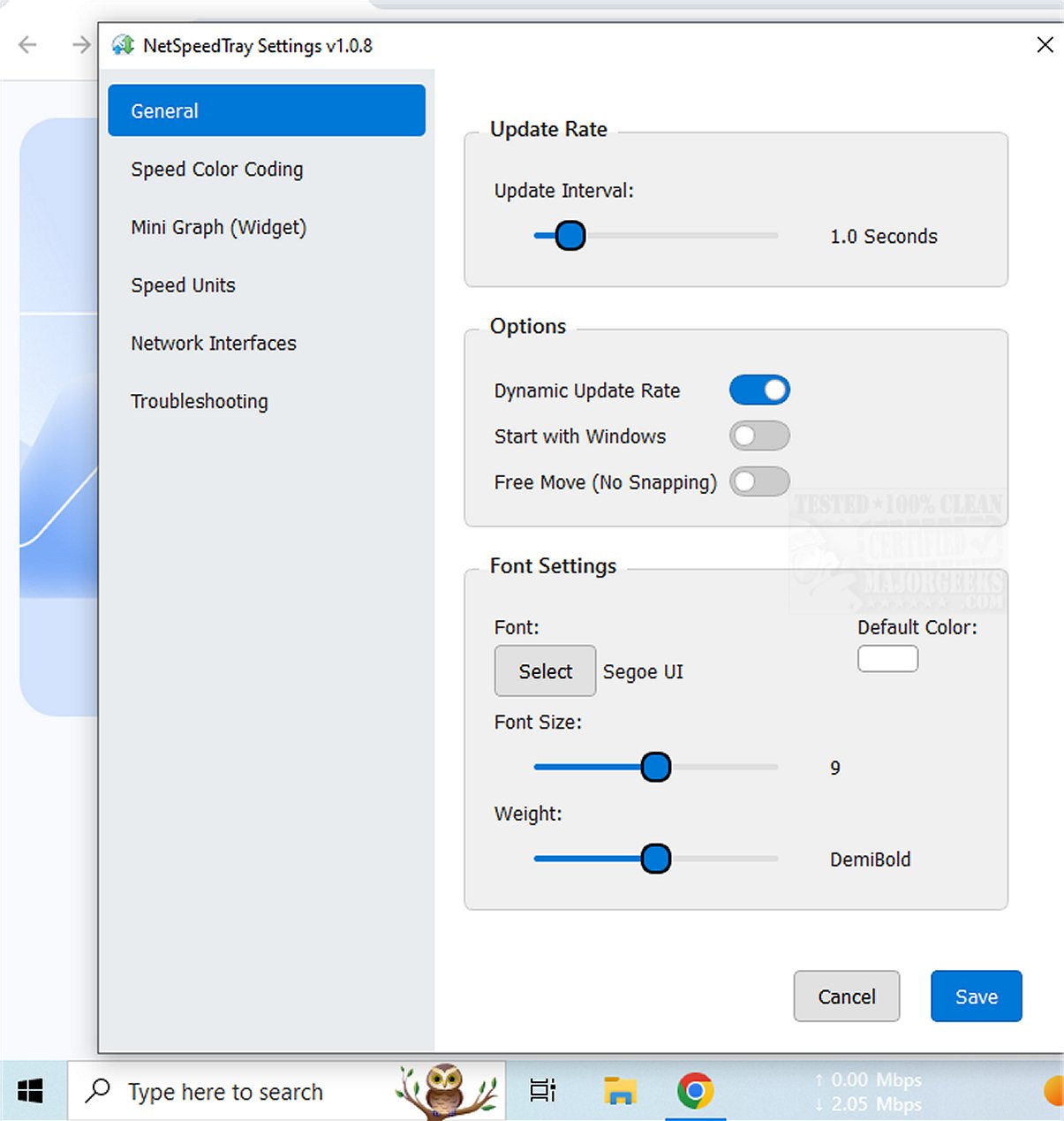
A notable feature of this tool is the ability to monitor a specific network interface, which could be enhanced further by adding functionality to track network usage for individual applications. Moreover, NetSpeedTray comes with customization options, including Speed Color Coding, which visually distinguishes between download and upload speeds. Users can also adjust font settings and enable a mini graph widget for a more informative visual representation of speed metrics.
Overall, NetSpeedTray is a streamlined network monitoring tool tailored for Windows users, allowing effortless tracking of upload and download speeds directly from the Taskbar. It combines functionality with a visually appealing design, ensuring users can remain connected while enjoying a seamlessly integrated experience.
To further improve your network experience, consider exploring related topics such as enhancing wireless network performance, managing Wi-Fi networks, checking network adapter speeds, and resetting network settings in Windows 10 and 11. These insights could help optimize your overall internet usage and connectivity
Residing in the system tray, NetSpeedTray is designed for quick access to network speed information, making it easier for users to assess their internet performance without being intrusive. Unlike the built-in Task Manager, which offers detailed breakdowns of network usage per process, NetSpeedTray prioritizes convenience and unobtrusiveness.
A notable feature of this tool is the ability to monitor a specific network interface, which could be enhanced further by adding functionality to track network usage for individual applications. Moreover, NetSpeedTray comes with customization options, including Speed Color Coding, which visually distinguishes between download and upload speeds. Users can also adjust font settings and enable a mini graph widget for a more informative visual representation of speed metrics.
Overall, NetSpeedTray is a streamlined network monitoring tool tailored for Windows users, allowing effortless tracking of upload and download speeds directly from the Taskbar. It combines functionality with a visually appealing design, ensuring users can remain connected while enjoying a seamlessly integrated experience.
To further improve your network experience, consider exploring related topics such as enhancing wireless network performance, managing Wi-Fi networks, checking network adapter speeds, and resetting network settings in Windows 10 and 11. These insights could help optimize your overall internet usage and connectivity
NetSpeedTray 2.1.6 released
NetSpeedTray allows you to monitor and assess your network speeds in real-time. This tool provides valuable insights into your internet performance, helping you stay informed about your connection status.