NetSpeedTray has released version 1.3.0, a user-friendly tool designed for real-time monitoring of network speeds. This application provides essential insights into your internet performance, keeping you updated on your connection status directly from your system tray.
NetSpeedTray is particularly beneficial for users who need quick access to their network statistics without the intrusive nature of the built-in Task Manager, which offers a more detailed but cumbersome overview of network usage on a per-process basis. The tray-based utility is unobtrusive, allowing users to easily check their network performance while engaging in activities like file transfers.
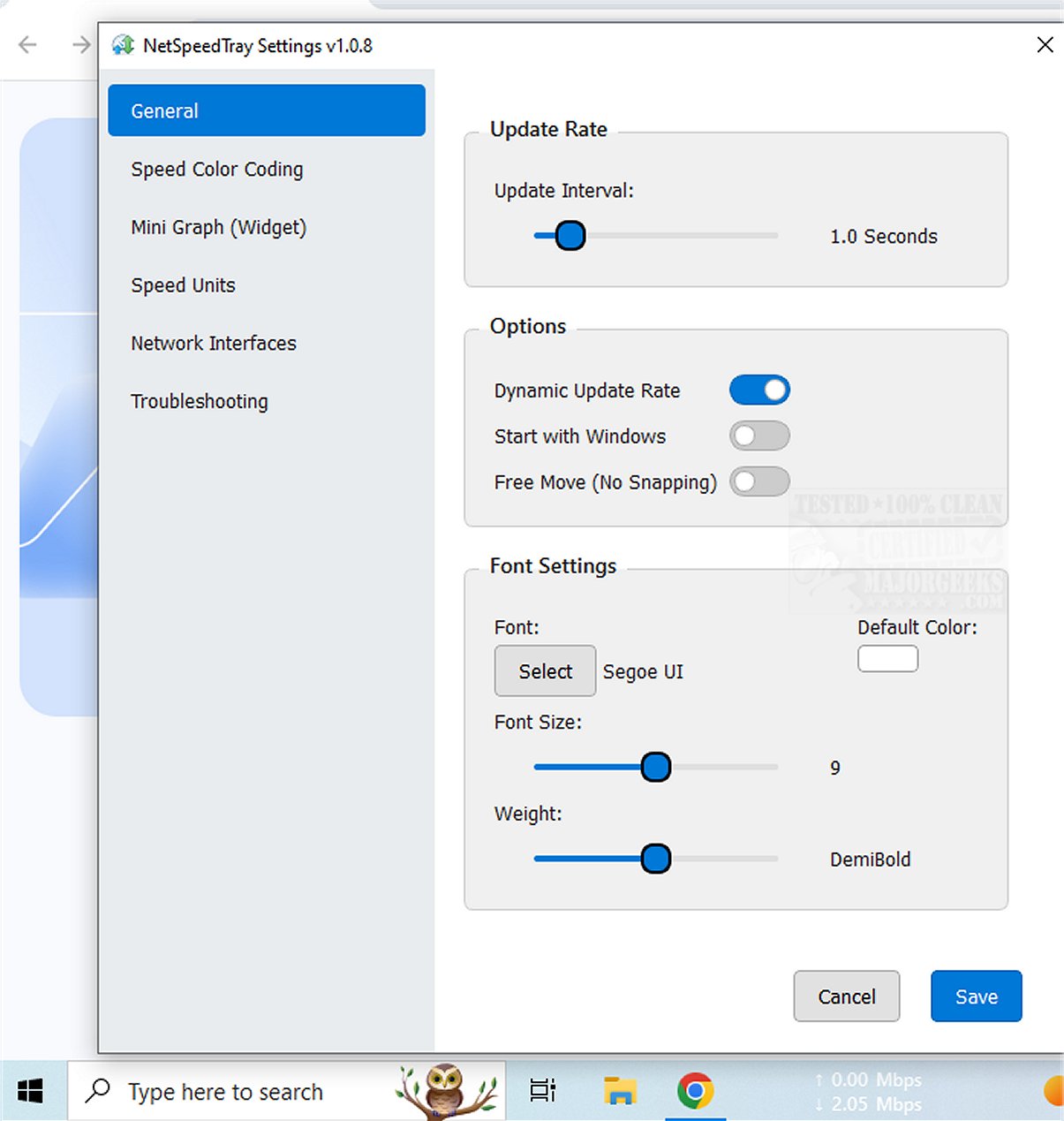
One of the notable features of NetSpeedTray is its ability to monitor specific network interfaces, which would be further enhanced by a future option to track individual program or process network usage for more granular insights. Users can also enjoy mild customization options, such as Speed Color Coding, which visually indicates performance levels. The Settings menu allows adjustments to font settings, color coding for upload and download speeds, and even the option to enable a mini graph widget for a visual representation of speed metrics.
Overall, NetSpeedTray is a sleek and aesthetically pleasing network monitor tailored for Windows users, providing an intuitive way to keep track of internet speeds. The program's native appearance ensures that users can monitor their network performance seamlessly without disrupting their workflow.
In summary, NetSpeedTray 1.3.0 stands out as a practical tool for anyone seeking to optimize their internet usage. Future enhancements might include the ability to monitor individual application network traffic for even better performance insights, further solidifying its position as an indispensable utility for users wanting to stay connected efficiently.
To complement your network experience, you may also explore related topics such as improving wireless network performance, managing neighbor's Wi-Fi networks, checking network adapter speeds in Windows, and resetting network settings in Windows 10 & 11
NetSpeedTray is particularly beneficial for users who need quick access to their network statistics without the intrusive nature of the built-in Task Manager, which offers a more detailed but cumbersome overview of network usage on a per-process basis. The tray-based utility is unobtrusive, allowing users to easily check their network performance while engaging in activities like file transfers.
One of the notable features of NetSpeedTray is its ability to monitor specific network interfaces, which would be further enhanced by a future option to track individual program or process network usage for more granular insights. Users can also enjoy mild customization options, such as Speed Color Coding, which visually indicates performance levels. The Settings menu allows adjustments to font settings, color coding for upload and download speeds, and even the option to enable a mini graph widget for a visual representation of speed metrics.
Overall, NetSpeedTray is a sleek and aesthetically pleasing network monitor tailored for Windows users, providing an intuitive way to keep track of internet speeds. The program's native appearance ensures that users can monitor their network performance seamlessly without disrupting their workflow.
In summary, NetSpeedTray 1.3.0 stands out as a practical tool for anyone seeking to optimize their internet usage. Future enhancements might include the ability to monitor individual application network traffic for even better performance insights, further solidifying its position as an indispensable utility for users wanting to stay connected efficiently.
To complement your network experience, you may also explore related topics such as improving wireless network performance, managing neighbor's Wi-Fi networks, checking network adapter speeds in Windows, and resetting network settings in Windows 10 & 11
NetSpeedTray 1.3.0 released
NetSpeedTray allows you to monitor and assess your network speeds in real-time. This tool provides valuable insights into your internet performance, helping you stay informed about your connection status.