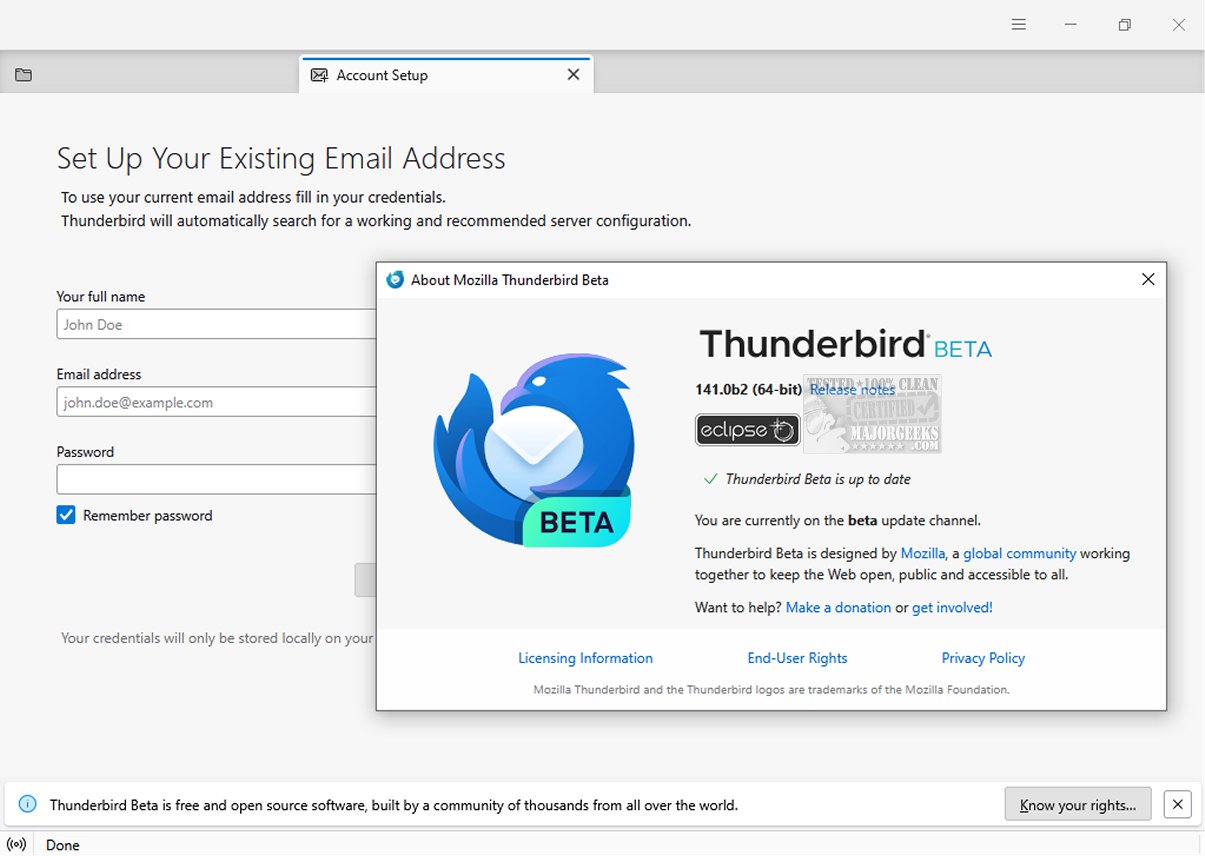
Mozilla Thunderbird Eclipse 159.0 Beta 2 has recently been released, offering an advanced email client that emphasizes safety, speed, and user-friendliness. This version boasts a variety of built-in features, including an intuitive message search function, customizable views, and support for both IMAP/POP and RSS feeds. Additionally, a portable version is available for users who prefer flexibility.
The latest release showcases a dynamic toolbar that adapts to the user's workflow by presenting commonly used and contextual options based on the current tab or space in use. Users can further tailor their experience by customizing the toolbar and window layout to better suit their preferences. The graphical user interface (GUI) has been entirely revamped, enhancing navigation and visual appeal, making it more accessible for users.
Safety remains a top priority with Thunderbird Eclipse, which includes a robust junk mail filter designed to analyze incoming messages and effectively identify potential spam. Users can also manually filter emails that may bypass the automatic detection. The client implements high-level security measures, such as digital signing, message encryption, S/MIME support, and certificate management—features that are particularly beneficial for enterprises and government organizations.
Moreover, Thunderbird Eclipse supports a vast array of Mozilla Add-Ons, allowing users to enhance their email experience with nearly limitless functionalities. This adaptability is vital for creating a personalized email client that meets individual needs.
In summary, Mozilla Thunderbird Eclipse 159.0 Beta 2 stands out as a reliable and secure email management solution, equipped with a host of features designed to improve usability and flexibility. As it continues to evolve, users can look forward to even more enhancements and opportunities for customization, solidifying its position as a leading choice for email communication
The latest release showcases a dynamic toolbar that adapts to the user's workflow by presenting commonly used and contextual options based on the current tab or space in use. Users can further tailor their experience by customizing the toolbar and window layout to better suit their preferences. The graphical user interface (GUI) has been entirely revamped, enhancing navigation and visual appeal, making it more accessible for users.
Safety remains a top priority with Thunderbird Eclipse, which includes a robust junk mail filter designed to analyze incoming messages and effectively identify potential spam. Users can also manually filter emails that may bypass the automatic detection. The client implements high-level security measures, such as digital signing, message encryption, S/MIME support, and certificate management—features that are particularly beneficial for enterprises and government organizations.
Moreover, Thunderbird Eclipse supports a vast array of Mozilla Add-Ons, allowing users to enhance their email experience with nearly limitless functionalities. This adaptability is vital for creating a personalized email client that meets individual needs.
In summary, Mozilla Thunderbird Eclipse 159.0 Beta 2 stands out as a reliable and secure email management solution, equipped with a host of features designed to improve usability and flexibility. As it continues to evolve, users can look forward to even more enhancements and opportunities for customization, solidifying its position as a leading choice for email communication
Mozilla Thunderbird Eclipse 159.0 Beta 2 released
Mozilla Thunderbird Eclipse is an email client prioritizing safety, speed, and user-friendliness. It has numerous built-in features, such as easy message search, customizable views, and IMAP/POP and RSS support. A Portable version is also available.
Mozilla Thunderbird Eclipse 159.0 Beta 2 released @ MajorGeeks