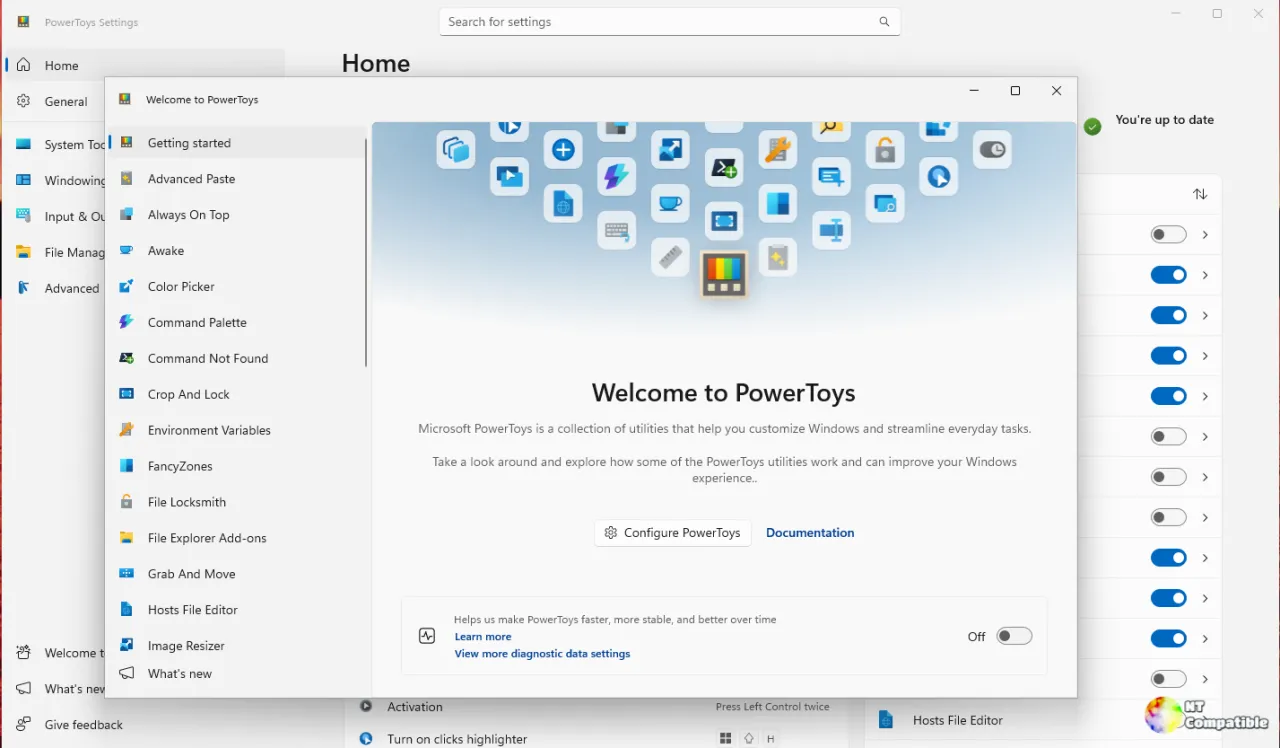
Microsoft PowerToys v0.101.2492.0 Preview has been released, featuring significant updates including the migration of the Color Picker to WinUI 3 and the introduction of multi-zone clocks in the Command Palette. The Color Picker now uses Windows App SDK components and includes a new zoom magnifier, while the Command Palette allows users to pin multiple clocks with independent time zones. Additionally, the Awake tool now respects the Windows lock state, allowing displays to turn off when the workstation is secured, and the PowerDisplay CLI gains a new JSON output option for improved scripting. Other enhancements include fixes for the Keyboard Manager and the addition of a new AI integration plugin for PowerToys Run
Microsoft PowerToys v0.101.2492.0 Preview Migrates Color Picker to WinUI 3 and Adds Multi-Zone Clocks
Microsoft released PowerToys v0.101.2492.0 Preview today, bringing four major updates to the utility suite. The Color Picker completes its migration from WPF to WinUI 3, swapping legacy dependencies for Windows App SDK components and introducing a Win2D-powered zoom magnifier. Command Palette now lets users pin multiple configurable clocks with independent time zones to the dock band, while Awake finally respects the Windows lock state to allow displays to turn off when the workstation is secured. The PowerDisplay CLI gains a --json flag for scripting workflows, and a new "New Chat for Claude" plugin expands AI integration options within PowerToys Run.