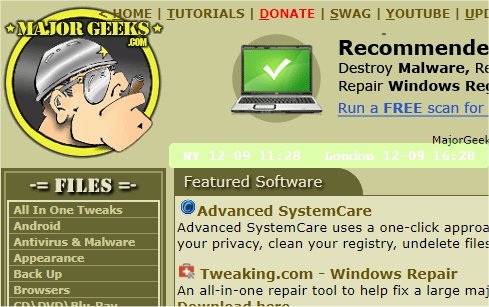
The mclocks app has just released version 0.2.46, enhancing its functionality as an open-source tool for displaying multiple time zone clocks. This app proves to be particularly useful in scenarios such as international travel and meetings, where awareness of different time zones is essential.
Users can easily configure the app by editing the configuration file named config.json using a text editor like Notepad. An example configuration is provided, demonstrating how to set up clocks for New York and London, along with options for formatting the date and time, adjusting appearance settings such as font color, size, and background color, and determining whether the clock should always remain on top of other windows.
In addition to the basic functionality of displaying time, the app empowers users with a customizable interface to fit their preferences. This version also encourages users to explore related topics, such as managing clocks in Windows operating systems or troubleshooting date and time issues.
Looking ahead, further developments could include enhanced features such as additional time zone support, integration with calendar applications for automatic updates, and an improved user interface for easier navigation and settings adjustments. The open-source nature of mclocks allows the community to contribute to its evolution, ensuring it meets the diverse needs of users around the globe
Users can easily configure the app by editing the configuration file named config.json using a text editor like Notepad. An example configuration is provided, demonstrating how to set up clocks for New York and London, along with options for formatting the date and time, adjusting appearance settings such as font color, size, and background color, and determining whether the clock should always remain on top of other windows.
In addition to the basic functionality of displaying time, the app empowers users with a customizable interface to fit their preferences. This version also encourages users to explore related topics, such as managing clocks in Windows operating systems or troubleshooting date and time issues.
Looking ahead, further developments could include enhanced features such as additional time zone support, integration with calendar applications for automatic updates, and an improved user interface for easier navigation and settings adjustments. The open-source nature of mclocks allows the community to contribute to its evolution, ensuring it meets the diverse needs of users around the globe
mclocks 0.2.46 released
mclocks is an Open Source app that allows you to display multiple time zone clocks.