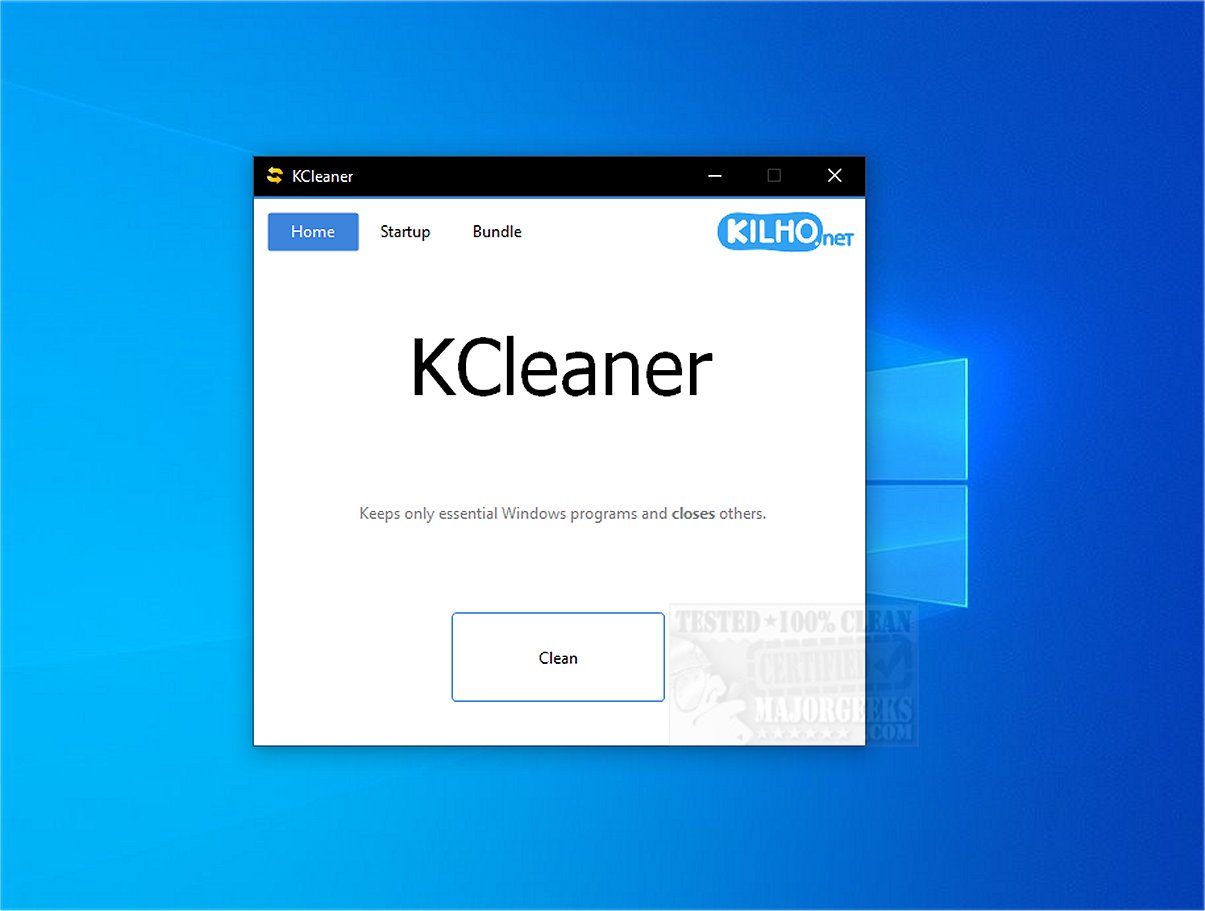
KCleaner 3.8.8 has been released, offering users a robust tool designed to enhance system performance by terminating unnecessary background processes while keeping essential ones active. This optimization helps free up valuable system resources, leading to a smoother computing experience.
One of KCleaner's key features is its ability to search for, identify, and remove unwanted or forcibly installed security programs. It effectively targets malicious software that may disguise itself as legitimate Windows processes, thus protecting your system from potential threats.
The application boasts a simple and intuitive user interface that allows users to manage startup programs easily. By controlling what runs at startup, users can enjoy faster boot times and improved overall system performance.
KCleaner operates with caution, ensuring that it does not interfere with critical drivers, such as those for graphics and sound, which could lead to performance issues. Additionally, it avoids terminating trusted antivirus programs, maintaining the security of the system during the optimization process.
Users are advised to create a recent restore point before using the software, as this provides a safety net in case of any issues. It is also wise to maintain a current backup, as unexpected problems can arise.
In summary, KCleaner provides a convenient solution for users looking to eliminate unnecessary programs without the need for uninstallation. Its straightforward interface and efficient performance optimization capabilities make it an invaluable tool for enhancing system efficiency and security. Users can confidently streamline their computing experience with KCleaner, saying goodbye to clutter and hello to enhanced performance.
In future updates, users can hope for additional features, such as enhanced malware detection capabilities, integration with cloud services for backup options, and improved analytics on system performance metrics, allowing for even more comprehensive system management
One of KCleaner's key features is its ability to search for, identify, and remove unwanted or forcibly installed security programs. It effectively targets malicious software that may disguise itself as legitimate Windows processes, thus protecting your system from potential threats.
The application boasts a simple and intuitive user interface that allows users to manage startup programs easily. By controlling what runs at startup, users can enjoy faster boot times and improved overall system performance.
KCleaner operates with caution, ensuring that it does not interfere with critical drivers, such as those for graphics and sound, which could lead to performance issues. Additionally, it avoids terminating trusted antivirus programs, maintaining the security of the system during the optimization process.
Users are advised to create a recent restore point before using the software, as this provides a safety net in case of any issues. It is also wise to maintain a current backup, as unexpected problems can arise.
In summary, KCleaner provides a convenient solution for users looking to eliminate unnecessary programs without the need for uninstallation. Its straightforward interface and efficient performance optimization capabilities make it an invaluable tool for enhancing system efficiency and security. Users can confidently streamline their computing experience with KCleaner, saying goodbye to clutter and hello to enhanced performance.
In future updates, users can hope for additional features, such as enhanced malware detection capabilities, integration with cloud services for backup options, and improved analytics on system performance metrics, allowing for even more comprehensive system management
KCleaner 3.8.8 released
KCleaner is a powerful utility designed to help optimize your system's performance by closing unnecessary background processes, ensuring only essential processes remain active.