The recent release of HiFi Control version 1.7.0 introduces an advanced platform for managing high-fidelity audio devices and their players. With a modern, user-friendly design, the application allows users to effortlessly add and pair their preferred audio devices with a compatible player. Its intuitive interface simplifies the control of amplifiers and players, making it easy to monitor volume and source settings.
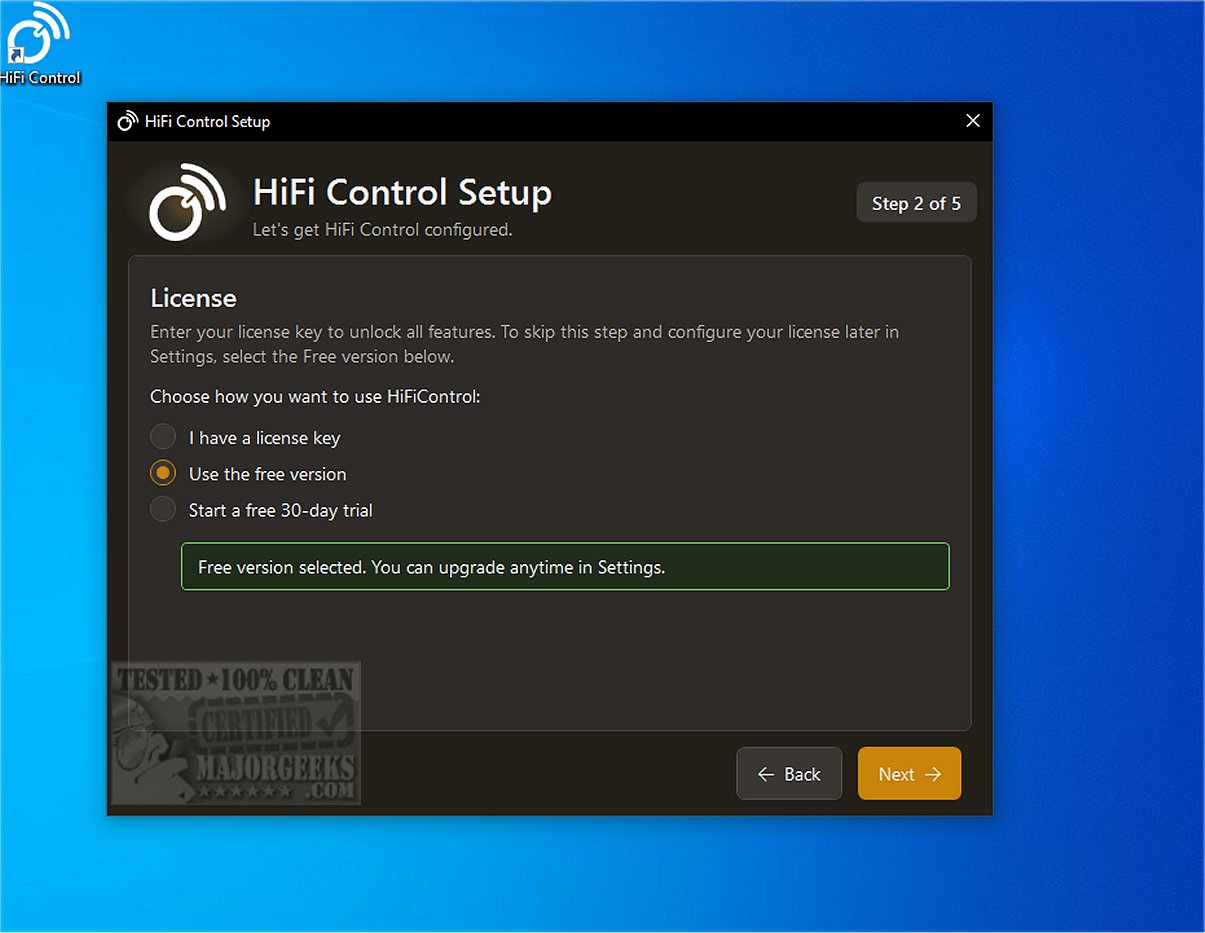
HiFi Control supports a wide range of audio devices and features a helpful setup wizard, alongside comprehensive device management tools. Users can choose from an extensive internal library or manually add devices not listed, while the automated discovery feature streamlines the configuration process.
The application goes beyond basic device management by offering advanced functionalities such as Dirac control, customizable overlays, and a variety of presets. It is compatible with BluOS-enabled and HEOS devices, facilitating seamless integration with popular streaming services like Spotify and Tidal, which enhances track and playlist management.
Highlighted features of the free version include:
- Amplifier control via keyboard media keys
- A single preset option
- Media browser with search functionality
- Queue management
- System tray integration
- Configurable hotkeys for quick access
- Device manual access
- Integration with BluOS, HEOS, and MusicCast
- Spotify compatibility
- Configurable maximum volume settings
- Automatic reconnection after IP address changes
- Volume overlay that works across applications, including games
HiFi Control also supports multiple audio profiles and includes enhanced volume control through the Microsoft Surface Dial, making it a comprehensive tool for high-fidelity audio enthusiasts.
To run HiFi Control, users will need Microsoft .NET 10.x.x.x, which the application can install automatically if not already present.
In conclusion, HiFi Control 1.7.0 is an essential tool for Windows PC users aiming to optimize their high-fidelity audio experience. It provides a customizable playback environment with easy connectivity and extensive control over audio settings, ensuring an unparalleled listening experience.
Extension:
Future updates could enhance HiFi Control further by integrating additional streaming services, adding support for more audio formats, or incorporating AI-driven features for personalized sound settings based on user preferences. Additionally, expanding compatibility with emerging audio technologies, such as spatial audio or advanced surround sound formats, could position HiFi Control as a leader in high-fidelity audio management solutions. Users could also benefit from community-driven features, allowing them to share presets and configurations, further enriching the user experience
HiFi Control supports a wide range of audio devices and features a helpful setup wizard, alongside comprehensive device management tools. Users can choose from an extensive internal library or manually add devices not listed, while the automated discovery feature streamlines the configuration process.
The application goes beyond basic device management by offering advanced functionalities such as Dirac control, customizable overlays, and a variety of presets. It is compatible with BluOS-enabled and HEOS devices, facilitating seamless integration with popular streaming services like Spotify and Tidal, which enhances track and playlist management.
Highlighted features of the free version include:
- Amplifier control via keyboard media keys
- A single preset option
- Media browser with search functionality
- Queue management
- System tray integration
- Configurable hotkeys for quick access
- Device manual access
- Integration with BluOS, HEOS, and MusicCast
- Spotify compatibility
- Configurable maximum volume settings
- Automatic reconnection after IP address changes
- Volume overlay that works across applications, including games
HiFi Control also supports multiple audio profiles and includes enhanced volume control through the Microsoft Surface Dial, making it a comprehensive tool for high-fidelity audio enthusiasts.
To run HiFi Control, users will need Microsoft .NET 10.x.x.x, which the application can install automatically if not already present.
In conclusion, HiFi Control 1.7.0 is an essential tool for Windows PC users aiming to optimize their high-fidelity audio experience. It provides a customizable playback environment with easy connectivity and extensive control over audio settings, ensuring an unparalleled listening experience.
Extension:
Future updates could enhance HiFi Control further by integrating additional streaming services, adding support for more audio formats, or incorporating AI-driven features for personalized sound settings based on user preferences. Additionally, expanding compatibility with emerging audio technologies, such as spatial audio or advanced surround sound formats, could position HiFi Control as a leader in high-fidelity audio management solutions. Users could also benefit from community-driven features, allowing them to share presets and configurations, further enriching the user experience
HiFi Control 1.7.0 released
HiFi Control provides you with a centralized platform for the management and control of high-fidelity audio devices and their respective players.