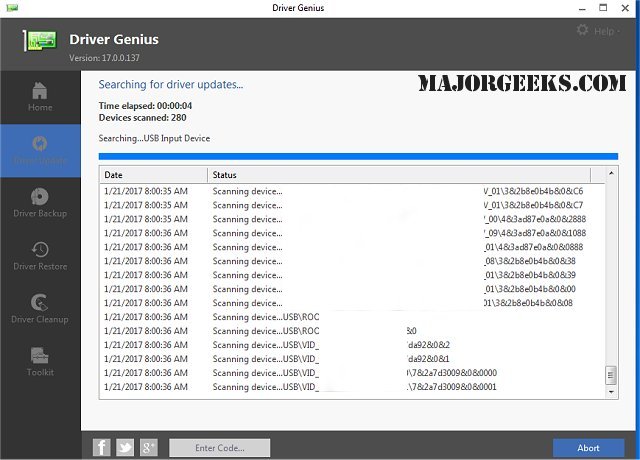
Driver Genius Professional has released version 26.0.0.169, a specialized tool for efficiently managing drivers on your computer. This software is designed to back up and restore drivers, ensuring that users can easily recover their system settings without the hassle of manual reinstallation. It quickly identifies all connected devices and offers the option to back up drivers in convenient ZIP or EXE formats, which simplifies the process of reinstallation.
One of the standout features of Driver Genius is its restore-drivers function, which enables users to reinstall the necessary drivers with just a single click after an operating system reinstallation. Additionally, the software includes an auto-install package with a user-friendly wizard mode, making it accessible for beginners.
Key features of Driver Genius Professional include:
- The ability to clone drivers into an auto-setup package.
- Detailed information about installed devices.
- The capability to search for drivers even on computers without internet access.
- A straightforward method to obtain the most recent drivers.
- One-click updates for all available drivers.
- Live updates for the drivers information database online.
For users looking for support and guidance, the software is accompanied by resources such as tutorials on downloading the latest drivers for Windows, backing up and restoring drivers, managing Windows updates, viewing recently updated drivers, and troubleshooting driver issues using the Driver Verifier Manager.
As technology advances, it is crucial for users to keep their drivers up to date to ensure optimal performance and security. With tools like Driver Genius Professional, managing driver updates and backups becomes a seamless task, empowering users to maintain their systems efficiently. The latest version promises enhanced features and usability, making it a valuable asset for both novice and experienced users alike
Driver Genius Professional 26.0.0.169 released
Driver Genius is a professional tool for backing-up or restoring your drivers.