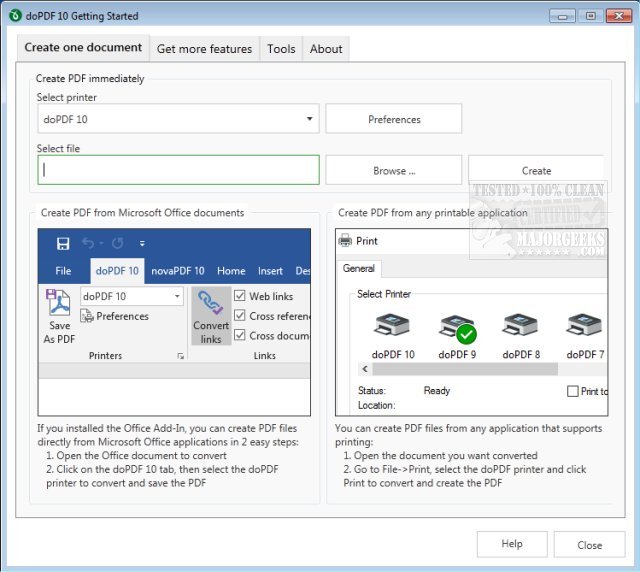
doPDF has released version 11.9.534, a versatile and free PDF converter suitable for both personal and commercial use. This software allows users to create searchable PDF files easily by utilizing the "Print" command from almost any application. Whether you are working with Microsoft Excel, Word, PowerPoint, or even converting emails and web pages, doPDF simplifies the process to a single click.
Upon installation, doPDF functions as a virtual printer driver and will appear in your Printers and Faxes list. To produce a PDF, you simply open your document in any compatible software (such as Microsoft Word, WordPad, or Notepad), select the Print option, and choose doPDF as your printer. The application will then prompt you to select a location to save the PDF, which will automatically open in your default PDF viewer once the conversion is complete.
Key features of doPDF include:
- No reliance on Ghostscript
- Customizable resolution settings
- Options for predefined or custom page sizes
- Creation of searchable PDFs
- Support for multiple languages
In addition to its core functionalities, users might also find it helpful to explore related topics such as how to create a PDF in Windows, how to enable a two-page view for PDF documents in Google Chrome, and how to prevent Microsoft Edge from opening PDF and HTML files automatically.
As doPDF continues to evolve, users can expect regular updates that enhance its functionality and ease of use, making it a practical choice for anyone in need of reliable PDF conversion software
doPDF 11.9.534 released
doPDF is a free PDF converter for both personal and commercial use.