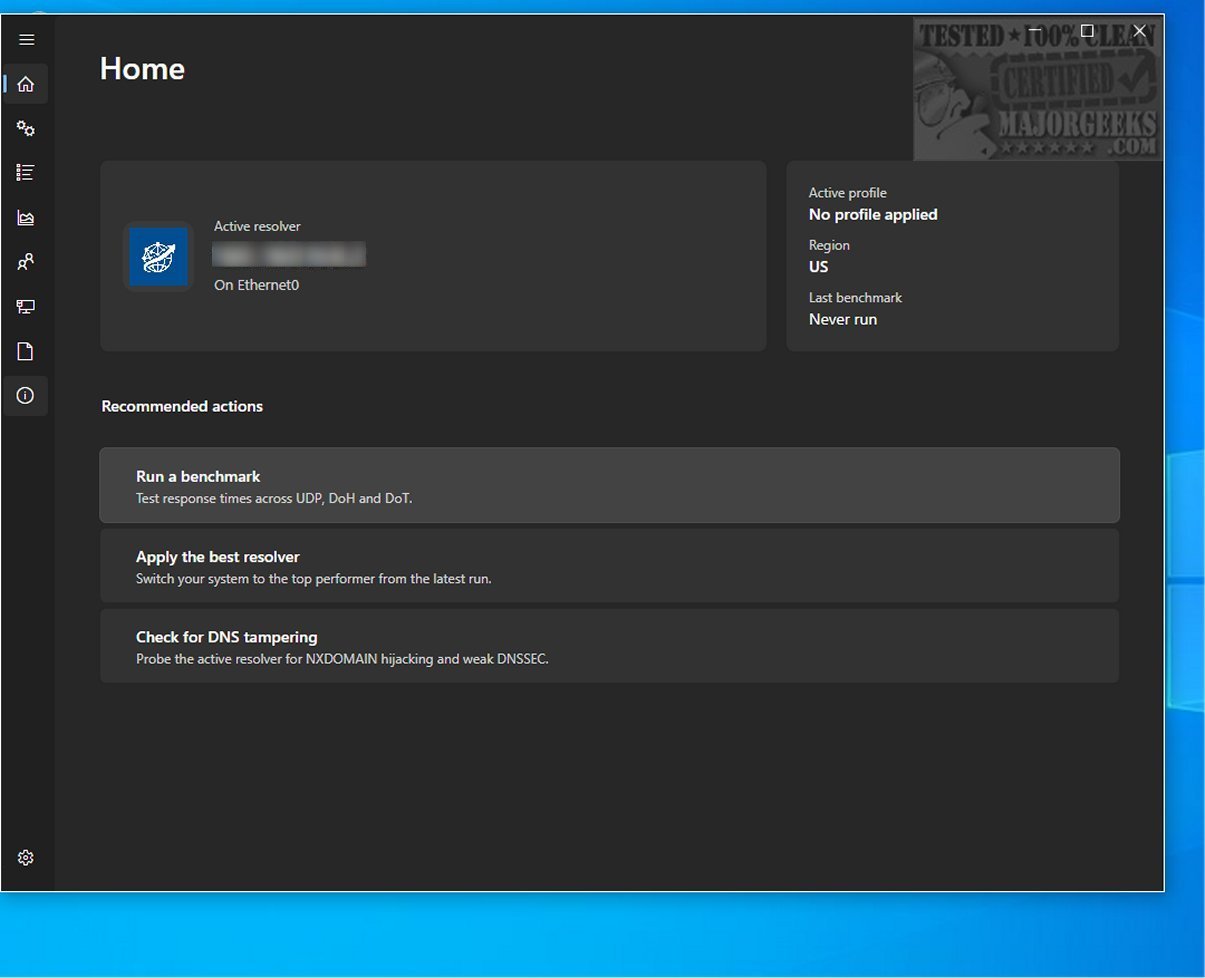
DNS Hop has recently launched its version 2.4.6, enhancing its capabilities as a cutting-edge tool for evaluating and comparing the performance of various DNS services. With the proliferation of third-party DNS providers, navigating this vast landscape can be overwhelming. DNS Hop alleviates this challenge by delivering reliable performance benchmarks, allowing users to make well-informed decisions when selecting the most appropriate DNS service.
Navigating the DNS Landscape
The sheer volume of DNS options available can be daunting for users. DNS Hop simplifies the decision-making process by presenting performance data for different DNS networks in a straightforward manner. It acknowledges that networking solutions are not one-size-fits-all, therefore, it benchmarks multiple DNS providers simultaneously to aid users in finding the best match for their unique requirements.
Efficient Benchmarking Process
The benchmarking conducted by DNS Hop takes only a few minutes. During this time, the tool tests connections against over 2,000 DNS options, compiling results into a user-friendly leaderboard format. This format not only highlights top performers but also provides a curated list of recommended options for users to consider.
Result Management Made Easy
For users who wish to keep a record of their findings, DNS Hop includes export functionalities, supporting formats such as CSV and JSON. Additionally, users can capture performance charts as PNG images directly from the interface, facilitating easy sharing and referencing.
User-Friendly DNS Configuration
A standout feature of DNS Hop is its "Conclusions" section, which offers personalized endpoint recommendations based on the benchmarking data. For instance, it may suggest Quad9 as a leading choice for its performance metrics, while also recommending a secondary DNS option for added reliability. Users can conveniently modify their DNS settings to these recommended providers directly within the application, streamlining the process of switching DNS services.
The Bottom Line
In summary, DNS Hop provides an effective way for users to assess and compare DNS service performance across various providers. By conducting thorough benchmarks, it empowers users to make informed choices that enhance their online experiences. As the digital landscape continues to evolve, having the right DNS solution is crucial—choose wisely with DNS Hop!
Further Resources
For those interested in optimizing their networking experience, consider exploring additional resources such as guides on viewing DNS cache contents in Windows 10 & 11, flushing the Windows DNS cache, resetting Winsock on various Windows versions, and resetting TCP/IP settings. These tools will complement your DNS optimization efforts and ensure a smoother internet experience
Navigating the DNS Landscape
The sheer volume of DNS options available can be daunting for users. DNS Hop simplifies the decision-making process by presenting performance data for different DNS networks in a straightforward manner. It acknowledges that networking solutions are not one-size-fits-all, therefore, it benchmarks multiple DNS providers simultaneously to aid users in finding the best match for their unique requirements.
Efficient Benchmarking Process
The benchmarking conducted by DNS Hop takes only a few minutes. During this time, the tool tests connections against over 2,000 DNS options, compiling results into a user-friendly leaderboard format. This format not only highlights top performers but also provides a curated list of recommended options for users to consider.
Result Management Made Easy
For users who wish to keep a record of their findings, DNS Hop includes export functionalities, supporting formats such as CSV and JSON. Additionally, users can capture performance charts as PNG images directly from the interface, facilitating easy sharing and referencing.
User-Friendly DNS Configuration
A standout feature of DNS Hop is its "Conclusions" section, which offers personalized endpoint recommendations based on the benchmarking data. For instance, it may suggest Quad9 as a leading choice for its performance metrics, while also recommending a secondary DNS option for added reliability. Users can conveniently modify their DNS settings to these recommended providers directly within the application, streamlining the process of switching DNS services.
The Bottom Line
In summary, DNS Hop provides an effective way for users to assess and compare DNS service performance across various providers. By conducting thorough benchmarks, it empowers users to make informed choices that enhance their online experiences. As the digital landscape continues to evolve, having the right DNS solution is crucial—choose wisely with DNS Hop!
Further Resources
For those interested in optimizing their networking experience, consider exploring additional resources such as guides on viewing DNS cache contents in Windows 10 & 11, flushing the Windows DNS cache, resetting Winsock on various Windows versions, and resetting TCP/IP settings. These tools will complement your DNS optimization efforts and ensure a smoother internet experience
DNS Hop 2.4.6 released
DNS Hop is an innovative tool designed to help you evaluate and compare DNS service performance across different providers. By benchmarking these offerings, you can make informed decisions and select the most suitable DNS option.