DLSS Swapper is a powerful tool designed for gamers, enabling them to seamlessly download, manage, and swap DLL files for advanced upscaling technologies like DLSS (Deep Learning Super Sampling), FSR (FidelityFX Super Resolution), and XeSS (Xe Super Sampling). The latest version, 1.2.5.0, continues to enhance user experience by allowing players to upgrade or downgrade these technologies without needing an official game update.
Understanding DLSS Technology
DLSS is a significant feature for NVIDIA graphics card users, enhancing game visuals by rendering clearer images while maintaining performance efficiency. Over time, DLSS has evolved, providing improved quality in modern gaming. However, the implementation of DLSS can vary across different games, with some titles automatically updating to the latest version, while others may lag behind. This inconsistency can be frustrating for players looking to optimize their gaming experience.
Addressing Compatibility Issues
DLSS Swapper addresses these challenges by enabling manual updates to a game's DLSS .dll file. This means players can quickly apply the latest enhancements or revert to older versions that may perform better with specific titles. The tool is user-friendly, automatically detecting installed games and allowing manual addition if necessary. Once a game is chosen, it displays all relevant upscaling technologies, ensuring that users are aware of compatibility.
Experimentation with Game Performance
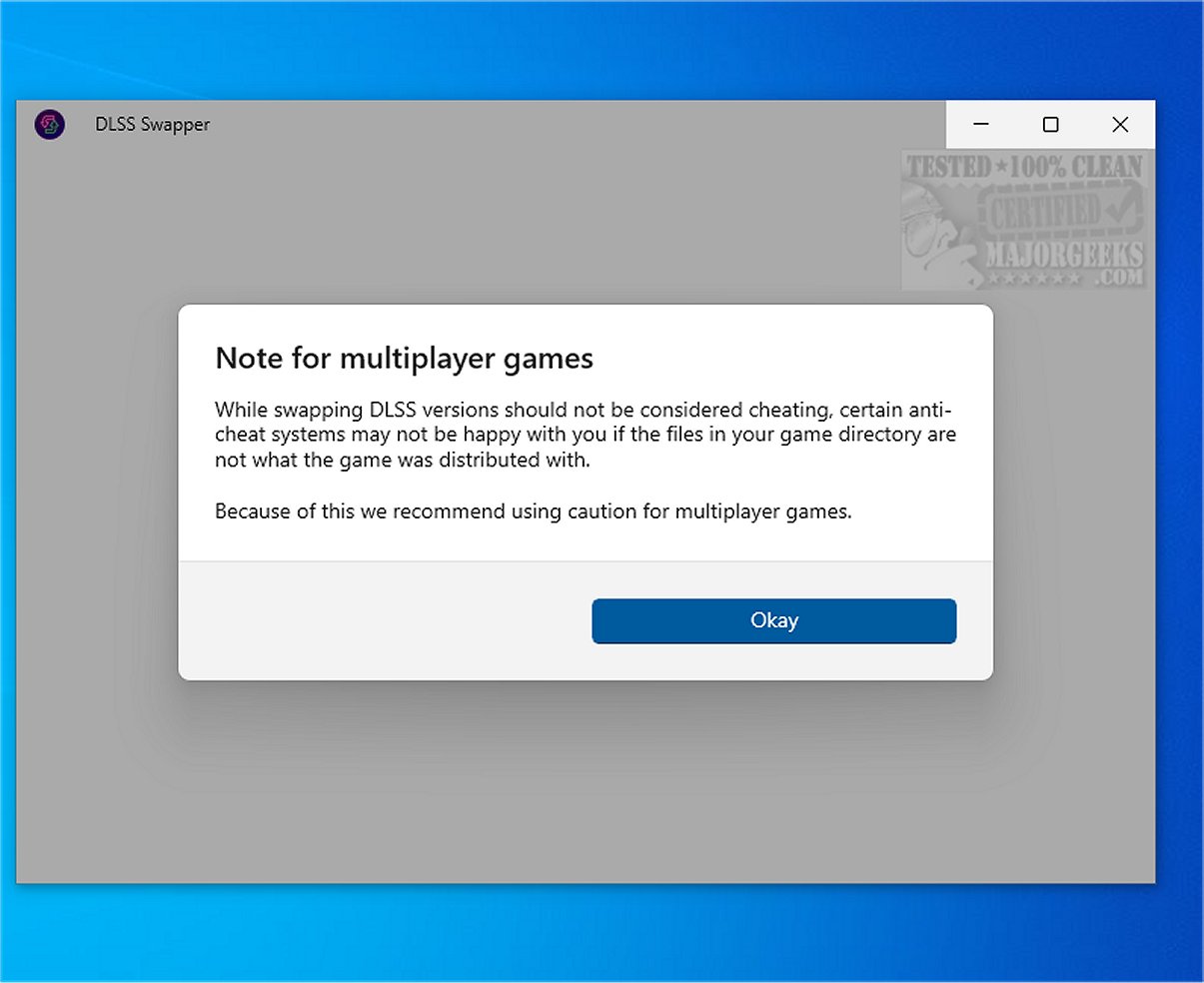
The decision to upgrade or downgrade DLSS versions is often subjective and can vary by game. Some titles may benefit from older implementations, while others gain from the latest updates. This process of experimentation can be necessary for achieving optimal performance, though results may differ and not all issues can be resolved through DLL swapping. Users should be mindful that changes could impact gameplay, particularly in games that incorporate anti-cheat systems, as swapping DLL files may trigger detection.
Expanded Support for Other Technologies
In addition to DLSS, DLSS Swapper also supports FSR and XeSS, catering to a broader range of gamers beyond just NVIDIA users. Accessing the corresponding .dll files for these technologies is straightforward, enhancing the versatility of the tool.
Conclusion: A Valuable Utility for Gamers
Overall, DLSS Swapper is an invaluable utility for gamers seeking to enhance their experience through optimized GPU upscaling. By facilitating the upgrade or downgrade of DLSS, FSR, or XeSS versions, it helps address artifacts and other related issues, ultimately enriching gameplay. The user-friendly interface, combined with its broad compatibility and functionality, makes DLSS Swapper a must-have tool for any serious gamer looking to fine-tune their gaming performance.
Future Prospects
As gaming technology continues to evolve, tools like DLSS Swapper will likely expand their capabilities, potentially integrating support for upcoming technologies and streamlining the user experience further. Looking ahead, gamers can expect ongoing improvements that keep pace with the rapidly changing landscape of graphics technology
Understanding DLSS Technology
DLSS is a significant feature for NVIDIA graphics card users, enhancing game visuals by rendering clearer images while maintaining performance efficiency. Over time, DLSS has evolved, providing improved quality in modern gaming. However, the implementation of DLSS can vary across different games, with some titles automatically updating to the latest version, while others may lag behind. This inconsistency can be frustrating for players looking to optimize their gaming experience.
Addressing Compatibility Issues
DLSS Swapper addresses these challenges by enabling manual updates to a game's DLSS .dll file. This means players can quickly apply the latest enhancements or revert to older versions that may perform better with specific titles. The tool is user-friendly, automatically detecting installed games and allowing manual addition if necessary. Once a game is chosen, it displays all relevant upscaling technologies, ensuring that users are aware of compatibility.
Experimentation with Game Performance
The decision to upgrade or downgrade DLSS versions is often subjective and can vary by game. Some titles may benefit from older implementations, while others gain from the latest updates. This process of experimentation can be necessary for achieving optimal performance, though results may differ and not all issues can be resolved through DLL swapping. Users should be mindful that changes could impact gameplay, particularly in games that incorporate anti-cheat systems, as swapping DLL files may trigger detection.
Expanded Support for Other Technologies
In addition to DLSS, DLSS Swapper also supports FSR and XeSS, catering to a broader range of gamers beyond just NVIDIA users. Accessing the corresponding .dll files for these technologies is straightforward, enhancing the versatility of the tool.
Conclusion: A Valuable Utility for Gamers
Overall, DLSS Swapper is an invaluable utility for gamers seeking to enhance their experience through optimized GPU upscaling. By facilitating the upgrade or downgrade of DLSS, FSR, or XeSS versions, it helps address artifacts and other related issues, ultimately enriching gameplay. The user-friendly interface, combined with its broad compatibility and functionality, makes DLSS Swapper a must-have tool for any serious gamer looking to fine-tune their gaming performance.
Future Prospects
As gaming technology continues to evolve, tools like DLSS Swapper will likely expand their capabilities, potentially integrating support for upcoming technologies and streamlining the user experience further. Looking ahead, gamers can expect ongoing improvements that keep pace with the rapidly changing landscape of graphics technology
DLSS Swapper 1.2.5.0 released
DLSS Swapper is a versatile tool for gamers that lets them easily download, manage, and swap DLL files for DLSS, FSR, and XeSS. With this tool, you can effortlessly upgrade or downgrade the versions of DLSS, FSR, and XeSS used in a game, eliminating the need for a game update to apply these changes.