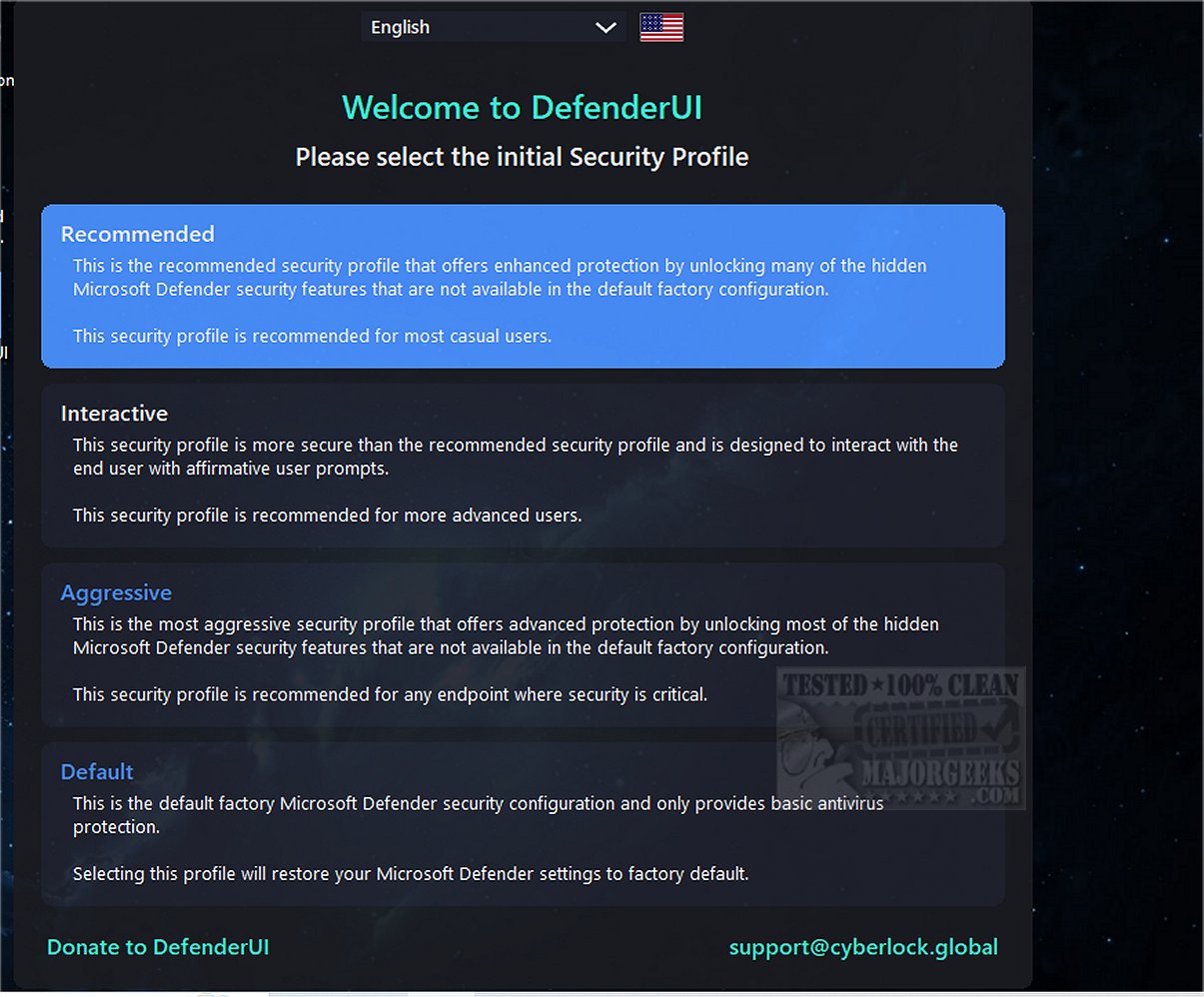
DefenderUI version 2.10 has been released, introducing significant enhancements in usability and revealing many previously hidden security features within Windows Security for both Windows 10 and 11. This user-friendly tool simplifies navigation through various components of Windows Security, which can often be challenging to access. The interface is organized into four primary categories: real-time protection, scanning options, utility functions, and settings. Users can manage essential features such as disabling real-time protection, cloud protection, and the Windows firewall with ease.
One of DefenderUI's standout features is its quick access to exclusions and logs, which streamline the user experience significantly. In addition to the main categories, the tool encompasses several others, including Basic, Advanced, Attack Surface Reduction (ASR) Rules, and DefenderGuard. Despite being in beta and considered a work in progress, DefenderUI demonstrates ambitious potential, showcasing an ideal model for how Microsoft Security could operate more efficiently.
The ongoing development of DefenderUI suggests a roadmap for future enhancements, with the aim of improving user accessibility and control over security settings. As Microsoft continues to evolve its security offerings, feedback from users of DefenderUI could be invaluable in shaping future iterations of Windows Security tools, ensuring they are more intuitive and feature-rich.
For users looking to optimize their security settings, DefenderUI also integrates seamlessly with other resources, such as guides on preventing Windows 10 and 11 from sending files to Microsoft, evaluating the effectiveness of various antivirus solutions, and methods to toggle real-time protection. Overall, DefenderUI stands as a promising tool that could redefine user interaction with Windows Security
One of DefenderUI's standout features is its quick access to exclusions and logs, which streamline the user experience significantly. In addition to the main categories, the tool encompasses several others, including Basic, Advanced, Attack Surface Reduction (ASR) Rules, and DefenderGuard. Despite being in beta and considered a work in progress, DefenderUI demonstrates ambitious potential, showcasing an ideal model for how Microsoft Security could operate more efficiently.
The ongoing development of DefenderUI suggests a roadmap for future enhancements, with the aim of improving user accessibility and control over security settings. As Microsoft continues to evolve its security offerings, feedback from users of DefenderUI could be invaluable in shaping future iterations of Windows Security tools, ensuring they are more intuitive and feature-rich.
For users looking to optimize their security settings, DefenderUI also integrates seamlessly with other resources, such as guides on preventing Windows 10 and 11 from sending files to Microsoft, evaluating the effectiveness of various antivirus solutions, and methods to toggle real-time protection. Overall, DefenderUI stands as a promising tool that could redefine user interaction with Windows Security
DefenderUI 2.10 released
DefenderUI significantly improves usability and unlocks many hidden security features of Windows Security in Windows 10 & 11.