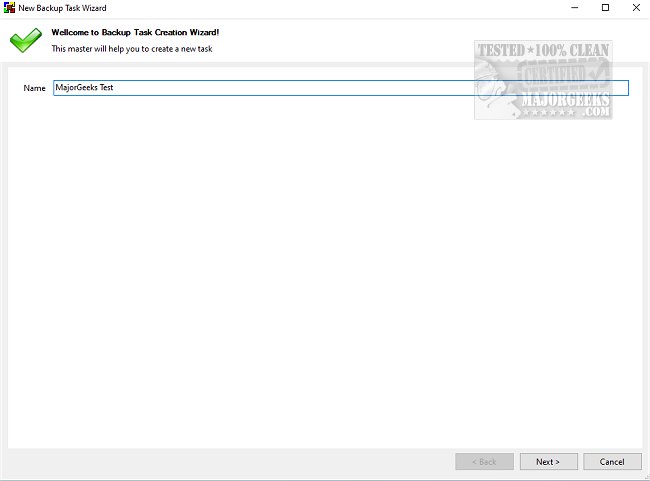
The latest release of BUtil, version 2026.04.20, is designed as a powerful tool for creating encrypted backups of documents and data on your PC. Regular backups of important files and folders are essential to safeguard against data loss, and BUtil simplifies this process. Unlike traditional Windows tools that can be cumbersome and time-consuming, BUtil allows users to set up backup tasks in mere seconds.
User-Friendly Interface and Functionality
Backing up files with BUtil is straightforward. Users simply select the desired files and folders, then save them in a backup file. This file can be stored locally on the same drive, on an FTP server, or on a network computer. For added convenience, BUtil enables users to choose multiple backup locations.
Automation and Scheduling Features
BUtil includes a built-in scheduler for those who prefer automated backups. Users can specify the exact time, frequency, and whether they want a silent backup experience. Additionally, to ensure data security, backups can be encrypted with a password, which can be generated using BUtil's built-in password generator. For advanced users, BUtil can also be operated via the Command Line, offering commands for executing tasks, shutting down the PC, logging off, or rebooting after a backup.
Key Features of BUtil
- Incremental backup model with file deduplication
- Capability to import audio, photos, and videos from various sources like SD cards and smartphones via Wi-Fi
- Simple and quick configuration process
- Support for multiple backup tasks
- Log files available in HTML format
- Two modes for creating backups: manual through the user interface or automated using the console tool
Requirements and Additional Resources
To use BUtil, users need to have 7-Zip (or equivalent software) and Microsoft .NET installed for the 7z downloads. Helpful resources are available for users, such as guides on checking the .NET version, reinstalling Windows 10 without losing files, and managing system restore points.
In summary, BUtil is a reliable and user-friendly application that caters to both home and professional users, making it easier than ever to secure important files through automated, encrypted backups
User-Friendly Interface and Functionality
Backing up files with BUtil is straightforward. Users simply select the desired files and folders, then save them in a backup file. This file can be stored locally on the same drive, on an FTP server, or on a network computer. For added convenience, BUtil enables users to choose multiple backup locations.
Automation and Scheduling Features
BUtil includes a built-in scheduler for those who prefer automated backups. Users can specify the exact time, frequency, and whether they want a silent backup experience. Additionally, to ensure data security, backups can be encrypted with a password, which can be generated using BUtil's built-in password generator. For advanced users, BUtil can also be operated via the Command Line, offering commands for executing tasks, shutting down the PC, logging off, or rebooting after a backup.
Key Features of BUtil
- Incremental backup model with file deduplication
- Capability to import audio, photos, and videos from various sources like SD cards and smartphones via Wi-Fi
- Simple and quick configuration process
- Support for multiple backup tasks
- Log files available in HTML format
- Two modes for creating backups: manual through the user interface or automated using the console tool
Requirements and Additional Resources
To use BUtil, users need to have 7-Zip (or equivalent software) and Microsoft .NET installed for the 7z downloads. Helpful resources are available for users, such as guides on checking the .NET version, reinstalling Windows 10 without losing files, and managing system restore points.
In summary, BUtil is a reliable and user-friendly application that caters to both home and professional users, making it easier than ever to secure important files through automated, encrypted backups
BUtil 2026.04.20 released
BUtil is a powerful tool for creating encrypted backups of documents and data on your PC.