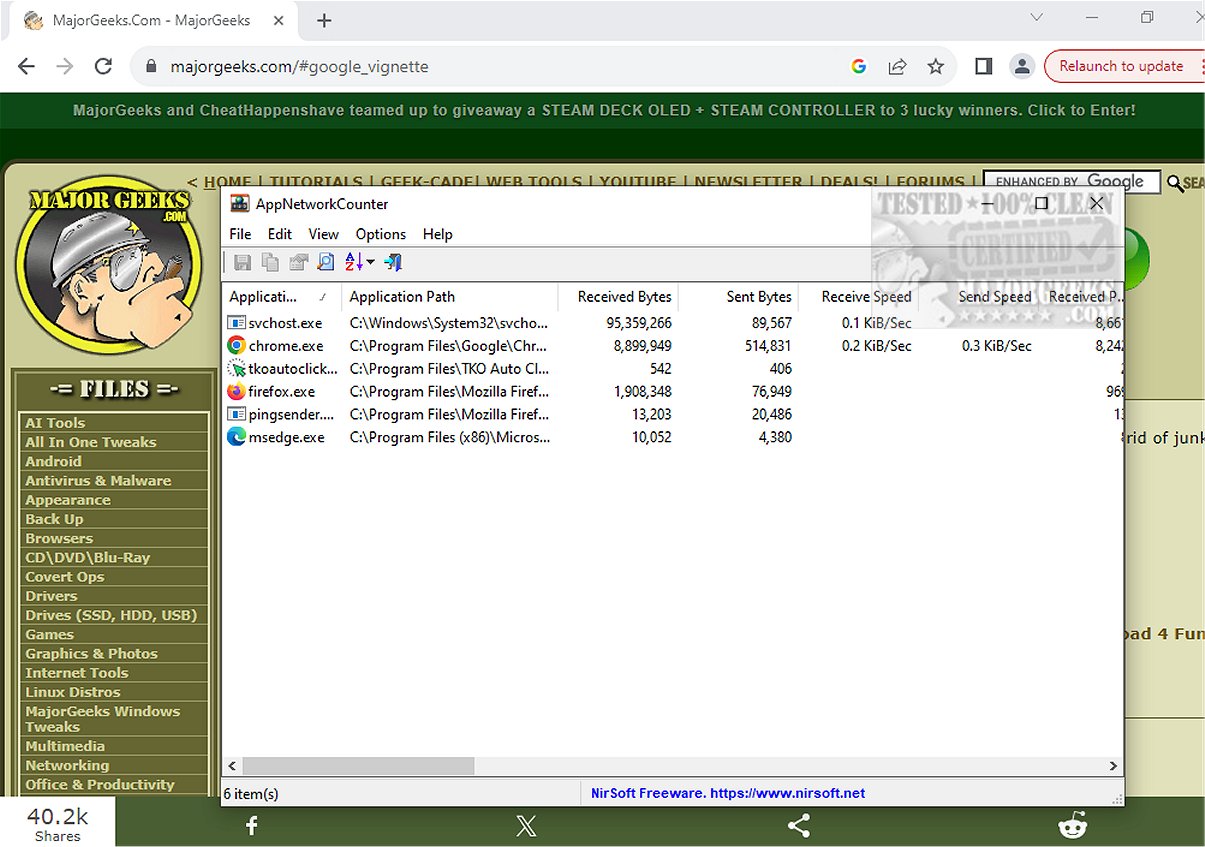
AppNetworkCounter 1.61 has been released, offering users a powerful and user-friendly tool to monitor network usage for individual applications. This freeware allows users to track the number of TCP and UDP bytes and packets sent and received by each application.
For every application monitored, AppNetworkCounter provides comprehensive details including the total bytes and packets sent and received, as well as a breakdown of IPv4 and IPv6 data. Additionally, the app can display version information for each application, such as Product Name, Product Version, File Description, and Company Name, giving users more context about the software they are monitoring.
The tool operates within the familiar Nirsoft signature interface, which begins collecting data immediately upon unpackaging, making it easy for users to get started without extensive setup.
In addition to monitoring network traffic, users can explore similar utilities and guides, such as instructions for using the Ping command in Windows, methods to display internet usage on the taskbar, and tips for improving wireless network performance.
With the release of AppNetworkCounter 1.61, users now have a valuable resource for optimizing network performance and gaining insights into application behavior, ultimately enhancing their overall computing experience. This release highlights the importance of understanding app-level network usage, especially for those concerned with bandwidth management or troubleshooting connectivity issues.
Future updates could include enhanced visualization features, alerts for unusual network activity, or integration with other network management tools, further expanding its capabilities and usability for both casual users and IT professionals
For every application monitored, AppNetworkCounter provides comprehensive details including the total bytes and packets sent and received, as well as a breakdown of IPv4 and IPv6 data. Additionally, the app can display version information for each application, such as Product Name, Product Version, File Description, and Company Name, giving users more context about the software they are monitoring.
The tool operates within the familiar Nirsoft signature interface, which begins collecting data immediately upon unpackaging, making it easy for users to get started without extensive setup.
In addition to monitoring network traffic, users can explore similar utilities and guides, such as instructions for using the Ping command in Windows, methods to display internet usage on the taskbar, and tips for improving wireless network performance.
With the release of AppNetworkCounter 1.61, users now have a valuable resource for optimizing network performance and gaining insights into application behavior, ultimately enhancing their overall computing experience. This release highlights the importance of understanding app-level network usage, especially for those concerned with bandwidth management or troubleshooting connectivity issues.
Future updates could include enhanced visualization features, alerts for unusual network activity, or integration with other network management tools, further expanding its capabilities and usability for both casual users and IT professionals
AppNetworkCounter 1.61 released
AppNetworkCounter is a freeware app that permits you to easily view every app's number of TCP/UDP bytes and packets sent/received.