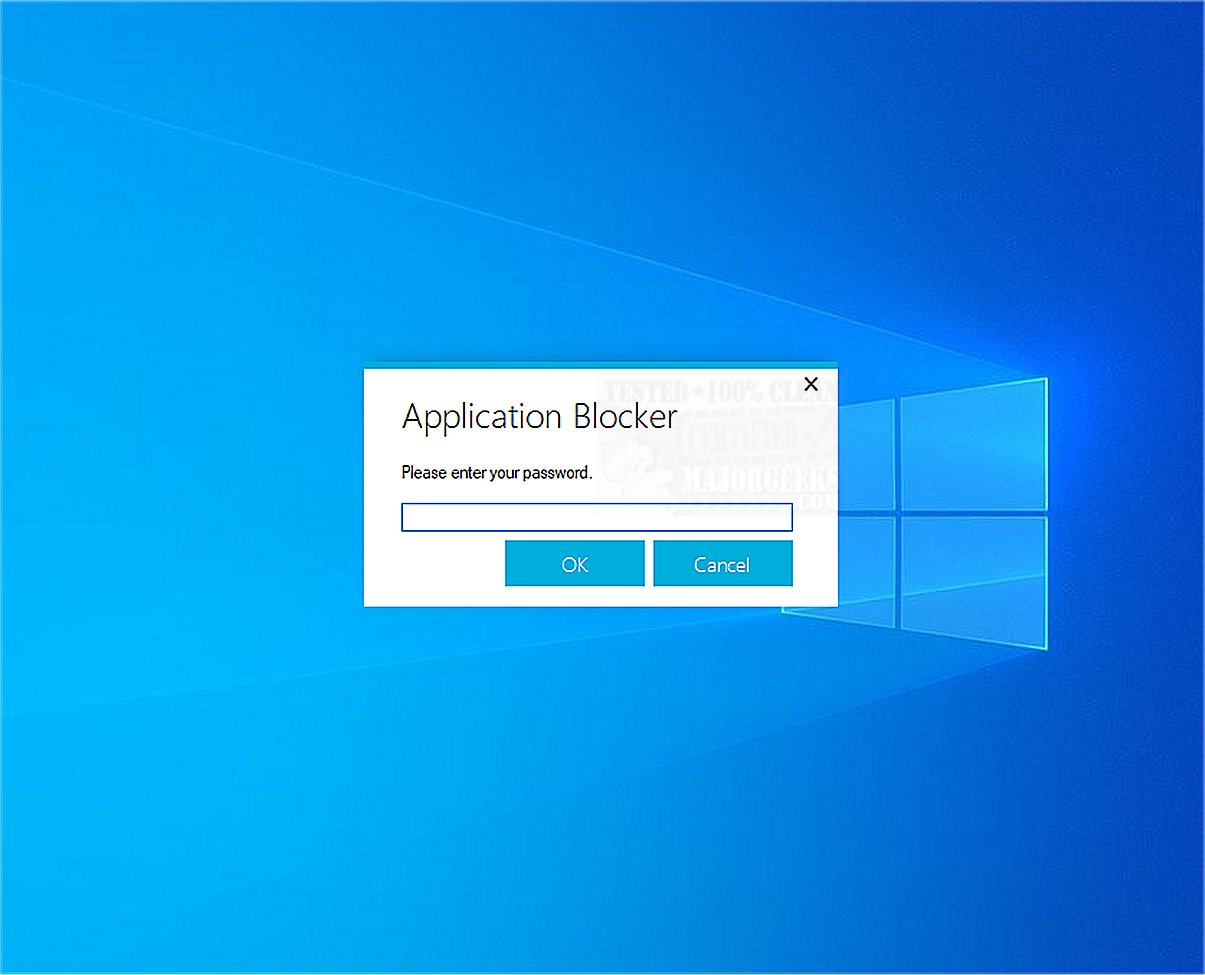
Application Blocker is a user-friendly software restriction tool designed to enhance security by preventing access to selected programs. This software is particularly beneficial for parental control and administrative purposes, allowing users to manage application access effectively.
Key Features of Application Blocker
1. Purpose and Functionality: The primary function of Application Blocker is to restrict access to specific programs, making it an essential tool for parents who want to monitor their children's device usage, as well as for schools and organizations that need to control software access in shared environments.
2. User-Friendly Interface: The application boasts a password-protected interface that simplifies the process of adding programs to a restricted list. Users can easily navigate through the software, select target files, and efficiently manage access settings.
3. Robust Security: With the implementation of effective security measures, average users will find it challenging to bypass the restrictions set within Application Blocker. By requiring a password to access the application, it ensures that only authorized individuals can modify the settings.
4. Resource Efficiency: One of the standout features of Application Blocker is its lightweight design. It operates without running in the background, meaning it does not drain system resources or impact overall computer performance.
5. Ideal for Various Users: This tool is suitable for a wide array of users, including parents looking to limit their children's screen time, educators managing classroom environments, and anyone sharing a PC who wants to maintain productivity by restricting access to non-essential software.
Geek Verdict: Application Blocker is a powerful yet straightforward tool that effectively allows users to restrict access to specific software. With its intuitive design and strong security features, it helps create a more controlled and productive computing environment.
Future Improvements: As technology evolves, future versions of Application Blocker could integrate more advanced features, such as customizable time limits for program access, remote management capabilities, and enhanced reporting tools to provide insights into usage patterns. These improvements would further solidify Application Blocker's place as an essential tool for users seeking to manage software accessibility effectively
Key Features of Application Blocker
1. Purpose and Functionality: The primary function of Application Blocker is to restrict access to specific programs, making it an essential tool for parents who want to monitor their children's device usage, as well as for schools and organizations that need to control software access in shared environments.
2. User-Friendly Interface: The application boasts a password-protected interface that simplifies the process of adding programs to a restricted list. Users can easily navigate through the software, select target files, and efficiently manage access settings.
3. Robust Security: With the implementation of effective security measures, average users will find it challenging to bypass the restrictions set within Application Blocker. By requiring a password to access the application, it ensures that only authorized individuals can modify the settings.
4. Resource Efficiency: One of the standout features of Application Blocker is its lightweight design. It operates without running in the background, meaning it does not drain system resources or impact overall computer performance.
5. Ideal for Various Users: This tool is suitable for a wide array of users, including parents looking to limit their children's screen time, educators managing classroom environments, and anyone sharing a PC who wants to maintain productivity by restricting access to non-essential software.
Geek Verdict: Application Blocker is a powerful yet straightforward tool that effectively allows users to restrict access to specific software. With its intuitive design and strong security features, it helps create a more controlled and productive computing environment.
Future Improvements: As technology evolves, future versions of Application Blocker could integrate more advanced features, such as customizable time limits for program access, remote management capabilities, and enhanced reporting tools to provide insights into usage patterns. These improvements would further solidify Application Blocker's place as an essential tool for users seeking to manage software accessibility effectively
Application Blocker 2.5.0 released
Application Blocker is a straightforward software restriction tool; its primary function is to prevent access to selected programs, making it a useful resource for both parental control and administrative purposes.