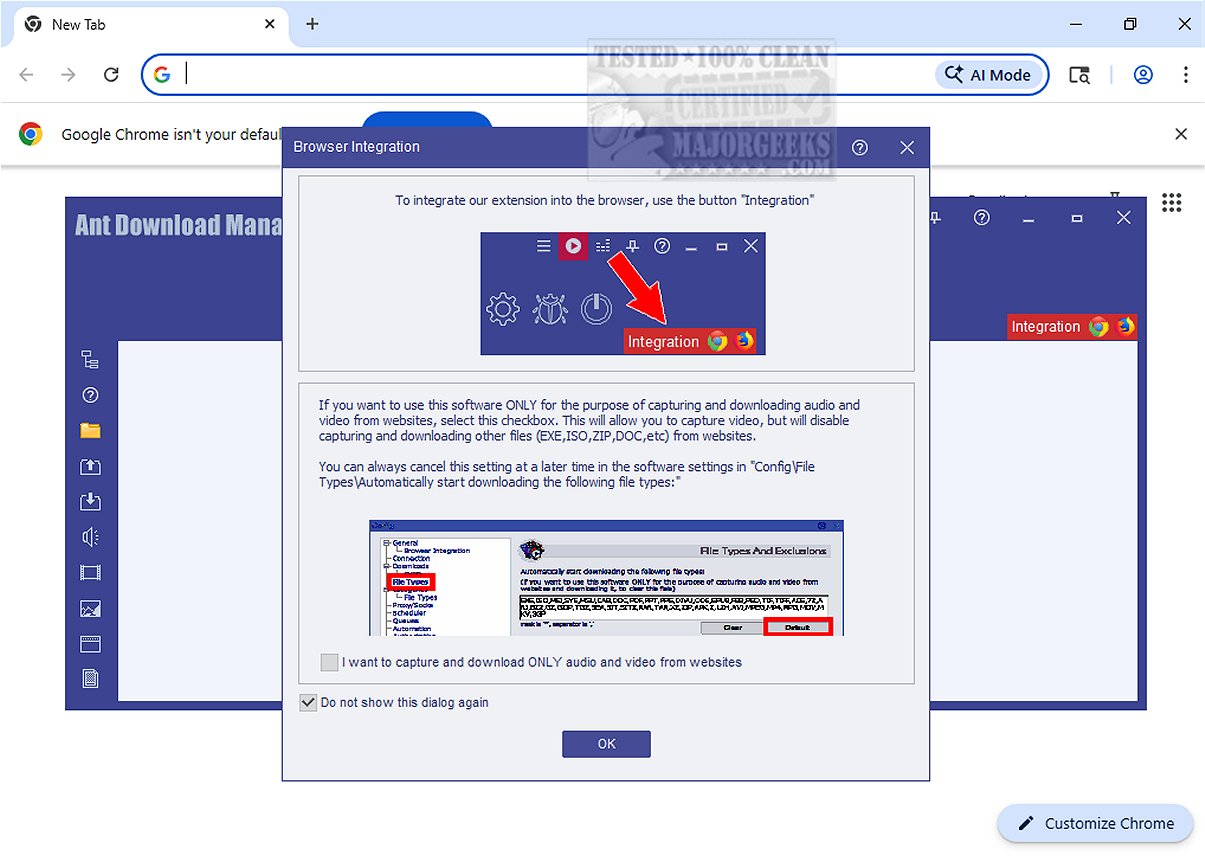
Ant Download Manager (AntDM) has recently launched version 2.17.1, further improving the file downloading experience through enhanced acceleration and management capabilities. By splitting files into multiple streams, AntDM significantly boosts download speeds, making it particularly effective for handling various types of content, including audio and video, from web browsers—even when direct downloads are not available.
This versatile tool stands out not only for standard file downloading but also for its proficiency in retrieving multimedia content from popular platforms like YouTube and Facebook. With AntDM, users can efficiently curate their online multimedia collections.
One of the key features of Ant Download Manager is its automatic detection and retrieval of multimedia file types, simplifying the download process. Additionally, it can bypass CSS restrictions that may hinder manual inspections of web elements, ensuring users can access and download desired content. The software also accommodates password-protected domains, enhancing security and versatility for those navigating secure websites.
A significant highlight of AntDM is its advanced multithreading capability, which substantially increases download speeds beyond traditional methods. It also allows users to pause and resume downloads, a valuable feature for those experiencing unstable internet connections or who need to allocate bandwidth for other activities. With support for resuming interrupted downloads, batch downloading, and seamless integration with popular web browsers, AntDM proves to be a comprehensive solution for managing downloads.
For users concerned about bandwidth consumption, particularly those sharing connections with others engaged in data-intensive activities like streaming, Ant Download Manager includes a speed toggle feature. This allows users to cap their download rates, ensuring uninterrupted service for others on the network.
In conclusion, Ant Download Manager emerges as an excellent tool for download management, offering robust features such as browser add-on integration and instant file conversion capabilities. It is an ideal choice for archivists and media enthusiasts aiming to safeguard their favorite online content. Overall, AntDM enhances the downloading experience, making it a valuable asset for anyone looking to optimize their file management process.
To further enhance your understanding and use of download managers, consider exploring related topics like the benefits of a download manager, ways to display internet usage on your taskbar, methods to improve wireless network performance, and solutions for fixing slow internet on Windows systems
This versatile tool stands out not only for standard file downloading but also for its proficiency in retrieving multimedia content from popular platforms like YouTube and Facebook. With AntDM, users can efficiently curate their online multimedia collections.
One of the key features of Ant Download Manager is its automatic detection and retrieval of multimedia file types, simplifying the download process. Additionally, it can bypass CSS restrictions that may hinder manual inspections of web elements, ensuring users can access and download desired content. The software also accommodates password-protected domains, enhancing security and versatility for those navigating secure websites.
A significant highlight of AntDM is its advanced multithreading capability, which substantially increases download speeds beyond traditional methods. It also allows users to pause and resume downloads, a valuable feature for those experiencing unstable internet connections or who need to allocate bandwidth for other activities. With support for resuming interrupted downloads, batch downloading, and seamless integration with popular web browsers, AntDM proves to be a comprehensive solution for managing downloads.
For users concerned about bandwidth consumption, particularly those sharing connections with others engaged in data-intensive activities like streaming, Ant Download Manager includes a speed toggle feature. This allows users to cap their download rates, ensuring uninterrupted service for others on the network.
In conclusion, Ant Download Manager emerges as an excellent tool for download management, offering robust features such as browser add-on integration and instant file conversion capabilities. It is an ideal choice for archivists and media enthusiasts aiming to safeguard their favorite online content. Overall, AntDM enhances the downloading experience, making it a valuable asset for anyone looking to optimize their file management process.
To further enhance your understanding and use of download managers, consider exploring related topics like the benefits of a download manager, ways to display internet usage on your taskbar, methods to improve wireless network performance, and solutions for fixing slow internet on Windows systems
Ant Download Manager 2.17.1 released
Ant Download Manager (AntDM) enhances the file downloading experience by accelerating and managing downloads effectively. It works by splitting files into multiple streams, enabling faster download speeds.