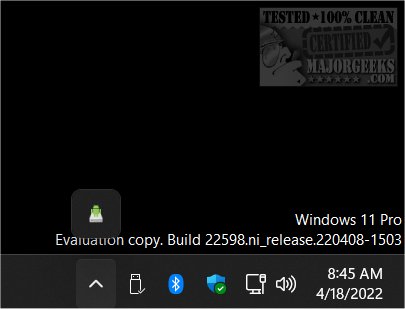
The latest release of AndroidDrive, version 2.4.15, provides a convenient way for users to mount their Android smartphones as a drive on Windows systems. This free and open-source application simplifies file management by allowing users to access their Android device's storage directly from Windows File Explorer.
To utilize AndroidDrive, users must first enable USB debugging on their Android devices. This process involves navigating to the device’s settings, accessing the "About phone" section, and tapping the "Build Number" multiple times to unlock developer options. Once this is completed, users can enable USB debugging in the Developer Settings menu.
After installation, users can run the application and seamlessly view their Android device as an accessible drive within File Explorer. For added convenience, users can create a shortcut for AndroidDrive.exe in the startup folder, ensuring it launches automatically each time Windows starts. Alternatively, the app can be configured to run as a service, allowing for even more flexibility in managing device connections.
In addition to its core functionality, future updates could enhance AndroidDrive with features such as improved transfer speeds, additional file format support, or integration with cloud storage solutions. These enhancements would further streamline the user experience and expand the possibilities for managing files between Android and Windows devices
To utilize AndroidDrive, users must first enable USB debugging on their Android devices. This process involves navigating to the device’s settings, accessing the "About phone" section, and tapping the "Build Number" multiple times to unlock developer options. Once this is completed, users can enable USB debugging in the Developer Settings menu.
After installation, users can run the application and seamlessly view their Android device as an accessible drive within File Explorer. For added convenience, users can create a shortcut for AndroidDrive.exe in the startup folder, ensuring it launches automatically each time Windows starts. Alternatively, the app can be configured to run as a service, allowing for even more flexibility in managing device connections.
In addition to its core functionality, future updates could enhance AndroidDrive with features such as improved transfer speeds, additional file format support, or integration with cloud storage solutions. These enhancements would further streamline the user experience and expand the possibilities for managing files between Android and Windows devices
AndroidDrive 2.4.15 released
AndroidDrive is a free and Open Source app that lets you mount your Android Smartphone as a drive in Windows.