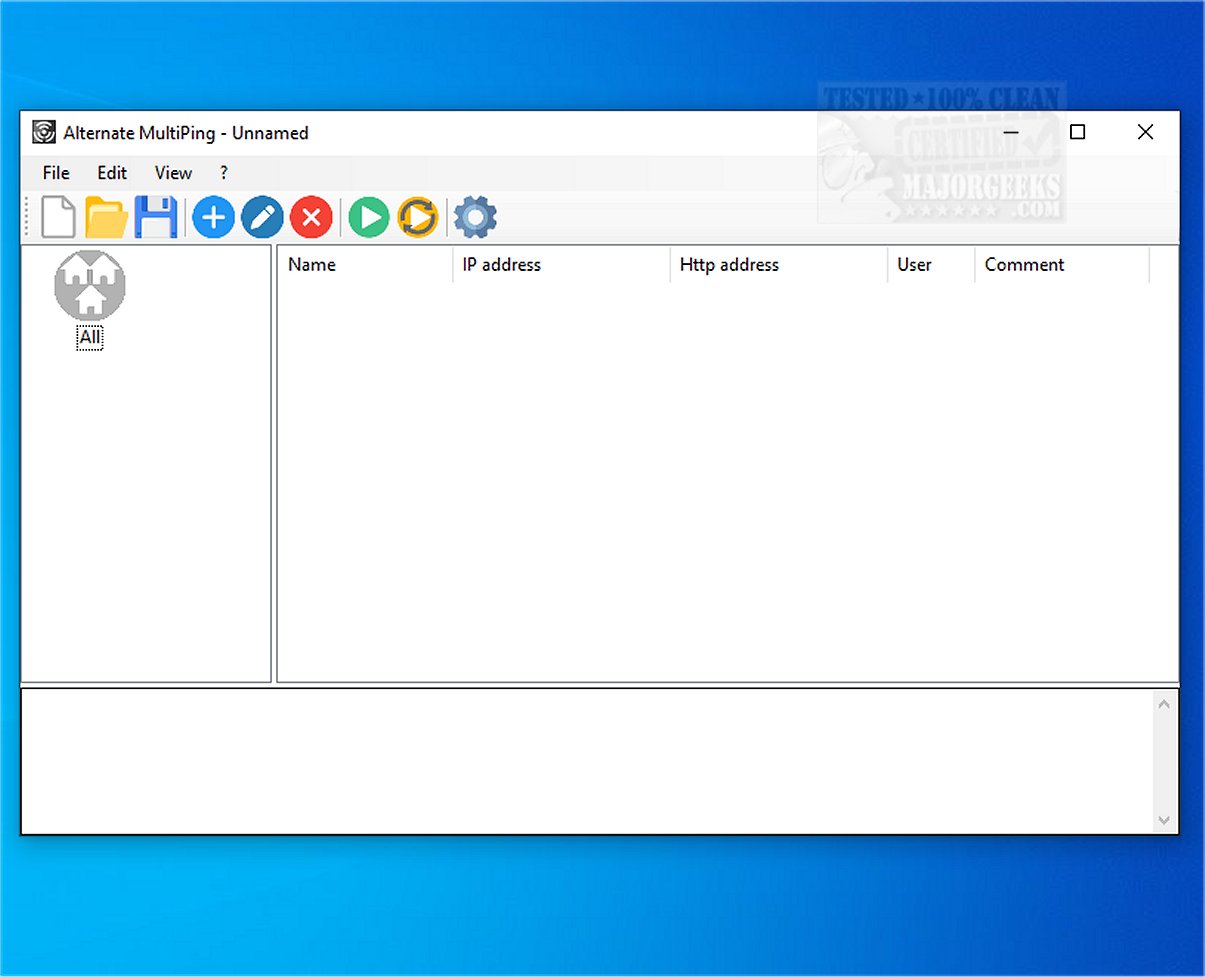
The latest version of Alternate MultiPing, 1.160, provides users with the ability to ping multiple hosts simultaneously, significantly improving the efficiency of monitoring the availability of various network devices and addresses. This tool not only allows for simultaneous pings but also offers organizational features that enable users to categorize resources into different groups. This categorization aids in better management and oversight of network configurations.
User-Friendly Interface
Alternate MultiPing is designed with a user-friendly graphical interface, making it easy for users to send ping messages to multiple devices at once. This functionality allows users to quickly verify the connectivity status of their network devices. The tool also supports the storage of connection parameters, including URLs, usernames, and passwords for devices that require a web interface, further enhancing accessibility and management.
Customization and Result Management
The software allows for customization of ping settings and the ability to save results to a file or the clipboard. Users can populate the main window with entries from various categories and execute ping commands sequentially across all listed hosts. The default settings include a ping interval of 2000 milliseconds and two ping commands, though these can be easily modified according to user preferences.
Detailed Results Presentation
The results from the ping tests are displayed in a format identical to that of the Command Line, including details such as the date and time of response, target address, status (success or failure), ping time, and the number of exchanged bytes. Users can conveniently save these results or copy them for further analysis.
User Experience and Efficiency
Overall, Alternate MultiPing serves as a highly efficient tool for executing multiple ping commands across a range of hosts. Its ability to organize hosts into categories not only facilitates faster connectivity checks but also enhances the user experience compared to traditional Command Line operations. The graphical user interface (GUI) and batch mode functionality are significant advantages for users seeking a streamlined network monitoring solution.
Conclusion
In summary, Alternate MultiPing 1.160 is an indispensable tool for network administrators and users who need to monitor multiple devices simultaneously. With its combination of ease of use, organizational capabilities, and detailed result management, it stands out as a superior alternative to command line methods for network connectivity checks. Future updates could focus on enhancing reporting features, integrating with network management systems, or providing real-time alerts for connectivity issues, making it even more valuable for users
User-Friendly Interface
Alternate MultiPing is designed with a user-friendly graphical interface, making it easy for users to send ping messages to multiple devices at once. This functionality allows users to quickly verify the connectivity status of their network devices. The tool also supports the storage of connection parameters, including URLs, usernames, and passwords for devices that require a web interface, further enhancing accessibility and management.
Customization and Result Management
The software allows for customization of ping settings and the ability to save results to a file or the clipboard. Users can populate the main window with entries from various categories and execute ping commands sequentially across all listed hosts. The default settings include a ping interval of 2000 milliseconds and two ping commands, though these can be easily modified according to user preferences.
Detailed Results Presentation
The results from the ping tests are displayed in a format identical to that of the Command Line, including details such as the date and time of response, target address, status (success or failure), ping time, and the number of exchanged bytes. Users can conveniently save these results or copy them for further analysis.
User Experience and Efficiency
Overall, Alternate MultiPing serves as a highly efficient tool for executing multiple ping commands across a range of hosts. Its ability to organize hosts into categories not only facilitates faster connectivity checks but also enhances the user experience compared to traditional Command Line operations. The graphical user interface (GUI) and batch mode functionality are significant advantages for users seeking a streamlined network monitoring solution.
Conclusion
In summary, Alternate MultiPing 1.160 is an indispensable tool for network administrators and users who need to monitor multiple devices simultaneously. With its combination of ease of use, organizational capabilities, and detailed result management, it stands out as a superior alternative to command line methods for network connectivity checks. Future updates could focus on enhancing reporting features, integrating with network management systems, or providing real-time alerts for connectivity issues, making it even more valuable for users
Alternate MultiPing 1.160 released
Alternate MultiPing enables you to ping multiple hosts simultaneously, allowing for efficient monitoring of the availability of various network devices and addresses.