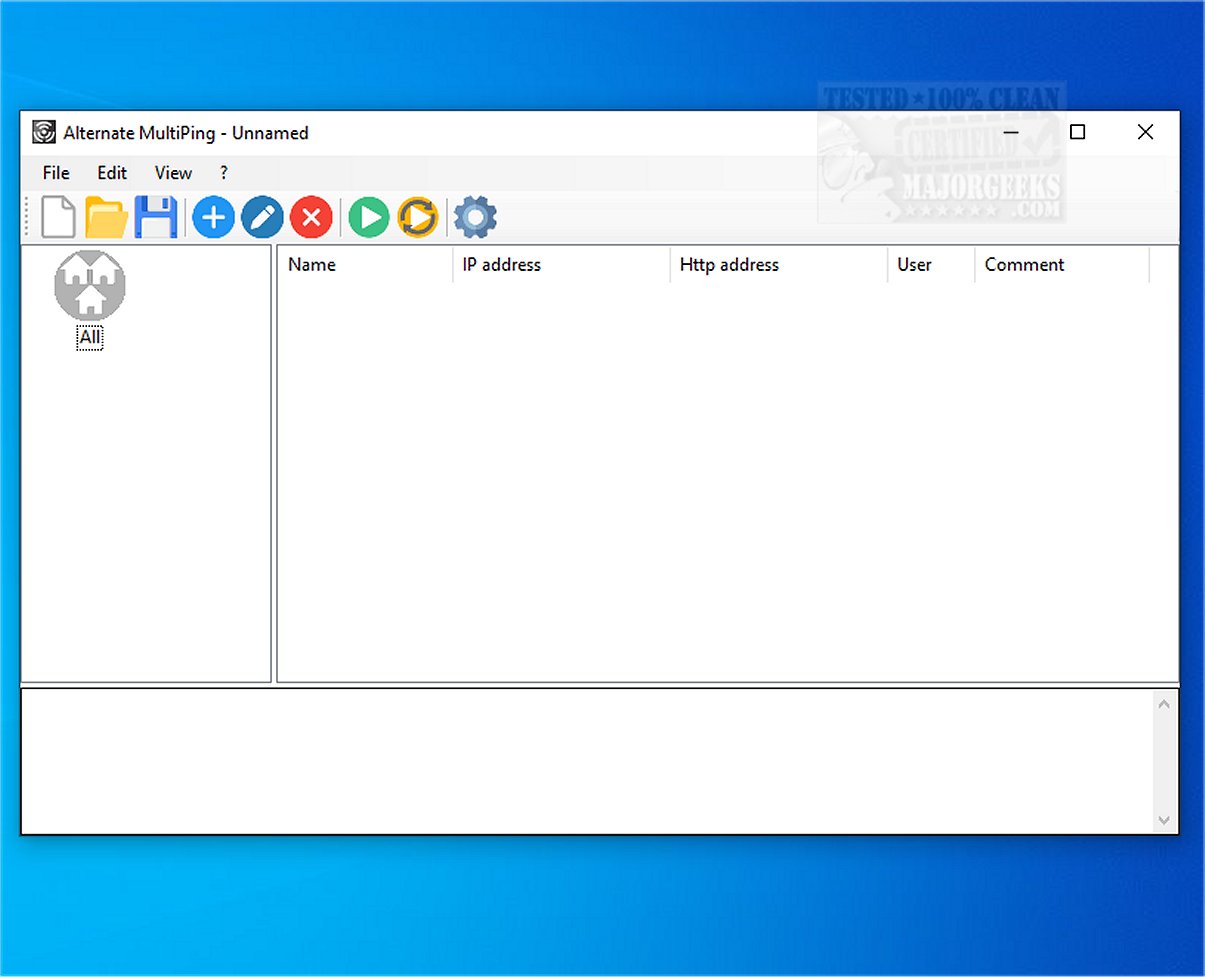
Alternate MultiPing 1.120 has been released, featuring enhanced capabilities for network monitoring by allowing users to ping multiple hosts at the same time. This tool is designed to streamline the process of checking the availability of various network devices and addresses, making it an invaluable resource for network administrators.
One of the standout features of Alternate MultiPing is its ability to categorize and organize network resources into different groups. This categorization aids in better management and oversight of network configurations, ensuring that users can efficiently monitor and maintain their networks.
The software boasts a user-friendly graphical interface that simplifies the process of sending ping messages to multiple devices. Users can verify connectivity status easily while also managing devices by organizing them into specific categories. Furthermore, Alternate MultiPing allows users to store connection parameters such as URLs, usernames, and passwords for devices that have a web interface, which enhances accessibility and streamlines organization.
In terms of functionality, Alternate MultiPing offers customization options for ping settings, enabling users to save results either to a file or to the clipboard. After adding hosts to the main window, users can execute ping commands across all listed hosts in a sequential manner. The default ping interval is set to 2000 milliseconds and includes two ping commands, although these settings are adjustable according to user preferences.
Results are displayed in a format identical to the Command Line, showcasing the date and time of responses, target addresses, success or failure status, ping times, and the number of bytes exchanged. Users can easily save these results to a text file or copy them directly for further analysis.
In conclusion, Alternate MultiPing is a powerful tool for executing simultaneous ping commands, enhancing efficiency in network management. While traditional methods using the Windows Command Line are available, the graphical interface and batch-mode capabilities of Alternate MultiPing provide a significantly improved user experience. As networking needs continue to grow, tools like Alternate MultiPing will play a crucial role in ensuring that administrators can manage and monitor their networks effectively.
Extended Note: As network environments become increasingly complex, the demand for efficient monitoring tools is set to rise. Future updates to Alternate MultiPing could potentially include additional features such as automated alerts for downtime, integration with network management systems, and enhanced reporting capabilities to further empower users in their network management tasks
One of the standout features of Alternate MultiPing is its ability to categorize and organize network resources into different groups. This categorization aids in better management and oversight of network configurations, ensuring that users can efficiently monitor and maintain their networks.
The software boasts a user-friendly graphical interface that simplifies the process of sending ping messages to multiple devices. Users can verify connectivity status easily while also managing devices by organizing them into specific categories. Furthermore, Alternate MultiPing allows users to store connection parameters such as URLs, usernames, and passwords for devices that have a web interface, which enhances accessibility and streamlines organization.
In terms of functionality, Alternate MultiPing offers customization options for ping settings, enabling users to save results either to a file or to the clipboard. After adding hosts to the main window, users can execute ping commands across all listed hosts in a sequential manner. The default ping interval is set to 2000 milliseconds and includes two ping commands, although these settings are adjustable according to user preferences.
Results are displayed in a format identical to the Command Line, showcasing the date and time of responses, target addresses, success or failure status, ping times, and the number of bytes exchanged. Users can easily save these results to a text file or copy them directly for further analysis.
In conclusion, Alternate MultiPing is a powerful tool for executing simultaneous ping commands, enhancing efficiency in network management. While traditional methods using the Windows Command Line are available, the graphical interface and batch-mode capabilities of Alternate MultiPing provide a significantly improved user experience. As networking needs continue to grow, tools like Alternate MultiPing will play a crucial role in ensuring that administrators can manage and monitor their networks effectively.
Extended Note: As network environments become increasingly complex, the demand for efficient monitoring tools is set to rise. Future updates to Alternate MultiPing could potentially include additional features such as automated alerts for downtime, integration with network management systems, and enhanced reporting capabilities to further empower users in their network management tasks
Alternate MultiPing 1.120 released
Alternate MultiPing enables you to ping multiple hosts simultaneously, allowing for efficient monitoring of the availability of various network devices and addresses.