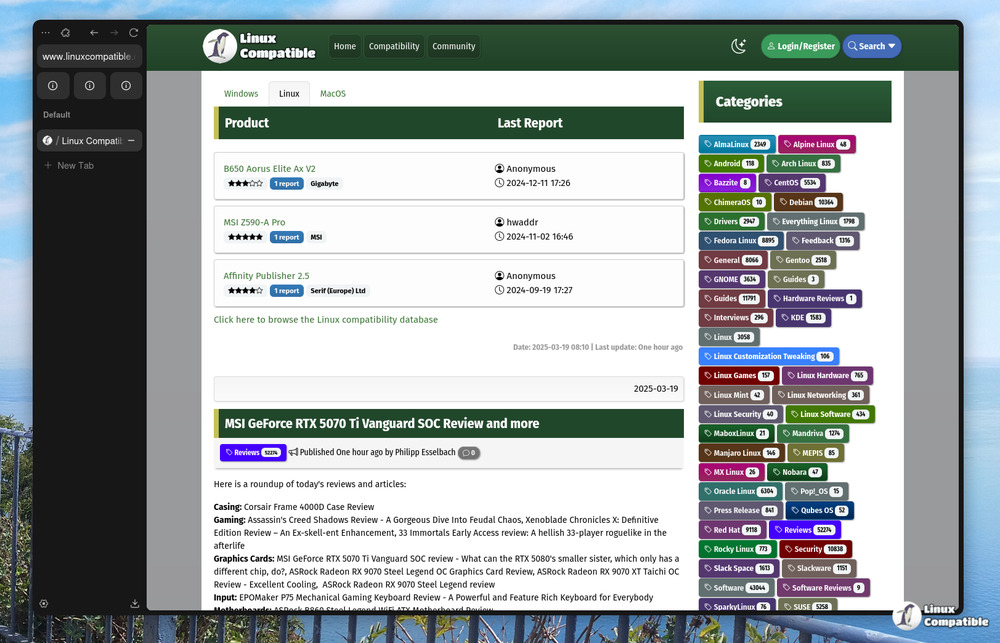
Zen Browser 1.21.1b has been released with performance enhancements specifically aimed at improving Linux desktop workflows, addressing issues such as tab lag and extension conflicts. The update modifies the rendering queue to better align with Wayland and X11 protocols, resulting in smoother tab navigation and reduced CPU spikes. Additionally, it stabilizes background processes to ensure better compatibility with extensions and tools that interact with the browser profile directory. Users are advised to check their profile directory permissions after installation to avoid issues with custom themes and third-party add-ons
Zen Browser 1.21.1b Stable Release Fixes Linux Tab Lag and Extension Glitches
Zen Browser 1.21.1b lands on the stable channel with targeted performance tweaks that directly improve Linux desktop workflows. The update reworks the rendering queue to align with standard Wayland and X11 protocols, which eliminates the CPU spikes that previously caused sluggish tab navigation. Background process stabilization also patches several extension conflicts that tended to break session managers and clipboard tools during sync cycles. Users should verify profile directory permissions after installing the update to ensure custom themes and third party add ons load without triggering false alarms or broken state files.
Zen Browser 1.21.1b Stable Release Fixes Linux Tab Lag and Extension Glitches @ Linux Compatible