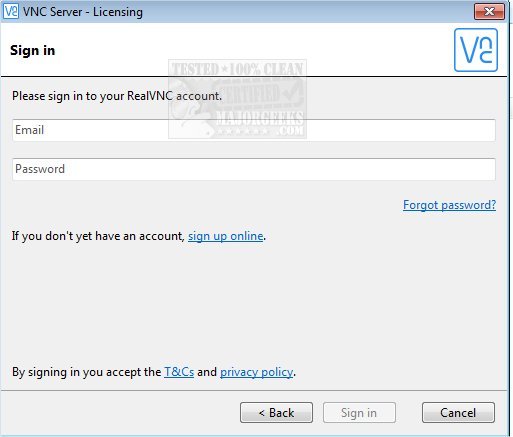
VNC Connect, previously known as RealVNC Free, has released version 3.5.0, enhancing its remote access and control capabilities across a diverse range of operating systems, including Windows, Mac, UNIX, and Linux. This software utilizes a straightforward peer-to-peer architecture, eliminating the need for agents or centralized servers.
To set up VNC Connect, users need to download the software on the computer they wish to control and install it. VNC Viewer must then be downloaded on the device from which control will be exercised. For internet connections, network configuration may be necessary.
The recent rebranding has introduced several new features aimed at improving user experience. Notably, a cloud connection option has been made the default setting for home and pro users, alongside enhancements such as remote credential retention, password protection, and the ability to erase sensitive data on shared machines. Users can also benefit from desktop previews, which provide screenshot thumbnails for file connections, and the option to customize connection names for easier identification.
In summary, VNC Connect 3.5.0 not only continues to offer robust remote access solutions but also introduces innovative features that enhance security and usability, making it a versatile tool for users needing remote computer management.
Moving forward, users can expect future updates to focus on increasing security measures, improving user interface design, and possibly integrating more cloud-based functionalities to streamline remote access further. Additionally, feedback from the community could lead to the introduction of more customizable options, enhancing the overall user experience
To set up VNC Connect, users need to download the software on the computer they wish to control and install it. VNC Viewer must then be downloaded on the device from which control will be exercised. For internet connections, network configuration may be necessary.
The recent rebranding has introduced several new features aimed at improving user experience. Notably, a cloud connection option has been made the default setting for home and pro users, alongside enhancements such as remote credential retention, password protection, and the ability to erase sensitive data on shared machines. Users can also benefit from desktop previews, which provide screenshot thumbnails for file connections, and the option to customize connection names for easier identification.
In summary, VNC Connect 3.5.0 not only continues to offer robust remote access solutions but also introduces innovative features that enhance security and usability, making it a versatile tool for users needing remote computer management.
Moving forward, users can expect future updates to focus on increasing security measures, improving user interface design, and possibly integrating more cloud-based functionalities to streamline remote access further. Additionally, feedback from the community could lead to the introduction of more customizable options, enhancing the overall user experience
VNC Connect (formerly RealVNC Free) 3.5.0 released
VNC Connect (formerly RealVNC Free) is remote access and control software for an unrivaled mix of Windows, Mac, UNIX, and Linux computers.
VNC Connect (formerly RealVNC Free) 3.5.0 released @ MajorGeeks