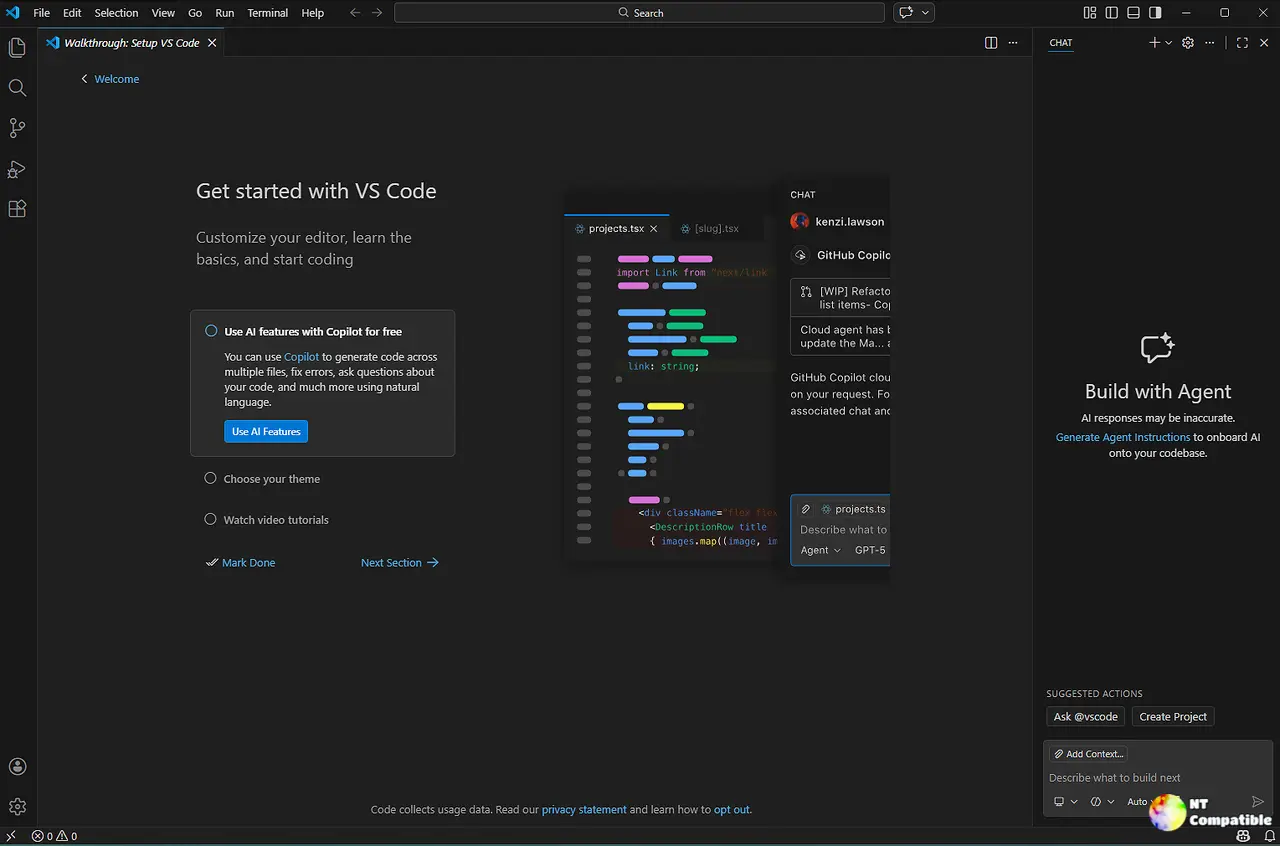
Visual Studio Code 1.124 introduces a new Agents window that enhances session management for developers by allowing them to queue background prompts without losing their progress. The update features an Autopilot mode that intelligently determines task completion, while practical improvements like integrated browser history and single-file diff isolation streamline the editing workflow. Navigation has been upgraded with a searchable picker and keyboard shortcuts, enabling developers to easily switch between sessions while retaining their workspace layout. Additionally, enterprise admins can now centrally manage Copilot plugins, enhancing security and control over development environments
Visual Studio Code 1.124: Smarter Agent Sessions and Smoother AI Workflows
Visual Studio Code 1.124 introduces a dedicated Agents window that lets developers queue background prompts and jump between sessions without losing their place. The update enables an advanced Autopilot mode that uses a utility model to decide when tasks are complete, capping iterations at three to save tokens. Practical tweaks like integrated browser history, single-file diff isolation, and direct folder creation streamline the daily editing workflow. Enterprise admins finally get centralized control over Copilot plugins through shared policy files that sync across the editor and CLI.
Visual Studio Code 1.124: Smarter Agent Sessions and Smoother AI Workflows @ NT Compatible