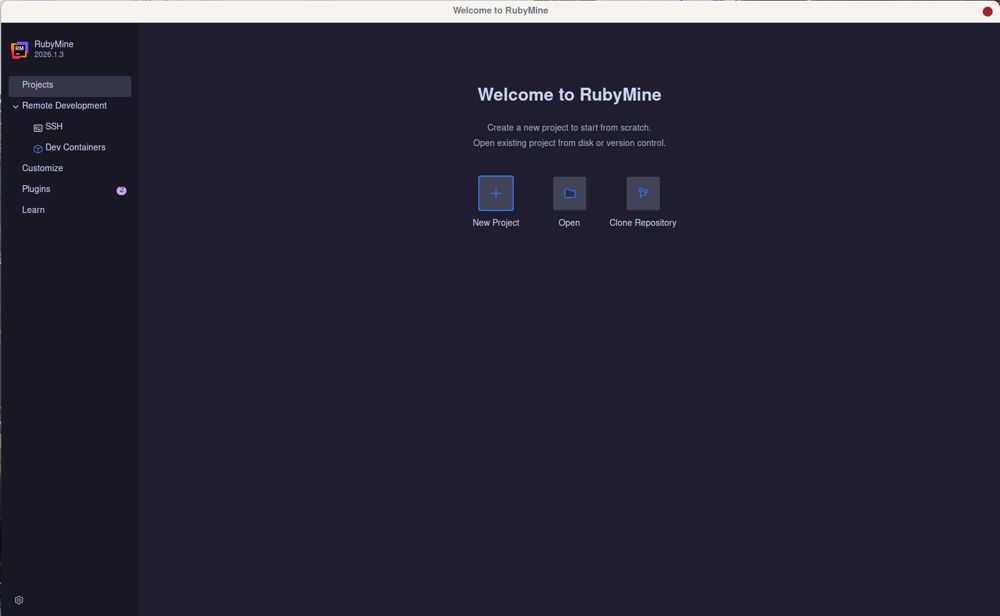
RubyMine 2026.2.3 has been released, solidifying its position as JetBrains' powerful Integrated Development Environment (IDE) specifically designed for Ruby and Rails development. This latest version boasts a robust feature set, including extensive Rails awareness, a built-in debugger, and support for Git and local history, making it a comprehensive tool for developers.
Setting up RubyMine involves some initial configuration, including selecting interpreters and managing gem dependencies. While it may seem overwhelming at first, this guide aims to streamline the process, helping developers focus on coding rather than setup hassles. RubyMine’s strength lies in its deep understanding of Rails conventions; for instance, renaming a controller automatically updates routes, views, and tests, significantly reducing the chances of errors that can occur with other editors.
While many developers begin with lighter editors like VS Code due to their speed and cost-effectiveness, RubyMine is particularly appealing for those engaged in serious Rails development. It offers a non-commercial license for free, making it accessible for hobbyists and open-source contributors. The advanced features, such as:
- Navigation and Symbol Search: Quickly locate files and code segments.
- Live Templates and Code Completion: Simplifies the creation of test skeletons and enhances efficiency.
- Integrated Debugger and Rails Console: Facilitates real-time debugging without needing to restart the server.
- Git Integration and Local History: Enhances version control and file recovery.
RubyMine can be resource-intensive. Developers are advised to manage memory usage, especially in projects with significant frontend requirements. Indexing can be time-consuming but is essential for optimal performance and code completion capabilities.
Pros:
- Deep integration with Rails, ensuring seamless code management.
- Effective debugging tools and Rails console integration.
- Strong version control capabilities with local history features.
- Free for non-commercial use.
Cons:
- High memory consumption can slow down systems.
- Initial configuration can be complex and time-consuming.
RubyMine is not universally suitable; it is best for developers who frequently work with Rails and require a sophisticated tool to manage complex codebases. For simpler tasks or quick edits, lighter alternatives like VS Code may be more efficient. However, for those committed to Rails, the investment in RubyMine pays off through its powerful features and capabilities that enhance productivity and code quality.
As development needs evolve, RubyMine is expected to continue refining its features to accommodate the changing landscape of Ruby and Rails development. The IDE's ongoing updates will likely focus on enhancing performance, expanding integrations, and providing tools that further streamline the development process, ensuring it remains a vital resource for developers seeking to harness the full potential of Ruby on Rails
Key Features and Setup
Setting up RubyMine involves some initial configuration, including selecting interpreters and managing gem dependencies. While it may seem overwhelming at first, this guide aims to streamline the process, helping developers focus on coding rather than setup hassles. RubyMine’s strength lies in its deep understanding of Rails conventions; for instance, renaming a controller automatically updates routes, views, and tests, significantly reducing the chances of errors that can occur with other editors.
Advantages of Using RubyMine
While many developers begin with lighter editors like VS Code due to their speed and cost-effectiveness, RubyMine is particularly appealing for those engaged in serious Rails development. It offers a non-commercial license for free, making it accessible for hobbyists and open-source contributors. The advanced features, such as:
- Navigation and Symbol Search: Quickly locate files and code segments.
- Live Templates and Code Completion: Simplifies the creation of test skeletons and enhances efficiency.
- Integrated Debugger and Rails Console: Facilitates real-time debugging without needing to restart the server.
- Git Integration and Local History: Enhances version control and file recovery.
Performance Considerations
RubyMine can be resource-intensive. Developers are advised to manage memory usage, especially in projects with significant frontend requirements. Indexing can be time-consuming but is essential for optimal performance and code completion capabilities.
Pros and Cons
Pros:
- Deep integration with Rails, ensuring seamless code management.
- Effective debugging tools and Rails console integration.
- Strong version control capabilities with local history features.
- Free for non-commercial use.
Cons:
- High memory consumption can slow down systems.
- Initial configuration can be complex and time-consuming.
Conclusion
RubyMine is not universally suitable; it is best for developers who frequently work with Rails and require a sophisticated tool to manage complex codebases. For simpler tasks or quick edits, lighter alternatives like VS Code may be more efficient. However, for those committed to Rails, the investment in RubyMine pays off through its powerful features and capabilities that enhance productivity and code quality.
Future Outlook
As development needs evolve, RubyMine is expected to continue refining its features to accommodate the changing landscape of Ruby and Rails development. The IDE's ongoing updates will likely focus on enhancing performance, expanding integrations, and providing tools that further streamline the development process, ensuring it remains a vital resource for developers seeking to harness the full potential of Ruby on Rails
RubyMine 2026.2.3 released
RubyMine is JetBrains' heavy-duty IDE for Ruby and Rails development, with deep Rails awareness, a built-in debugger, and Git and local history support.