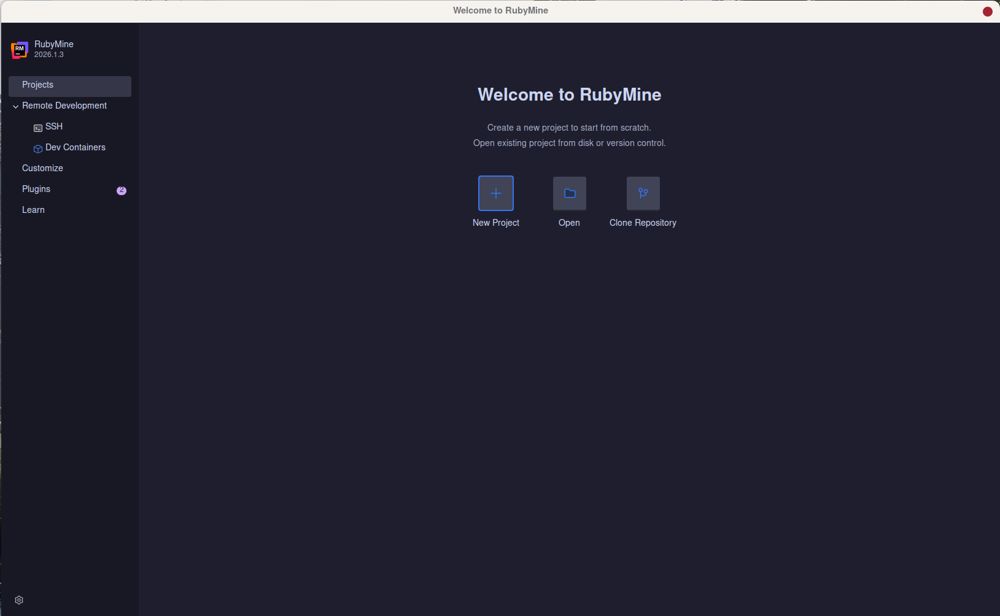
RubyMine, JetBrains' robust Integrated Development Environment (IDE) for Ruby and Rails development, has released its latest version, RubyMine 2026.2.1. The IDE is designed with extensive Rails awareness, featuring a built-in debugger and support for Git and local history, making it a powerful tool for developers.
Key Features and Setup:
The setup process begins with configuring interpreters and managing gem dependencies. A comprehensive guide is available to help users navigate the IDE's extensive feature set, focusing on what is essential and what can be overlooked to streamline the coding experience. RubyMine is particularly appealing for developers who prioritize deep integration with Rails conventions, as it automatically updates associated components when changes are made, which can prevent errors that often arise in other editors.
Performance and Functionality:
To effectively utilize RubyMine, proper setup is crucial. Users need to index their projects, which allows the IDE to understand the codebase, facilitating smoother navigation and code completion. Key features that enhance productivity include:
- Navigation and Symbol Search: Quickly locate files and symbols with the Double Shift shortcut.
- Live Templates and Code Completion: Efficiently generate code with type-aware completion.
- Built-in Debugger and Rails Console: Debugging and testing queries can be done directly within the IDE without restarting the application.
- Git Integration and Local History: Manage version control and recover lost files seamlessly.
Performance Tips:
RubyMine can be resource-intensive, especially with large projects. Users are advised to disable unnecessary features and plugins to optimize performance. Indexing can take time, but it significantly enhances functionality.
Pros and Cons:
Pros of RubyMine include its deep understanding of Rails, effective debugging tools, and the availability of a free non-commercial license. However, it also has drawbacks, such as high memory usage and a steep configuration curve.
Conclusion:
RubyMine is best suited for developers who work extensively with Rails and need an IDE that minimizes friction in development processes. For quick projects or minor edits, lighter alternatives like VS Code may be more efficient.
Extension of the Text:
RubyMine continues to evolve, reflecting the growing demands of Ruby and Rails developers. As features are added, it's essential for users to stay updated on best practices and community insights. Engaging with forums and user groups can enhance the RubyMine experience, enabling developers to share tips and troubleshoot common issues. Additionally, as the landscape of web development changes, RubyMine may incorporate integrations with newer frameworks and tools, ensuring it remains relevant in an ever-shifting market. For teams managing large codebases, RubyMine's collaborative features could also be a focal point for future updates, allowing for more seamless teamwork in coding environments
Key Features and Setup:
The setup process begins with configuring interpreters and managing gem dependencies. A comprehensive guide is available to help users navigate the IDE's extensive feature set, focusing on what is essential and what can be overlooked to streamline the coding experience. RubyMine is particularly appealing for developers who prioritize deep integration with Rails conventions, as it automatically updates associated components when changes are made, which can prevent errors that often arise in other editors.
Performance and Functionality:
To effectively utilize RubyMine, proper setup is crucial. Users need to index their projects, which allows the IDE to understand the codebase, facilitating smoother navigation and code completion. Key features that enhance productivity include:
- Navigation and Symbol Search: Quickly locate files and symbols with the Double Shift shortcut.
- Live Templates and Code Completion: Efficiently generate code with type-aware completion.
- Built-in Debugger and Rails Console: Debugging and testing queries can be done directly within the IDE without restarting the application.
- Git Integration and Local History: Manage version control and recover lost files seamlessly.
Performance Tips:
RubyMine can be resource-intensive, especially with large projects. Users are advised to disable unnecessary features and plugins to optimize performance. Indexing can take time, but it significantly enhances functionality.
Pros and Cons:
Pros of RubyMine include its deep understanding of Rails, effective debugging tools, and the availability of a free non-commercial license. However, it also has drawbacks, such as high memory usage and a steep configuration curve.
Conclusion:
RubyMine is best suited for developers who work extensively with Rails and need an IDE that minimizes friction in development processes. For quick projects or minor edits, lighter alternatives like VS Code may be more efficient.
Extension of the Text:
RubyMine continues to evolve, reflecting the growing demands of Ruby and Rails developers. As features are added, it's essential for users to stay updated on best practices and community insights. Engaging with forums and user groups can enhance the RubyMine experience, enabling developers to share tips and troubleshoot common issues. Additionally, as the landscape of web development changes, RubyMine may incorporate integrations with newer frameworks and tools, ensuring it remains relevant in an ever-shifting market. For teams managing large codebases, RubyMine's collaborative features could also be a focal point for future updates, allowing for more seamless teamwork in coding environments
RubyMine 2026.2.1 released
RubyMine is JetBrains' heavy-duty IDE for Ruby and Rails development, with deep Rails awareness, a built-in debugger, and Git and local history support.