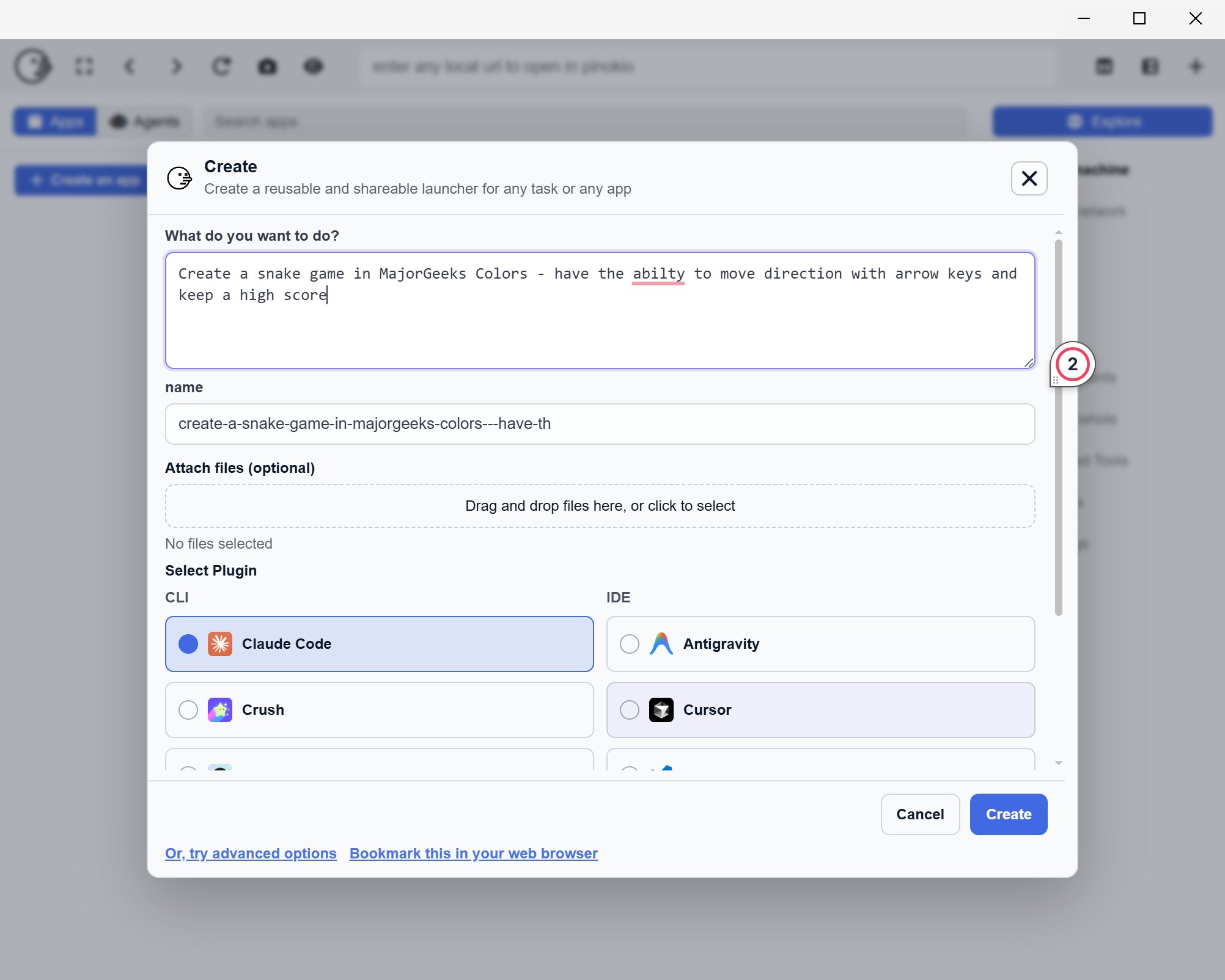
Pinokio 7.2.0 is a newly released, free, cross-platform desktop application that transforms your computer into a personal cloud environment, allowing users to easily install, run, and manage AI applications and server-style software locally. This tool caters to individuals who wish to run projects locally without dealing with complex setup processes often associated with programming languages and dependencies like Python, Git, or Node.
Some of the notable features include:
- A centralized platform for installing and launching supported local applications.
- Background handling of setup tasks to streamline the process.
- Simplified testing of localhost tools without navigating through the terminal.
- A verification system for scripts, enhancing safety by ensuring that reviewed scripts are less risky to run, although users are still advised to proceed with caution.
Key Features and Benefits
Pinokio simplifies the user experience by wrapping software that typically requires terminal commands into a more user-friendly interface. Users can browse, install, and launch applications from a single platform, eliminating the need for manual setups, which can be tedious and frustrating. This is particularly appealing for those who value privacy and control, as it enables local operation without reliance on external servers or APIs.Some of the notable features include:
- A centralized platform for installing and launching supported local applications.
- Background handling of setup tasks to streamline the process.
- Simplified testing of localhost tools without navigating through the terminal.
- A verification system for scripts, enhancing safety by ensuring that reviewed scripts are less risky to run, although users are still advised to proceed with caution.
Application in Development
While Pinokio does not serve as a development environment for writing applications, it is designed to facilitate the backend processes required to support app development. For example, a developer could use Pinokio to easily install and launch a local AI model or backend service, build their app in a conventional code editor, and then connect it to the service initiated by Pinokio. This setup streamlines the often cumbersome integration of backend services, allowing developers to focus on building their applications rather than dealing with installation headaches.Considerations and Limitations
Despite its advantages, Pinokio introduces another layer of complexity. When issues arise, troubleshooting can become more complicated due to this additional layer. Users should remain cautious, especially when running automated scripts, and should prioritize using verified scripts to mitigate risks associated with untested installations.Conclusion
In summary, Pinokio 7.2.0 is a valuable tool for developers looking to reduce the friction of launching local AI applications and other localhost projects. While it is not a panacea for all coding challenges, it significantly lowers the barriers associated with local setups. As with any tool that automates installation processes, users should exercise care and judgment, particularly when troubleshooting or using non-verified scripts. Overall, Pinokio stands out for its ability to simplify the backend complexities involved in local development, making it a noteworthy addition to a developer's toolkit.Future Enhancements
Looking ahead, the developers of Pinokio could enhance the tool further by improving the troubleshooting capabilities, providing more robust error reporting, and possibly integrating a community feature where users can share experiences and solutions. Additionally, expanding the library of verified scripts could help users feel more secure when exploring new applicationsPinokio 7.2.0 released
Pinokio is a free, cross-platform desktop tool that turns your PC into a “personal cloud,” letting you install, run, and manage AI apps and server-style software locally with one click.