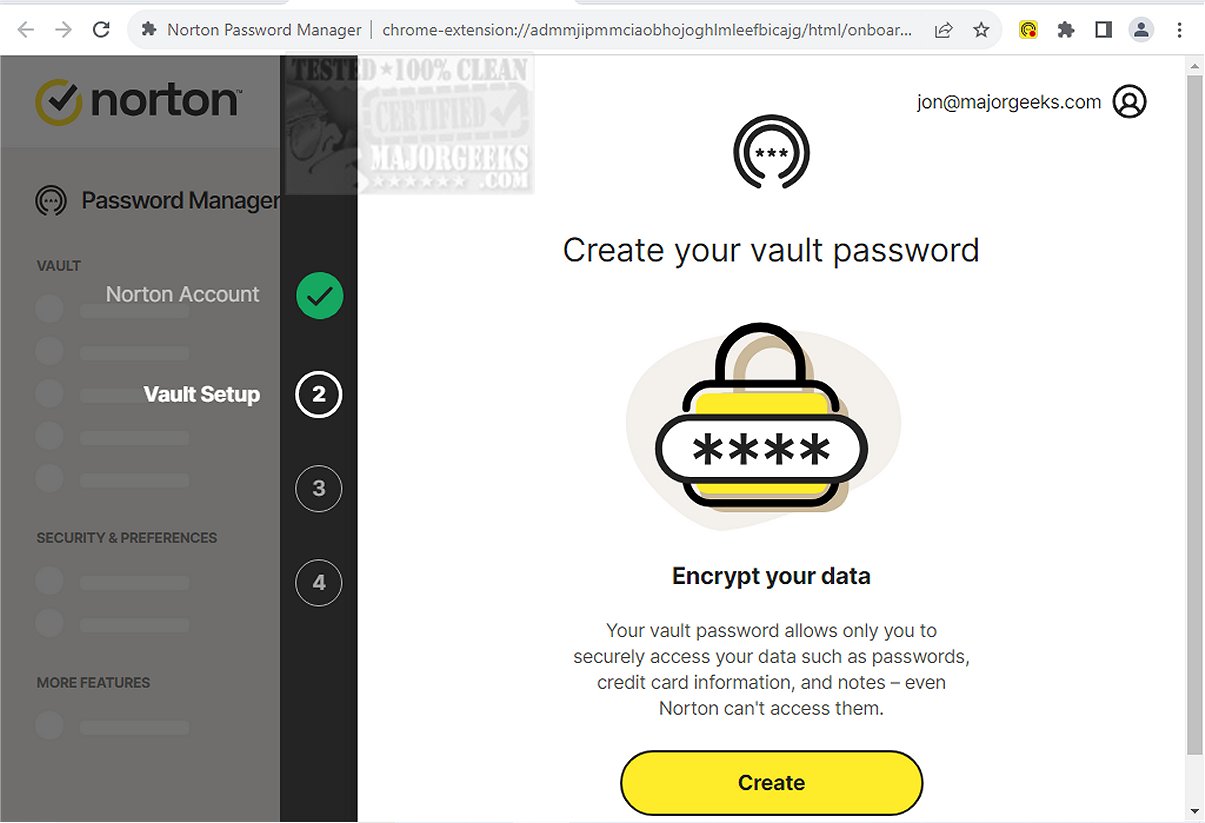
Norton Password Manager has recently released version 8.3.1.1495, enhancing its status as a robust, multi-platform, cloud-based tool aimed at simplifying password management for users across various devices. By securely storing and managing passwords, it not only increases convenience but also elevates overall security during online interactions.
Streamlined Password Management: Norton Password Manager allows users to effortlessly generate, manage, and store strong and unique passwords, ensuring that they don't have to remember complex combinations. The tool also syncs passwords across multiple devices, making it a practical choice for users with various gadgets.
Privacy Focus: A standout feature of Norton Password Manager is its zero-knowledge encryption, which ensures that user information remains private and secure, even from Norton itself. The option to enable two-factor authentication and utilize Passwordless Vault Unlock further enhances security and expedites access to the password vault.
User-Friendly Interface: The password autofill function simplifies the login process, enabling users to log into websites with just one click. This capability, combined with an online vault that securely stores login information, contributes to a more efficient user experience.
Complete Vault Control: The combination of zero-knowledge encryption and two-factor authentication grants users total control over their password vault, ensuring that their data is safeguarded against potential cyber threats.
Strong Password Generation: Norton Password Manager aids users in creating and remembering complex passwords. It also allows for the import of existing passwords and offers suggestions for strengthening them, enhancing users' overall online security.
Overall, Norton Password Manager excels in its primary functionalities, providing robust password generation, seamless autofill, and secure storage. With gold-standard 256-bit AES encryption and a generous free tier offering unlimited password storage, it stands out in the market. However, it does have some limitations, particularly in the areas of secure password sharing and advanced multi-factor authentication features, which may be present in competing password management tools.
As digital security threats continue to evolve, Norton Password Manager could benefit from integrating more advanced features, such as enhanced secure sharing options and comprehensive multi-factor authentication processes, to better compete with other leading password management solutions. Additionally, user feedback and ongoing development could help address any gaps in functionality, ensuring that Norton remains a trusted tool in the realm of cyber safety
Key Features and Benefits
Streamlined Password Management: Norton Password Manager allows users to effortlessly generate, manage, and store strong and unique passwords, ensuring that they don't have to remember complex combinations. The tool also syncs passwords across multiple devices, making it a practical choice for users with various gadgets.
Privacy Focus: A standout feature of Norton Password Manager is its zero-knowledge encryption, which ensures that user information remains private and secure, even from Norton itself. The option to enable two-factor authentication and utilize Passwordless Vault Unlock further enhances security and expedites access to the password vault.
User-Friendly Interface: The password autofill function simplifies the login process, enabling users to log into websites with just one click. This capability, combined with an online vault that securely stores login information, contributes to a more efficient user experience.
Complete Vault Control: The combination of zero-knowledge encryption and two-factor authentication grants users total control over their password vault, ensuring that their data is safeguarded against potential cyber threats.
Strong Password Generation: Norton Password Manager aids users in creating and remembering complex passwords. It also allows for the import of existing passwords and offers suggestions for strengthening them, enhancing users' overall online security.
The Verdict
Overall, Norton Password Manager excels in its primary functionalities, providing robust password generation, seamless autofill, and secure storage. With gold-standard 256-bit AES encryption and a generous free tier offering unlimited password storage, it stands out in the market. However, it does have some limitations, particularly in the areas of secure password sharing and advanced multi-factor authentication features, which may be present in competing password management tools.
Future Considerations
As digital security threats continue to evolve, Norton Password Manager could benefit from integrating more advanced features, such as enhanced secure sharing options and comprehensive multi-factor authentication processes, to better compete with other leading password management solutions. Additionally, user feedback and ongoing development could help address any gaps in functionality, ensuring that Norton remains a trusted tool in the realm of cyber safety
Norton Password Manager 8.3.1.1495 released
Norton Password Manager is a multi-platform, cloud-based tool designed to simplify the login process for your favorite websites. Securely storing and managing your passwords enhances both convenience and security during online activities.