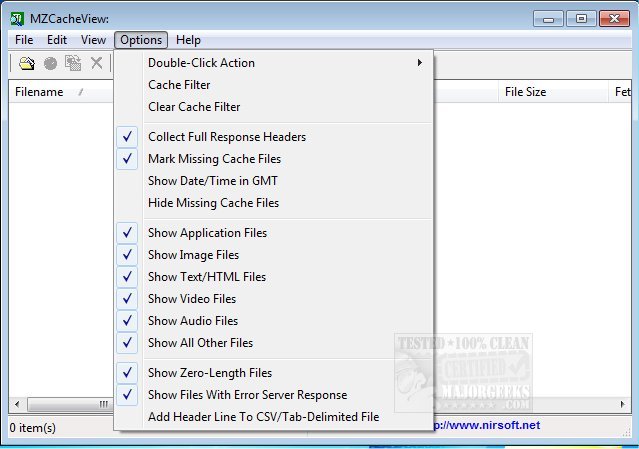
MZCacheView version 2.25 has been released, offering users a handy tool for accessing the cache of Firefox, Mozilla, and Netscape web browsers. This compact and free utility allows individuals to view a comprehensive list of all files stored in the cache, providing essential details such as the URL, content type, file size, and various timestamps (last modified, last fetched, expiration). Users can easily extract selected cache items to another folder or copy URLs directly to the clipboard.
Compatible with all Windows versions from Windows 98 to Windows 10, MZCacheView can even function without having Firefox or Mozilla installed, provided the user has access to the relevant cache folder.
In addition to its primary functions, MZCacheView could be particularly useful for those looking to manage their browser data effectively, as it simplifies the process of retrieving and organizing cached files. Additionally, it may complement other utilities aimed at optimizing system performance and managing storage, such as tools for cleaning up junk files or resetting browser caches.
Overall, MZCacheView is an invaluable resource for users needing to analyze or recover cached web data, enhancing their overall browsing experience
MZCacheView 2.25 released
MZCacheView is a small free utility that reads the cache folder of Firefox/Mozilla/Netscape Web browsers and displays the list of all files currently stored in the cache.