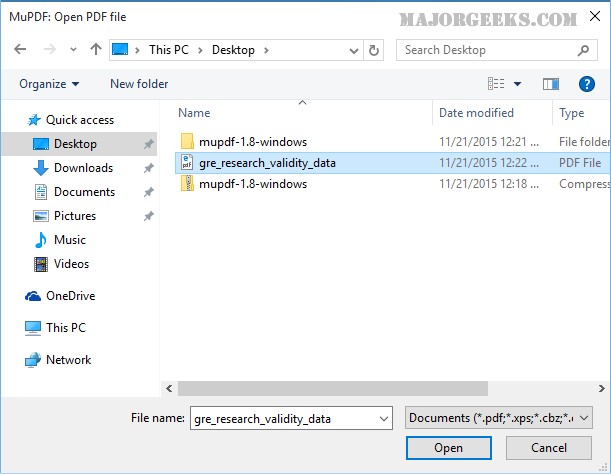
MuPDF 1.28.0 has been released, showcasing its unique approach as a minimalist application designed for viewing PDF and XPS files. The essence of MuPDF lies in its simplicity—there are no additional features such as editing or printing, and the user interface is virtually non-existent. Users can easily open the application by double-clicking on the executable file and selecting the desired document. Navigation through the pages is straightforward, achieved through scrolling or arrow keys, and users can jump to specific pages by entering the page number and pressing the 'G' key. For well-structured PDF documents with a table of contents, clickable links further enhance navigation.
While some may find the lack of advanced features limiting, MuPDF caters to a specific audience that primarily requires a reliable tool for viewing documents without distractions. In a market saturated with feature-rich PDF alternatives, MuPDF distinguishes itself by focusing on the essential functionality of document viewing, filling a niche for users who appreciate a streamlined experience.
In addition to its core functionality, MuPDF can serve as a lightweight solution for users who occasionally need to open XPS files, a format that is less commonly supported. Overall, MuPDF stands out for those who prioritize speed and efficiency in viewing documents without the clutter of unnecessary tools.
As MuPDF continues to evolve, users can anticipate further improvements while maintaining its fundamental philosophy of simplicity. This release emphasizes MuPDF's commitment to providing a straightforward and effective solution for document viewing needs
While some may find the lack of advanced features limiting, MuPDF caters to a specific audience that primarily requires a reliable tool for viewing documents without distractions. In a market saturated with feature-rich PDF alternatives, MuPDF distinguishes itself by focusing on the essential functionality of document viewing, filling a niche for users who appreciate a streamlined experience.
In addition to its core functionality, MuPDF can serve as a lightweight solution for users who occasionally need to open XPS files, a format that is less commonly supported. Overall, MuPDF stands out for those who prioritize speed and efficiency in viewing documents without the clutter of unnecessary tools.
As MuPDF continues to evolve, users can anticipate further improvements while maintaining its fundamental philosophy of simplicity. This release emphasizes MuPDF's commitment to providing a straightforward and effective solution for document viewing needs
MuPDF 1.28.0 released
MuPDF is a no frills, lightweight application to view PDF and XPS files.