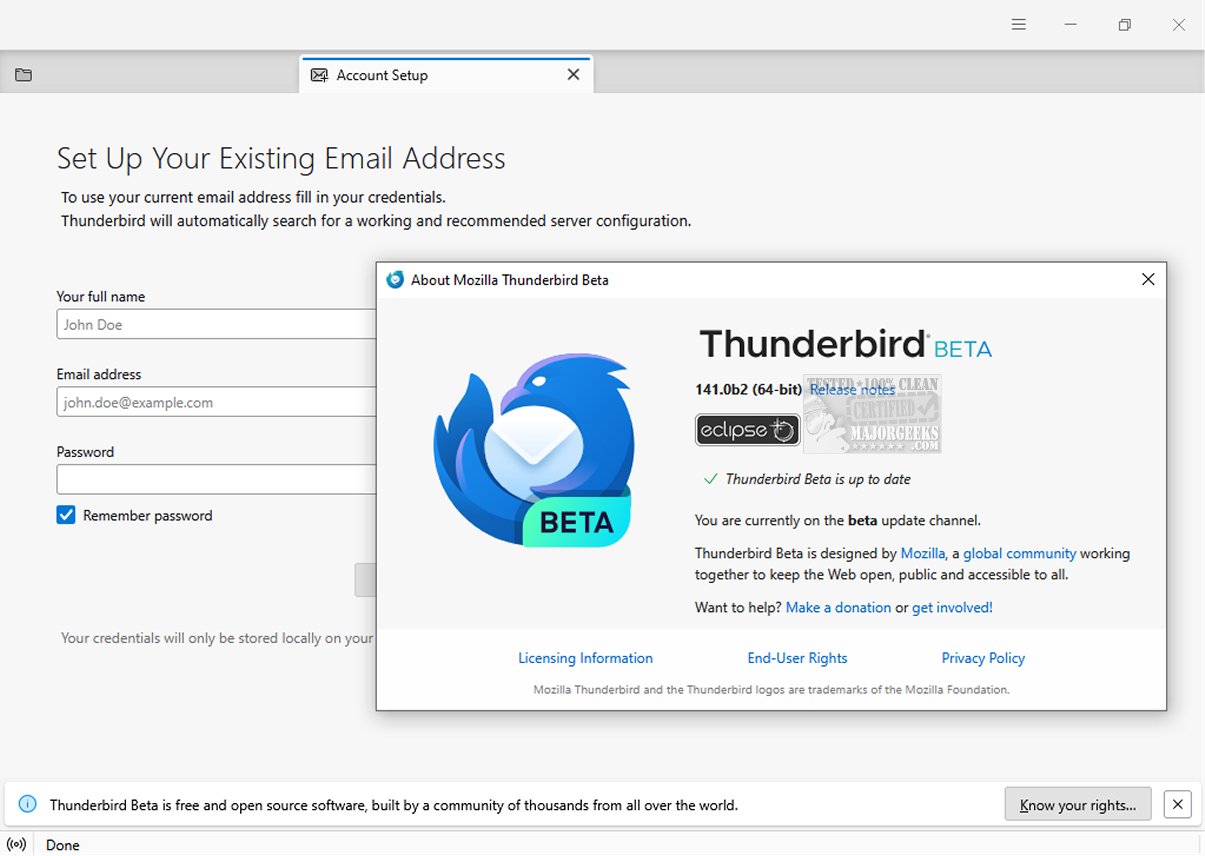
Mozilla Thunderbird Eclipse 160.0 Beta 3 has been released, continuing the platform's commitment to providing a secure, fast, and user-friendly email client. This version includes a suite of built-in features that enhance user experience, such as an intuitive message search, customizable views, and comprehensive support for both IMAP/POP and RSS feeds. A portable version is also available for users who need flexibility in their email management.
One of the standout features of this release is the dynamic toolbar, which adapts to display frequently used tools and contextual options based on the active tab or space. Users can fully customize this toolbar and the overall window layout, allowing for a tailored workflow that suits individual preferences. The graphical user interface (GUI) has undergone a complete redesign, making it more visually appealing and easier to navigate.
Mozilla Thunderbird Eclipse is particularly noted for its robust safety features, including a sophisticated junk mail filter that effectively analyzes incoming messages to identify potential spam. Users can also manually mark emails that may bypass the filter. The email client employs high-level security protocols, such as digital signing, message encryption, S/MIME support, and certificate management. These features make it a suitable choice for enterprises and government organizations that prioritize security.
In addition, Thunderbird Eclipse supports a wide array of Mozilla Add-Ons, allowing users to expand the functionality of their email client significantly. This flexibility enables individuals and organizations to customize their email experience to meet specific needs.
Overall, Mozilla Thunderbird Eclipse 160.0 Beta 3 not only enhances email management through its user-friendly features and design but also reinforces its reputation as a reliable and secure option in the realm of email clients. As email communication continues to evolve, Thunderbird remains committed to adapting and providing users with the tools necessary to navigate their inboxes efficiently and safely
One of the standout features of this release is the dynamic toolbar, which adapts to display frequently used tools and contextual options based on the active tab or space. Users can fully customize this toolbar and the overall window layout, allowing for a tailored workflow that suits individual preferences. The graphical user interface (GUI) has undergone a complete redesign, making it more visually appealing and easier to navigate.
Mozilla Thunderbird Eclipse is particularly noted for its robust safety features, including a sophisticated junk mail filter that effectively analyzes incoming messages to identify potential spam. Users can also manually mark emails that may bypass the filter. The email client employs high-level security protocols, such as digital signing, message encryption, S/MIME support, and certificate management. These features make it a suitable choice for enterprises and government organizations that prioritize security.
In addition, Thunderbird Eclipse supports a wide array of Mozilla Add-Ons, allowing users to expand the functionality of their email client significantly. This flexibility enables individuals and organizations to customize their email experience to meet specific needs.
Overall, Mozilla Thunderbird Eclipse 160.0 Beta 3 not only enhances email management through its user-friendly features and design but also reinforces its reputation as a reliable and secure option in the realm of email clients. As email communication continues to evolve, Thunderbird remains committed to adapting and providing users with the tools necessary to navigate their inboxes efficiently and safely
Mozilla Thunderbird Eclipse 160.0 Beta 3 released
Mozilla Thunderbird Eclipse is an email client prioritizing safety, speed, and user-friendliness. It has numerous built-in features, such as easy message search, customizable views, and IMAP/POP and RSS support. A Portable version is also available.
Mozilla Thunderbird Eclipse 160.0 Beta 3 released @ MajorGeeks