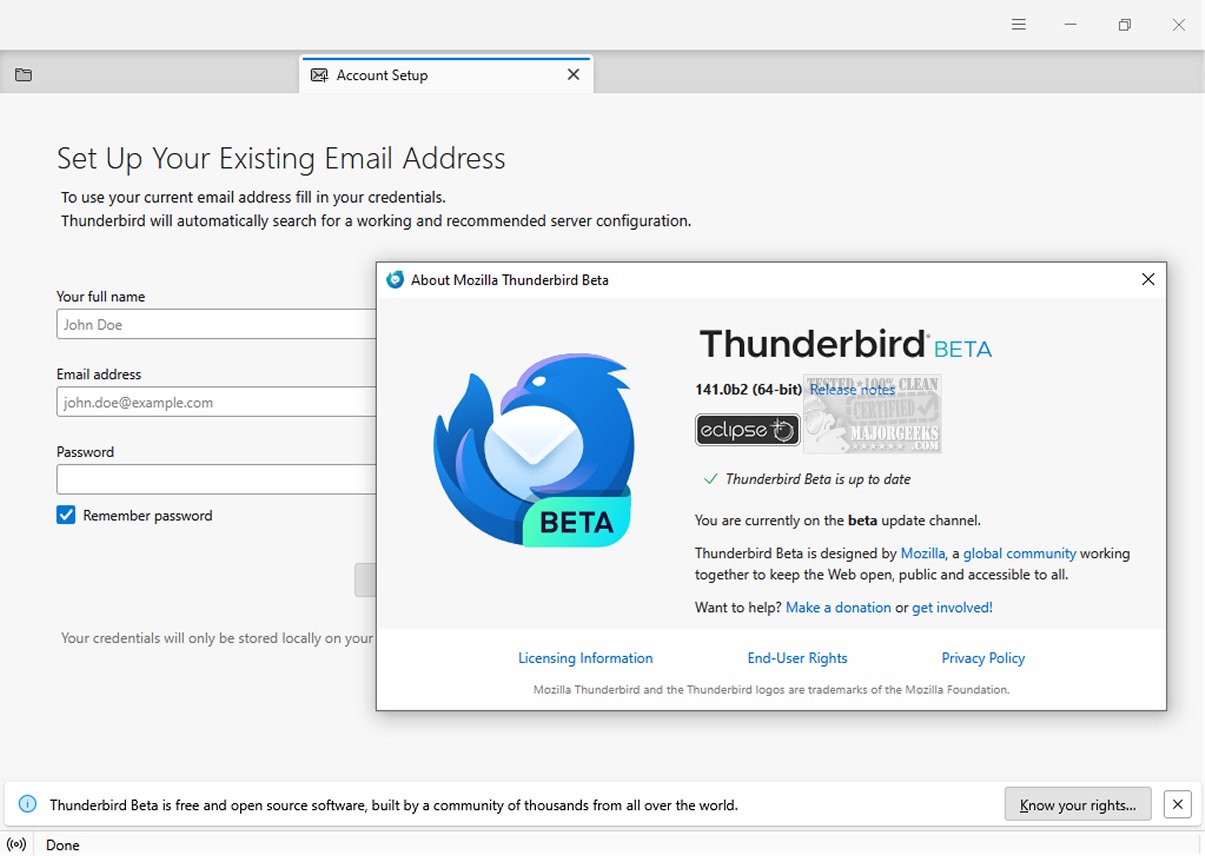
Mozilla Thunderbird Eclipse 158.0 Beta 2 is a newly released version of the popular email client, emphasizing security, speed, and user-friendliness. It features a host of built-in tools, including an intuitive message search, customizable views, and support for IMAP/POP and RSS feeds. A portable version is also available for users who prefer flexibility.
This latest release introduces a dynamic toolbar that adapts to the user's current tab or workspace, displaying frequently used options relevant to the context. Users can further personalize their experience by customizing both the toolbar and window layout to suit their workflow. The graphical user interface has undergone a complete redesign, enhancing navigation and visual appeal.
Thunderbird Eclipse prioritizes safety with its robust junk mail filter, which efficiently identifies and manages potential spam. Users have the ability to manually adjust the filter to capture any emails that may bypass automated detection. Additionally, the client employs advanced security features such as digital signing, message encryption, S/MIME support, and certificate functionalities, making it an ideal choice for enterprises and government organizations that require high-level security measures.
The email client also boasts a diverse range of Mozilla Add-Ons, allowing users to extend its capabilities and tailor their experience to individual needs. These add-ons play a crucial role in creating a personalized email management system. Overall, Mozilla Thunderbird Eclipse remains a reliable option for managing emails effectively and securely.
In future updates, users may anticipate further enhancements to the interface and additional features that respond to the evolving needs of both individual and organizational users. Continued development and user feedback will likely shape the direction of Mozilla Thunderbird Eclipse as it strives to remain competitive in the email client market
This latest release introduces a dynamic toolbar that adapts to the user's current tab or workspace, displaying frequently used options relevant to the context. Users can further personalize their experience by customizing both the toolbar and window layout to suit their workflow. The graphical user interface has undergone a complete redesign, enhancing navigation and visual appeal.
Thunderbird Eclipse prioritizes safety with its robust junk mail filter, which efficiently identifies and manages potential spam. Users have the ability to manually adjust the filter to capture any emails that may bypass automated detection. Additionally, the client employs advanced security features such as digital signing, message encryption, S/MIME support, and certificate functionalities, making it an ideal choice for enterprises and government organizations that require high-level security measures.
The email client also boasts a diverse range of Mozilla Add-Ons, allowing users to extend its capabilities and tailor their experience to individual needs. These add-ons play a crucial role in creating a personalized email management system. Overall, Mozilla Thunderbird Eclipse remains a reliable option for managing emails effectively and securely.
In future updates, users may anticipate further enhancements to the interface and additional features that respond to the evolving needs of both individual and organizational users. Continued development and user feedback will likely shape the direction of Mozilla Thunderbird Eclipse as it strives to remain competitive in the email client market
Mozilla Thunderbird Eclipse 158.0 Beta 2 released
Mozilla Thunderbird Eclipse is an email client prioritizing safety, speed, and user-friendliness. It has numerous built-in features, such as easy message search, customizable views, and IMAP/POP and RSS support. A Portable version is also available.
Mozilla Thunderbird Eclipse 158.0 Beta 2 released @ MajorGeeks