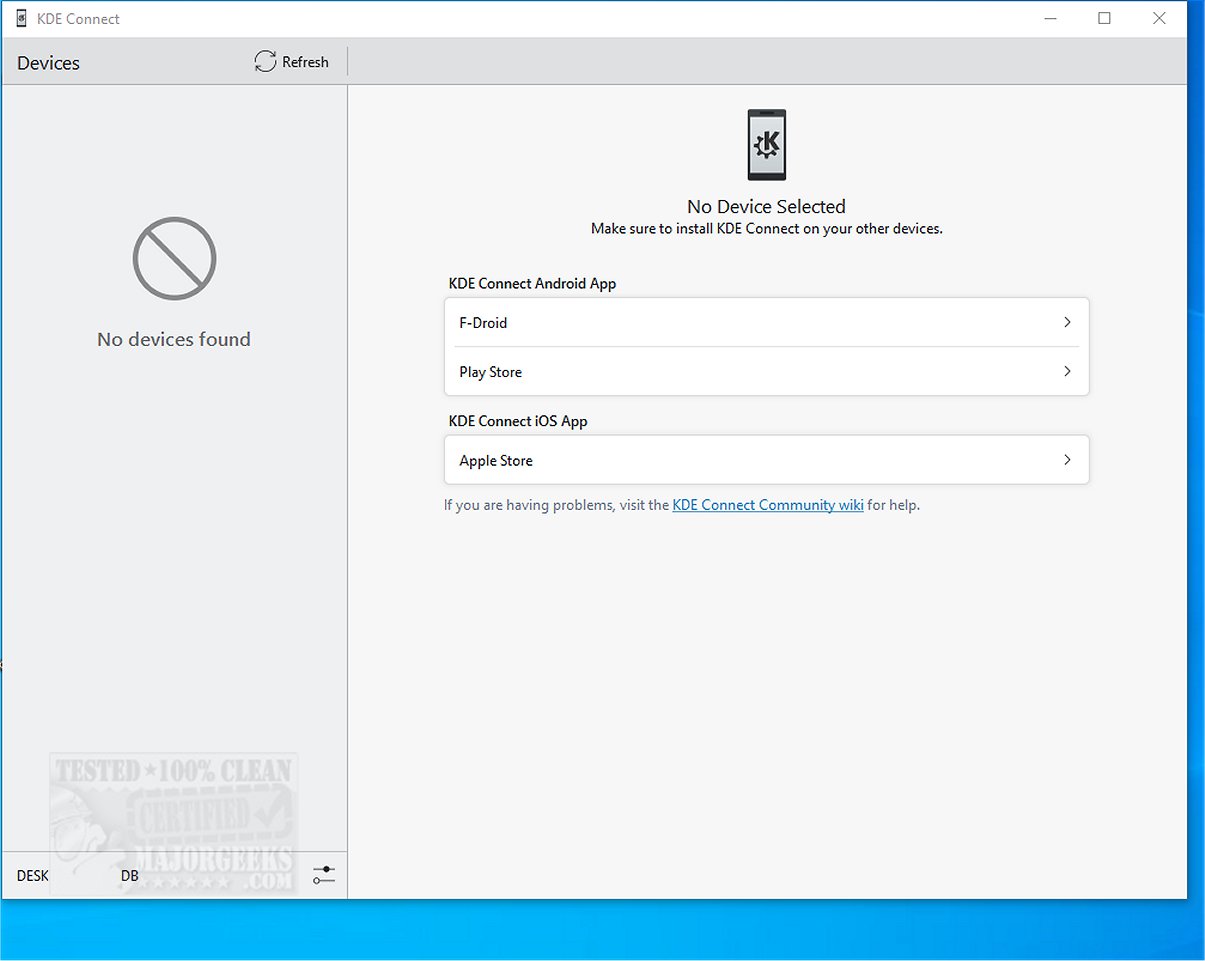
KDE Connect 26.04.2 has been released, providing users with a powerful tool for integrating their mobile devices with desktop computers. This application enables various functionalities that enhance efficiency and connectivity between devices, including file sharing, notification synchronization, clipboard sharing, and the ability to use your phone as a remote control or trackpad.
Key Features of KDE Connect:
- Seamless Integration: KDE Connect allows for smooth interaction between your phone and computer, making it easy to share clipboard content and access files across devices.
- Remote Control Functionality: Users can navigate their computers using their smartphones, eliminating the need for a mouse or keyboard.
- Phone Locator: A handy feature that helps users find their misplaced phones by making them ring.
- Notification Synchronization: View and respond to notifications from your phone directly on your computer, streamlining communication.
- Secure Communication: The application ensures data security through end-to-end TLS encryption during device connection.
Optimal Usage Requirements: To get the most out of KDE Connect, users should install the application on all devices they wish to connect and ensure that they are on the same Wi-Fi network for easy pairing.
Additional Functionalities Include:
- Shared Clipboard: Copy and paste text between devices effortlessly.
- File and URL Sharing: Quickly transfer files and links between devices.
- Multimedia Control: Manage media playback on your computer using your smartphone.
- Command Execution: Run custom commands on your computer directly from your phone.
- Device Monitoring: Check your phone's battery level and network status from your desktop.
Conclusion: KDE Connect is a robust solution that bridges the gap between mobile and desktop environments, making it an excellent alternative to similar applications like Phone Link. Its strengths lie in file sharing, notification management, and transforming smartphones into multifunctional remotes. Despite occasional reports of slow file transfer speeds, users generally find the application to be a rewarding addition to their digital toolkit. With KDE Connect, users can significantly enhance their productivity and connectivity, exploring the full potential of their devices.
Future Extensions: As technology evolves, KDE Connect could incorporate even more advanced features, such as improved cross-platform compatibility, enhanced security protocols, and integration with emerging IoT devices, further solidifying its role as a central hub for device connectivity
Key Features of KDE Connect:
- Seamless Integration: KDE Connect allows for smooth interaction between your phone and computer, making it easy to share clipboard content and access files across devices.
- Remote Control Functionality: Users can navigate their computers using their smartphones, eliminating the need for a mouse or keyboard.
- Phone Locator: A handy feature that helps users find their misplaced phones by making them ring.
- Notification Synchronization: View and respond to notifications from your phone directly on your computer, streamlining communication.
- Secure Communication: The application ensures data security through end-to-end TLS encryption during device connection.
Optimal Usage Requirements: To get the most out of KDE Connect, users should install the application on all devices they wish to connect and ensure that they are on the same Wi-Fi network for easy pairing.
Additional Functionalities Include:
- Shared Clipboard: Copy and paste text between devices effortlessly.
- File and URL Sharing: Quickly transfer files and links between devices.
- Multimedia Control: Manage media playback on your computer using your smartphone.
- Command Execution: Run custom commands on your computer directly from your phone.
- Device Monitoring: Check your phone's battery level and network status from your desktop.
Conclusion: KDE Connect is a robust solution that bridges the gap between mobile and desktop environments, making it an excellent alternative to similar applications like Phone Link. Its strengths lie in file sharing, notification management, and transforming smartphones into multifunctional remotes. Despite occasional reports of slow file transfer speeds, users generally find the application to be a rewarding addition to their digital toolkit. With KDE Connect, users can significantly enhance their productivity and connectivity, exploring the full potential of their devices.
Future Extensions: As technology evolves, KDE Connect could incorporate even more advanced features, such as improved cross-platform compatibility, enhanced security protocols, and integration with emerging IoT devices, further solidifying its role as a central hub for device connectivity
KDE Connect 26.04.2 released
KDE Connect seamlessly integrates your mobile phone with your desktop computer, enabling a range of functionalities such as file sharing, notification synchronization, clipboard sharing, and using your phone as a remote control or trackpad.