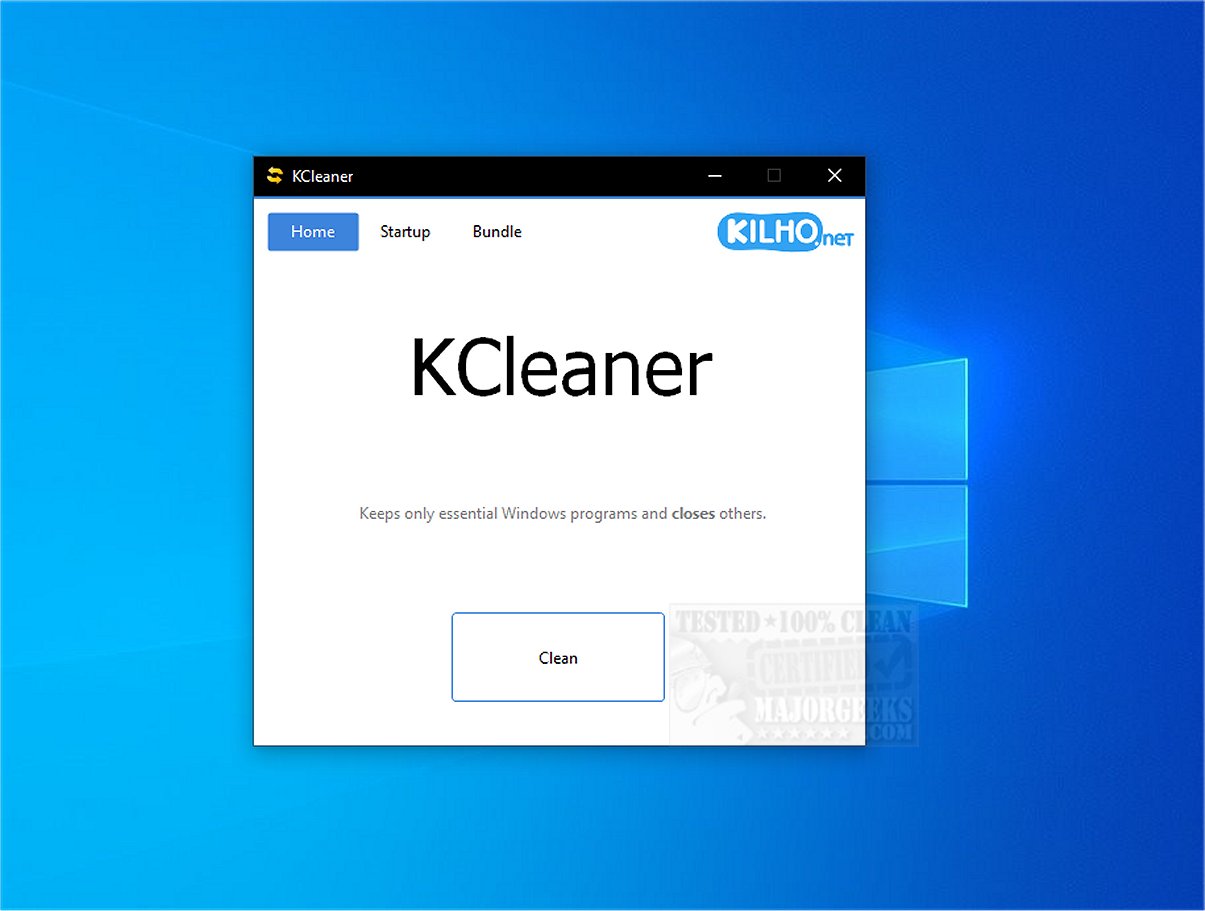
KCleaner 3.8.7 has been released, introducing an effective tool aimed at optimizing system performance. This utility is designed to enhance your computer's efficiency by shutting down unnecessary background processes, allowing only essential ones to remain active. By freeing up valuable system resources, KCleaner helps your computer run more smoothly.
One of the key features of KCleaner is its ability to search for, identify, and terminate unwanted security programs, including malicious software that may disguise itself as legitimate Windows processes. This proactive approach helps mitigate potential threats to your system's security.
KCleaner boasts a simple and user-friendly interface, which allows users to manage programs that launch at startup from various locations within the system. By controlling these startup applications, users can experience faster boot times and overall improved system performance.
Importantly, KCleaner is designed with caution; it avoids interfering with essential drivers for graphics and sound, as disrupting these could lead to performance issues. Additionally, it refrains from terminating trusted antivirus programs, ensuring that your system remains protected while optimizing performance.
For users looking to enhance their system's efficiency and security, KCleaner is a valuable tool. It is advisable to have a recent restore point and a current backup before using the software, as this provides a safety net in case any problems arise.
In conclusion, KCleaner offers an effortless way to eliminate unnecessary programs without the need for uninstallation. With its intuitive interface and effective performance optimization capabilities, users can enjoy a decluttered system and a smoother computing experience. Say goodbye to unwanted background processes and hello to a more streamlined and efficient system with KCleaner.
As technology continues to evolve, users can anticipate future updates that may introduce even more features, enhancing KCleaner’s capabilities and expanding its utility in maintaining system health and performance
One of the key features of KCleaner is its ability to search for, identify, and terminate unwanted security programs, including malicious software that may disguise itself as legitimate Windows processes. This proactive approach helps mitigate potential threats to your system's security.
KCleaner boasts a simple and user-friendly interface, which allows users to manage programs that launch at startup from various locations within the system. By controlling these startup applications, users can experience faster boot times and overall improved system performance.
Importantly, KCleaner is designed with caution; it avoids interfering with essential drivers for graphics and sound, as disrupting these could lead to performance issues. Additionally, it refrains from terminating trusted antivirus programs, ensuring that your system remains protected while optimizing performance.
For users looking to enhance their system's efficiency and security, KCleaner is a valuable tool. It is advisable to have a recent restore point and a current backup before using the software, as this provides a safety net in case any problems arise.
In conclusion, KCleaner offers an effortless way to eliminate unnecessary programs without the need for uninstallation. With its intuitive interface and effective performance optimization capabilities, users can enjoy a decluttered system and a smoother computing experience. Say goodbye to unwanted background processes and hello to a more streamlined and efficient system with KCleaner.
As technology continues to evolve, users can anticipate future updates that may introduce even more features, enhancing KCleaner’s capabilities and expanding its utility in maintaining system health and performance
KCleaner 3.8.7 released
KCleaner is a powerful utility designed to help optimize your system's performance by closing unnecessary background processes, ensuring only essential processes remain active.