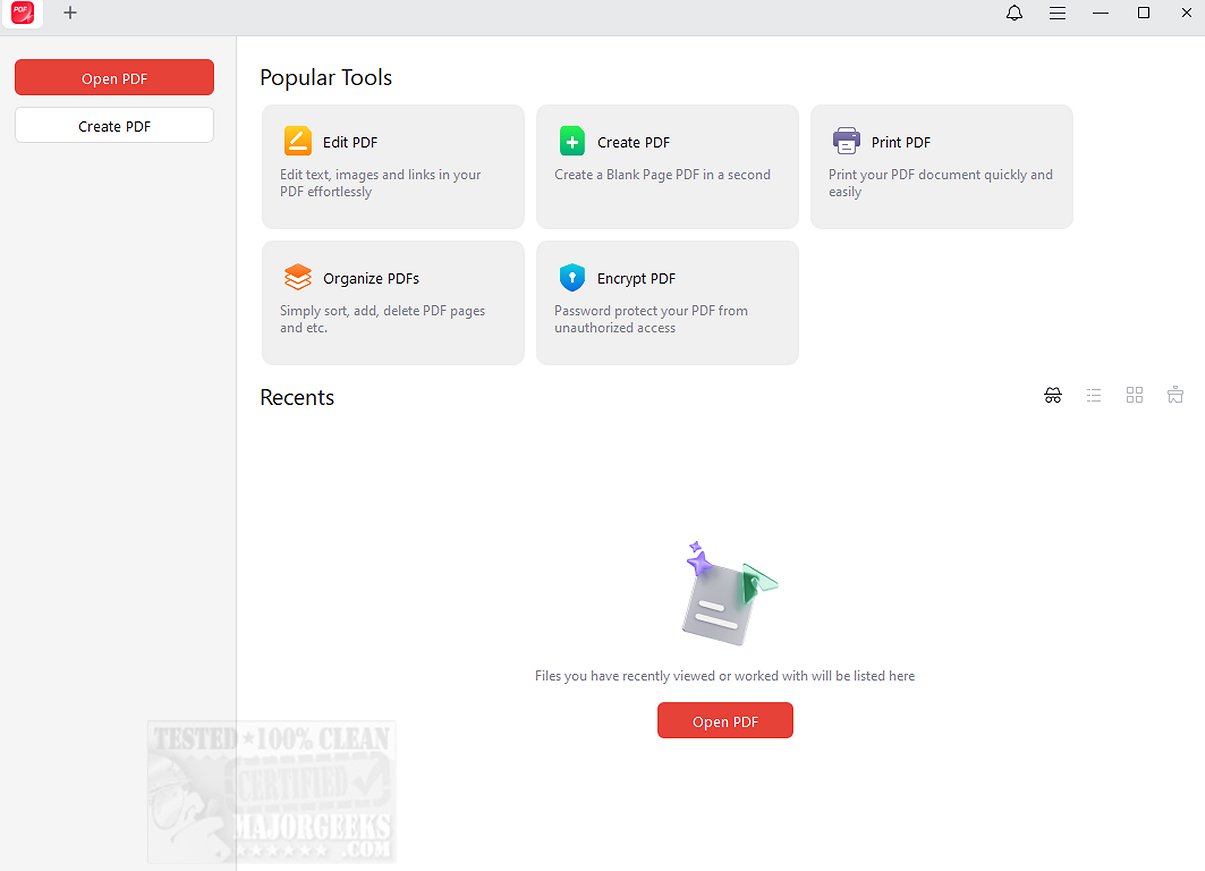
JOPDF 2.4.0 has been released, offering an all-in-one solution for PDF editing and reading, aimed at enhancing your PDF workflow. This versatile tool enables users to manage PDF documents effectively, featuring capabilities such as text and image editing, document annotation, page rearrangement, PDF splitting, password protection, and printing. It serves as a practical alternative to Adobe Acrobat.
One of the standout qualities of JOPDF is its user-friendly design, which simplifies the process of editing, reading, and organizing PDF files. Users can swiftly add text, links, and images to existing documents, as well as manipulate images through functions like rotation, cropping, replacing, or resizing, all tailored to meet individual needs.
Additionally, JOPDF boasts a robust toolset with over ten annotation options, allowing users to mark up and comment on PDFs with ease. Features such as highlighting, underlining, strikethrough text, and freehand drawing make it one of the most efficient PDF annotators available for Windows. Security is also prioritized, as JOPDF enables users to safeguard their documents with passwords, ensuring sensitive information remains protected from unauthorized access. The desktop tool is easy to use and does not require registration.
In summary, JOPDF is positioned as the ultimate all-in-one PDF solution, streamlining the processes of viewing, editing, organizing, and securing PDF documents. Whether you are looking to enhance your workflow or protect confidential information, JOPDF offers a reliable and convenient platform for all your PDF management needs.
As an extension, future updates could include advanced collaboration features for teams, integration with cloud storage services for easy access and sharing, and enhanced artificial intelligence tools to automate repetitive tasks, further optimizing the PDF workflow for users
One of the standout qualities of JOPDF is its user-friendly design, which simplifies the process of editing, reading, and organizing PDF files. Users can swiftly add text, links, and images to existing documents, as well as manipulate images through functions like rotation, cropping, replacing, or resizing, all tailored to meet individual needs.
Additionally, JOPDF boasts a robust toolset with over ten annotation options, allowing users to mark up and comment on PDFs with ease. Features such as highlighting, underlining, strikethrough text, and freehand drawing make it one of the most efficient PDF annotators available for Windows. Security is also prioritized, as JOPDF enables users to safeguard their documents with passwords, ensuring sensitive information remains protected from unauthorized access. The desktop tool is easy to use and does not require registration.
In summary, JOPDF is positioned as the ultimate all-in-one PDF solution, streamlining the processes of viewing, editing, organizing, and securing PDF documents. Whether you are looking to enhance your workflow or protect confidential information, JOPDF offers a reliable and convenient platform for all your PDF management needs.
As an extension, future updates could include advanced collaboration features for teams, integration with cloud storage services for easy access and sharing, and enhanced artificial intelligence tools to automate repetitive tasks, further optimizing the PDF workflow for users
JOPDF 2.4.0 released
JOPDF provides an all-in-one PDF editor and reader designed to optimize your PDF workflow.