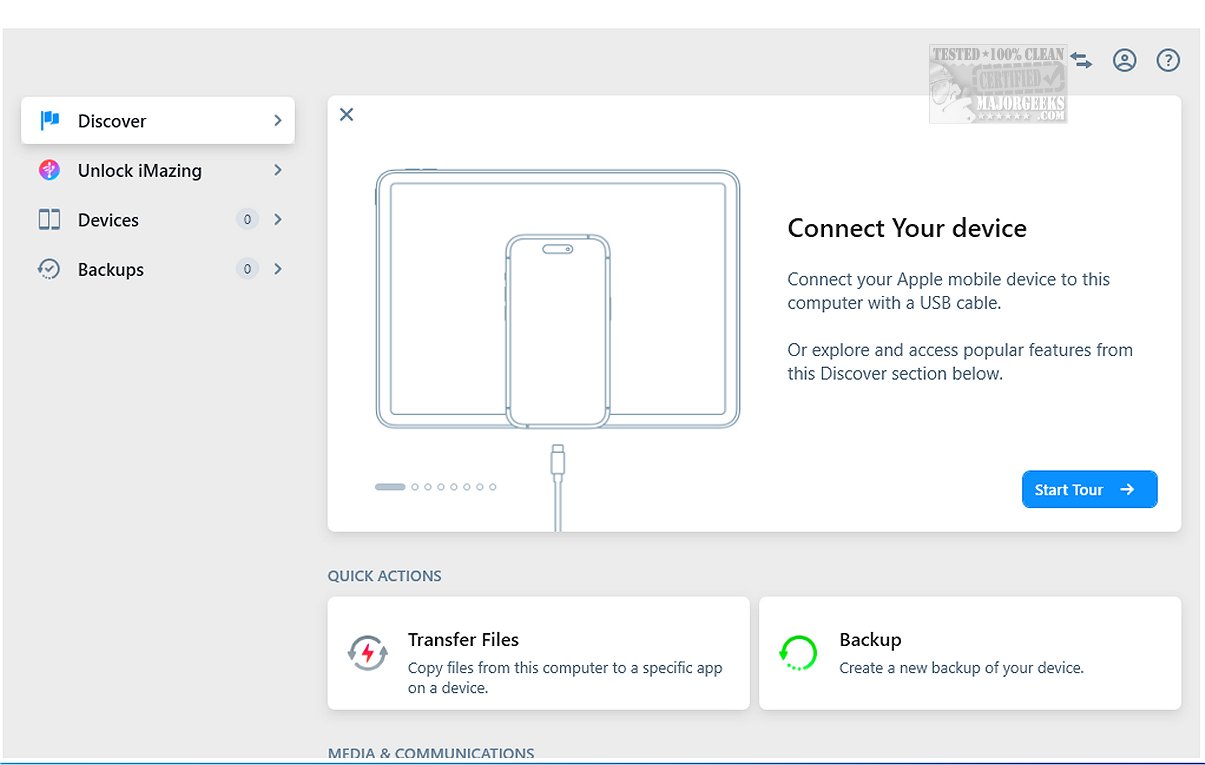
The latest version of iMazing, 3.6.3, enhances its suite of tools designed for file transfer, app management, and backup and restore operations, positioning itself as a robust alternative to iTunes. Notable features include incremental backups, which enable users to back up only the data that has changed since the last backup, as well as the flexibility to choose where backups are stored.
Key Features and Functionalities
iMazing excels in providing a comprehensive range of functionalities:
- Incremental Backups: Users can save time and storage by backing up only the changes made since their last backup.
- Wi-Fi Backups: Scheduled backups can be executed wirelessly, allowing for convenience without the need for a constant USB connection.
- File Management: The software includes an intuitive drag-and-drop interface, simplifying the organization and transfer of files.
- Device Connectivity: iMazing allows iPhones, iPods, and iPads to function as external storage devices when connected to a computer via USB, enhancing data management capabilities.
- Wide Device Compatibility: It supports a broad array of iOS device models and ensures they are updated with the latest operating system versions.
- Backup Management: Users can create, restore, repair, or delete backups as well as analyze the contents of previous backups.
Data Preview and Transfer Capabilities
One of iMazing’s standout features is the ability to preview device data before transferring it, which includes images, videos, music, e-books, messages, contacts, and notes. This capability allows users to select specific items for transfer with ease, streamlining the overall data management process.
WhatsApp and Safari Support
Additionally, iMazing facilitates the export of WhatsApp messages and attachments, enabling users to transfer this data when switching devices. It also supports the saving and transferring of Safari bookmarks from iOS devices to computers, even in the absence of iCloud.
User Experience and Accessibility
The user-friendly design of iMazing makes it suitable for individuals of all skill levels, ensuring that essential data is organized and accessible. With features designed for simplicity and efficiency, iMazing stands out as an essential tool for anyone looking to manage their iOS devices effectively.
Conclusion
In summary, iMazing 3.6.3 is a powerful tool that streamlines the management of files and applications on iOS devices. Its combination of features like incremental backups, flexible storage options, and ease of use makes it a valuable asset for users seeking a reliable alternative to iTunes. Whether you’re a tech enthusiast or a casual user, iMazing provides the tools necessary for efficient device management and data preservation. Embrace the ease and efficiency of iMazing for all your iOS device needs
Key Features and Functionalities
iMazing excels in providing a comprehensive range of functionalities:
- Incremental Backups: Users can save time and storage by backing up only the changes made since their last backup.
- Wi-Fi Backups: Scheduled backups can be executed wirelessly, allowing for convenience without the need for a constant USB connection.
- File Management: The software includes an intuitive drag-and-drop interface, simplifying the organization and transfer of files.
- Device Connectivity: iMazing allows iPhones, iPods, and iPads to function as external storage devices when connected to a computer via USB, enhancing data management capabilities.
- Wide Device Compatibility: It supports a broad array of iOS device models and ensures they are updated with the latest operating system versions.
- Backup Management: Users can create, restore, repair, or delete backups as well as analyze the contents of previous backups.
Data Preview and Transfer Capabilities
One of iMazing’s standout features is the ability to preview device data before transferring it, which includes images, videos, music, e-books, messages, contacts, and notes. This capability allows users to select specific items for transfer with ease, streamlining the overall data management process.
WhatsApp and Safari Support
Additionally, iMazing facilitates the export of WhatsApp messages and attachments, enabling users to transfer this data when switching devices. It also supports the saving and transferring of Safari bookmarks from iOS devices to computers, even in the absence of iCloud.
User Experience and Accessibility
The user-friendly design of iMazing makes it suitable for individuals of all skill levels, ensuring that essential data is organized and accessible. With features designed for simplicity and efficiency, iMazing stands out as an essential tool for anyone looking to manage their iOS devices effectively.
Conclusion
In summary, iMazing 3.6.3 is a powerful tool that streamlines the management of files and applications on iOS devices. Its combination of features like incremental backups, flexible storage options, and ease of use makes it a valuable asset for users seeking a reliable alternative to iTunes. Whether you’re a tech enthusiast or a casual user, iMazing provides the tools necessary for efficient device management and data preservation. Embrace the ease and efficiency of iMazing for all your iOS device needs
iMazing 3.6.3 released
iMazing offers a diverse range of tools for file transfer, app management, and backup and restore processes, making it a strong alternative to iTunes. Key features of iMazing include incremental backups, which allow you to back up only the changes made since the last backup, as well as flexibility in selecting backup locations.