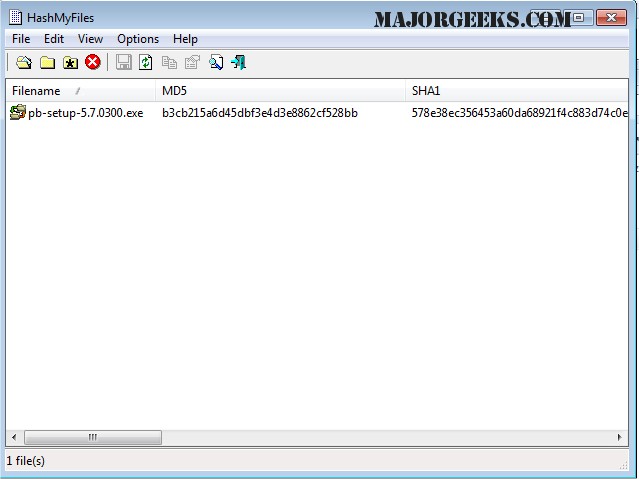
HashMyFiles version 2.52 has been released, offering a free and compact utility designed to compute the MD5 and SHA1 hash values for one or more files on your computer. This tool allows users to easily copy the generated hash lists to the clipboard or save them in various formats, including text, HTML, or XML files. Additionally, HashMyFiles seamlessly integrates with Windows Explorer, enabling users to access its features directly from the context menu by right-clicking on a file or folder to quickly view the corresponding hash values.
In addition to its primary functionality, HashMyFiles can be particularly useful for file verification and integrity checks, helping users ensure that files have not been altered or corrupted. The utility can be beneficial for software developers, cybersecurity professionals, and everyday users alike who need to manage file integrity. Future updates could potentially include support for additional hashing algorithms, enhanced user interface options, and improved integration with cloud storage services, further expanding its utility and ease of use
In addition to its primary functionality, HashMyFiles can be particularly useful for file verification and integrity checks, helping users ensure that files have not been altered or corrupted. The utility can be beneficial for software developers, cybersecurity professionals, and everyday users alike who need to manage file integrity. Future updates could potentially include support for additional hashing algorithms, enhanced user interface options, and improved integration with cloud storage services, further expanding its utility and ease of use
HashMyFiles 2.52 released
HashMyFiles is a small free utility that allows you to calculate the MD5 and SHA1 hashes of one or more files in your system.