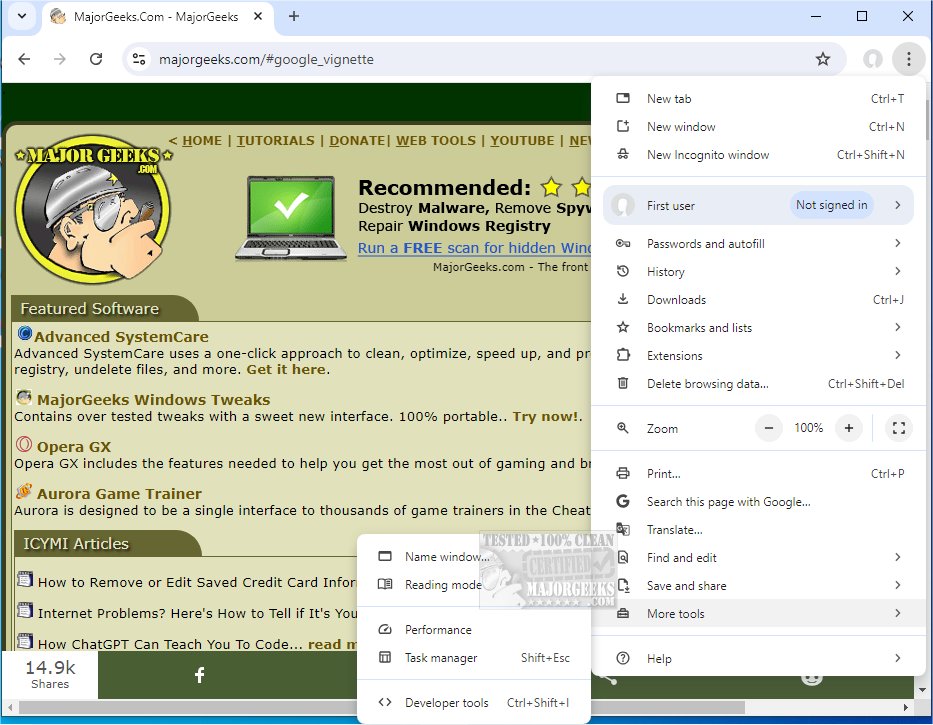
Google Chrome, now at version 152.0.7977.76, continues to be a leading web browser that merges a streamlined design with cutting-edge technology to enhance online experiences in terms of speed, safety, and ease of use. The browser is also available in a portable version for users on the go.
Why Choose Google Chrome?
Chrome isn't merely a tool for opening websites; it’s an all-encompassing companion optimized for both casual users and tech-savvy individuals. It offers a perfect blend of fast browsing, extensive customization options, and seamless synchronization across devices through a Google account, ensuring that bookmarks, extensions, and saved passwords are always at your fingertips.
Key Features:
- Supercharged Speed: Chrome boasts lightning-fast page loads and quick startup times, making it an efficient choice for web applications.
- Minimalist Design: The uncluttered user interface allows users to focus on what matters most: content. Fullscreen mode maximizes the viewing experience.
- Effective Tab Management: Users can effortlessly manage multiple tabs, reopen closed tabs, and minimize the impact of crashes.
- Privacy & Security: With features like Incognito Mode and built-in malware detection, Chrome prioritizes user security.
- Extensions Galore: The Chrome Web Store offers thousands of extensions to enhance browsing, from ad blockers to productivity tools.
- Smart Search Bar (Omnibox): The versatile Omnibox caters to various input types, enhancing search efficiency.
- Cross-Device Sync: Chrome syncs bookmarks, open tabs, and history across devices, eliminating the hassle of manual transfers.
- Custom Profiles: Multiple user profiles can be created, maintaining separate settings and histories on shared devices.
Why It’s Ideal for Everyday Use:
Beyond speed and efficiency, Chrome is tailored to enhance user control. It efficiently handles streaming and e-commerce activities, providing features like autofill for checkout and robust pop-up blocking. Its customization options allow users to personalize their browsing experience, making it feel unique.
Pros and Cons:
Pros:
- Exceptional speed and performance with web applications.
- Smooth synchronization with Google services across devices.
- Strong privacy measures and extensive extension library.
Cons:
- Higher resource consumption, using more RAM compared to competitors.
- Close ties to Google services, which may not appeal to all users.
Conclusion:
Google Chrome has earned its reputation not just because it’s developed by Google, but due to its exceptional performance, user-friendly interface, and extensive customization options. It appeals to a wide range of users—whether you are a casual browser or a power user. While it can be resource-heavy, its speed, reliability, and features justify its position as a top choice.
For those ready to elevate their browsing experience, Google Chrome is an essential download. Chrome Portable is also available for users needing flexibility.
Further Reading:
- Explore 10 Google Chrome Flags to Enhance Your Browsing Experience.
- Learn how to rejuvenate Google Chrome and Mozilla Firefox.
- Discover how to reset or repair Google Chrome, Mozilla Firefox, or Microsoft Edge.
- Understand how to utilize the Google Chrome Malware Scanner & Cleanup Tool.
With the ongoing updates and improvements, Chrome is set to remain a favorite among web browsers for the foreseeable future
Why Choose Google Chrome?
Chrome isn't merely a tool for opening websites; it’s an all-encompassing companion optimized for both casual users and tech-savvy individuals. It offers a perfect blend of fast browsing, extensive customization options, and seamless synchronization across devices through a Google account, ensuring that bookmarks, extensions, and saved passwords are always at your fingertips.
Key Features:
- Supercharged Speed: Chrome boasts lightning-fast page loads and quick startup times, making it an efficient choice for web applications.
- Minimalist Design: The uncluttered user interface allows users to focus on what matters most: content. Fullscreen mode maximizes the viewing experience.
- Effective Tab Management: Users can effortlessly manage multiple tabs, reopen closed tabs, and minimize the impact of crashes.
- Privacy & Security: With features like Incognito Mode and built-in malware detection, Chrome prioritizes user security.
- Extensions Galore: The Chrome Web Store offers thousands of extensions to enhance browsing, from ad blockers to productivity tools.
- Smart Search Bar (Omnibox): The versatile Omnibox caters to various input types, enhancing search efficiency.
- Cross-Device Sync: Chrome syncs bookmarks, open tabs, and history across devices, eliminating the hassle of manual transfers.
- Custom Profiles: Multiple user profiles can be created, maintaining separate settings and histories on shared devices.
Why It’s Ideal for Everyday Use:
Beyond speed and efficiency, Chrome is tailored to enhance user control. It efficiently handles streaming and e-commerce activities, providing features like autofill for checkout and robust pop-up blocking. Its customization options allow users to personalize their browsing experience, making it feel unique.
Pros and Cons:
Pros:
- Exceptional speed and performance with web applications.
- Smooth synchronization with Google services across devices.
- Strong privacy measures and extensive extension library.
Cons:
- Higher resource consumption, using more RAM compared to competitors.
- Close ties to Google services, which may not appeal to all users.
Conclusion:
Google Chrome has earned its reputation not just because it’s developed by Google, but due to its exceptional performance, user-friendly interface, and extensive customization options. It appeals to a wide range of users—whether you are a casual browser or a power user. While it can be resource-heavy, its speed, reliability, and features justify its position as a top choice.
For those ready to elevate their browsing experience, Google Chrome is an essential download. Chrome Portable is also available for users needing flexibility.
Further Reading:
- Explore 10 Google Chrome Flags to Enhance Your Browsing Experience.
- Learn how to rejuvenate Google Chrome and Mozilla Firefox.
- Discover how to reset or repair Google Chrome, Mozilla Firefox, or Microsoft Edge.
- Understand how to utilize the Google Chrome Malware Scanner & Cleanup Tool.
With the ongoing updates and improvements, Chrome is set to remain a favorite among web browsers for the foreseeable future
Google Chrome 152.0.7977.76 released
Google Chrome is a web browser that combines a minimal design with sophisticated technology to make the web faster, safer, and easier. Chrome Portable is also available.