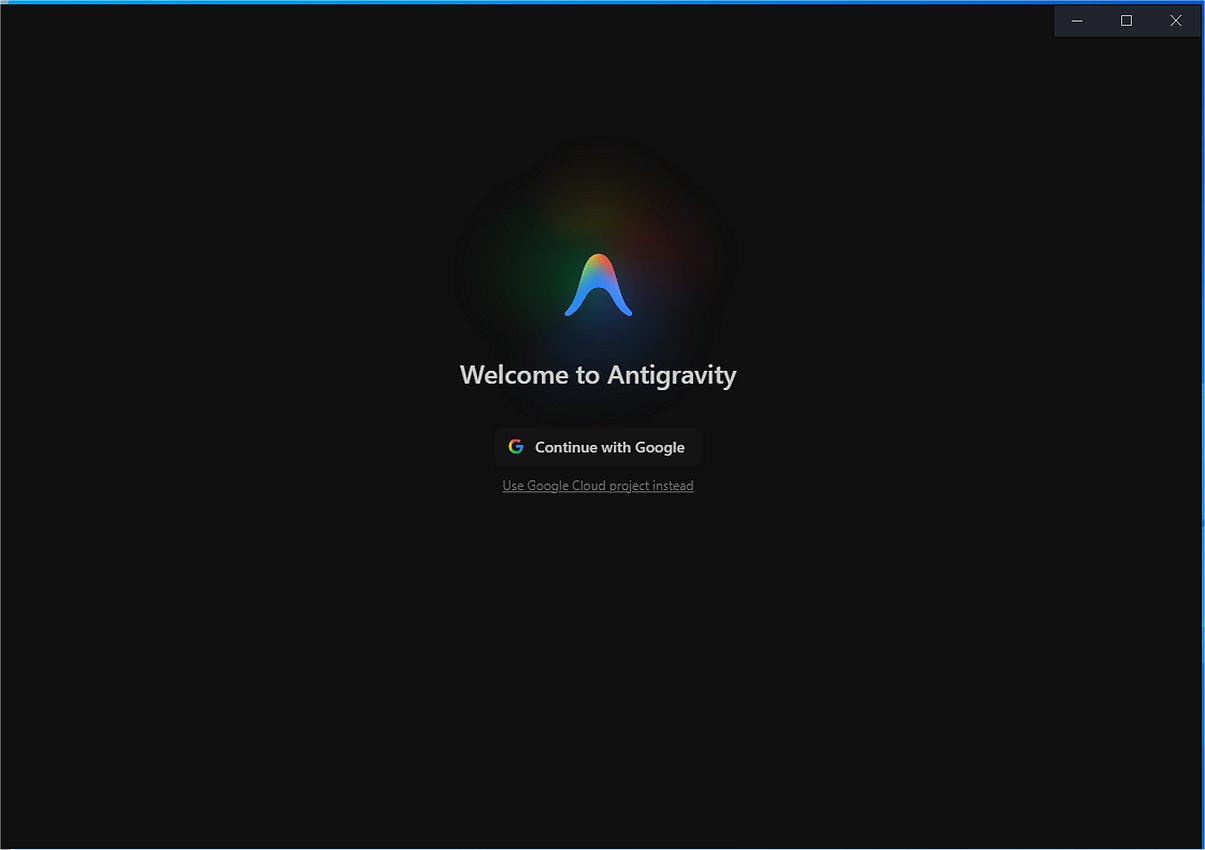
Google has released version 2.2.1 of Google Antigravity, an advanced software development tool and integrated development environment (IDE) that harnesses the power of artificial intelligence. This innovative platform allows developers to create software by commanding autonomous AI agents rather than writing every line of code manually, thereby streamlining the development process and making it more efficient and accessible.
At its foundation, Google Antigravity is built on Google's sophisticated Gemini models, including the latest Gemini 3, which enhances coding efficiency and supports various third-party AI models. This flexibility allows developers to delegate complex coding tasks to AI agents, freeing them to concentrate on design and problem-solving. The platform also acts as a central hub for managing multiple AI agents concurrently, facilitating asynchronous task management that improves productivity. For example, while one agent refactors code, another can run test scripts simultaneously.
A notable feature of Google Antigravity is its Browser Control & Testing functionality, which includes a sandbox browser that enables AI agents to launch applications and navigate the Document Object Model (DOM). This allows agents to simulate user interactions, such as clicking buttons and entering data, for testing purposes in a controlled setting. Additionally, the AI generates tangible outputs called Artifacts, which can include implementation plans, walkthroughs, and screenshots of the project’s progress, enhancing transparency and quality assurance.
The platform also integrates seamlessly with various systems and provides Software Development Kits (SDKs), supporting advanced interactions through Model Context Protocol (MCP) servers. It features voice-to-text capabilities and a Command Line Interface (CLI), which can be customized for enterprise or personal use, promoting a highly adaptable development environment.
Pros and Cons:
Pros:
- Agentic Workflows: Manage multiple AI agents simultaneously for coding, refactoring, and reviewing.
- Browser Integration: Built-in Chrome tool helps find and report issues in your code.
- Model Switching: Easily switch between different AI models to find the best fit for your project.
- Fast Prototyping: Quickly create small web applications or games from scratch.
Cons:
- Heavy Resource Usage: The platform may require significant system resources.
- Strict Quotas: Free or premium usage limits can restrict access to certain models until quotas reset.
Conclusion:
Google Antigravity is a revolutionary AI-powered code editor that enhances prototyping and multi-agent workflows. While it offers powerful capabilities, potential users should be mindful of its high resource demands and usage limitations. As the technology continues to evolve, it holds the promise of further transforming the landscape of software development by making it more accessible and efficient for developers of all skill levels. Future updates may also address current drawbacks, making Antigravity an even more indispensable tool in the software development toolkit
At its foundation, Google Antigravity is built on Google's sophisticated Gemini models, including the latest Gemini 3, which enhances coding efficiency and supports various third-party AI models. This flexibility allows developers to delegate complex coding tasks to AI agents, freeing them to concentrate on design and problem-solving. The platform also acts as a central hub for managing multiple AI agents concurrently, facilitating asynchronous task management that improves productivity. For example, while one agent refactors code, another can run test scripts simultaneously.
A notable feature of Google Antigravity is its Browser Control & Testing functionality, which includes a sandbox browser that enables AI agents to launch applications and navigate the Document Object Model (DOM). This allows agents to simulate user interactions, such as clicking buttons and entering data, for testing purposes in a controlled setting. Additionally, the AI generates tangible outputs called Artifacts, which can include implementation plans, walkthroughs, and screenshots of the project’s progress, enhancing transparency and quality assurance.
The platform also integrates seamlessly with various systems and provides Software Development Kits (SDKs), supporting advanced interactions through Model Context Protocol (MCP) servers. It features voice-to-text capabilities and a Command Line Interface (CLI), which can be customized for enterprise or personal use, promoting a highly adaptable development environment.
Pros and Cons:
Pros:
- Agentic Workflows: Manage multiple AI agents simultaneously for coding, refactoring, and reviewing.
- Browser Integration: Built-in Chrome tool helps find and report issues in your code.
- Model Switching: Easily switch between different AI models to find the best fit for your project.
- Fast Prototyping: Quickly create small web applications or games from scratch.
Cons:
- Heavy Resource Usage: The platform may require significant system resources.
- Strict Quotas: Free or premium usage limits can restrict access to certain models until quotas reset.
Conclusion:
Google Antigravity is a revolutionary AI-powered code editor that enhances prototyping and multi-agent workflows. While it offers powerful capabilities, potential users should be mindful of its high resource demands and usage limitations. As the technology continues to evolve, it holds the promise of further transforming the landscape of software development by making it more accessible and efficient for developers of all skill levels. Future updates may also address current drawbacks, making Antigravity an even more indispensable tool in the software development toolkit
Google Antigravity 2.2.1 released
Google Antigravity is an innovative software development tool and a cutting-edge integrated development environment (IDE). It utilizes artificial intelligence to enable users to create software by directing autonomous AI agents, eliminating the need to write every line of code manually.