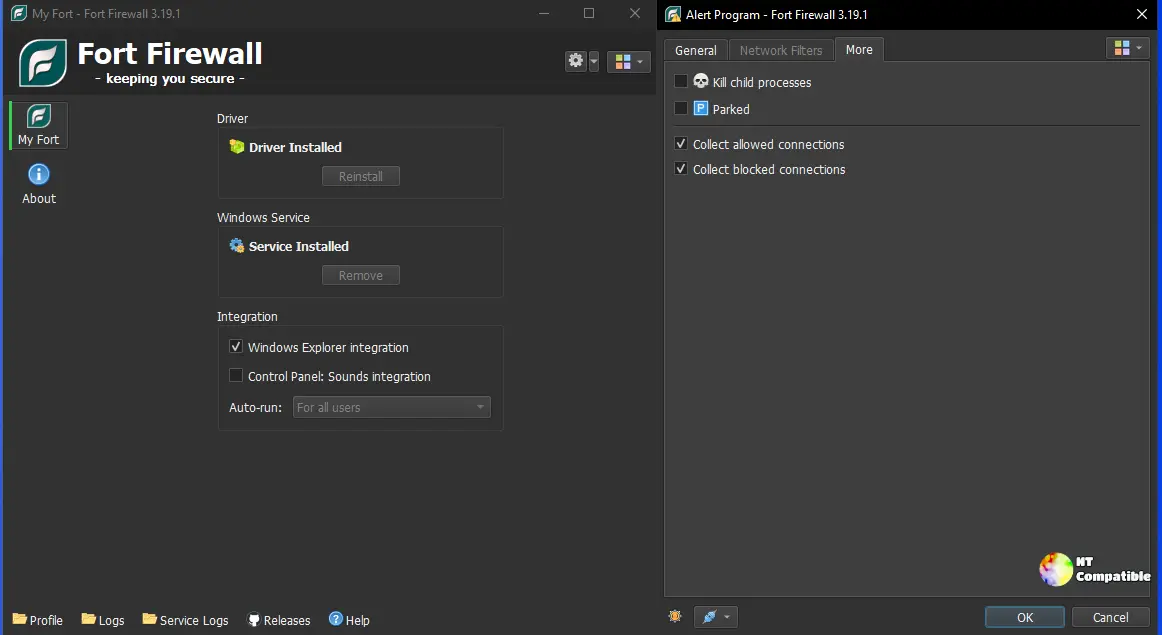
The Fort Firewall 3.21.2 update, released by Nodir Temirkhodjaev, primarily enhances user experience by moving traffic graphing into a dedicated window and adding several interface improvements, while also fixing a critical Windows 7 service hang issue from the previous version. This update does not introduce major new features but focuses on polishing existing functionalities and improving stability, making it an important release as Fort Firewall is one of the few remaining open-source host firewalls with its own kernel driver. Users must disable Windows Memory Integrity to run Fort, as it cannot operate with the feature enabled, representing a trade-off between security and fine-grained control over connections. Overall, Fort Firewall remains a lean and actively maintained option compared to its competitors, making it suitable for those seeking detailed control over their network traffic on Windows systems
Fort Firewall 3.21.2 Update Adds Graphs Window and Drops a Regression
Fort Firewall 3.21.2 shipped today as the polish-filled final release of a three-part sprint from developer Nodir Temirkhodjaev. Rather than adding new filtering, it moves traffic graphing into its own dedicated window, adds list columns and tooltips, and improves the DNS Forwarder's self-check. The most important change fixes a Windows 7 service hang at boot that the previous build introduced, while still asking users to disable Windows Memory Integrity since Fort's kernel driver can't run alongside it.
Fort Firewall 3.21.2 Update Adds Graphs Window and Drops a Regression @ NT Compatible