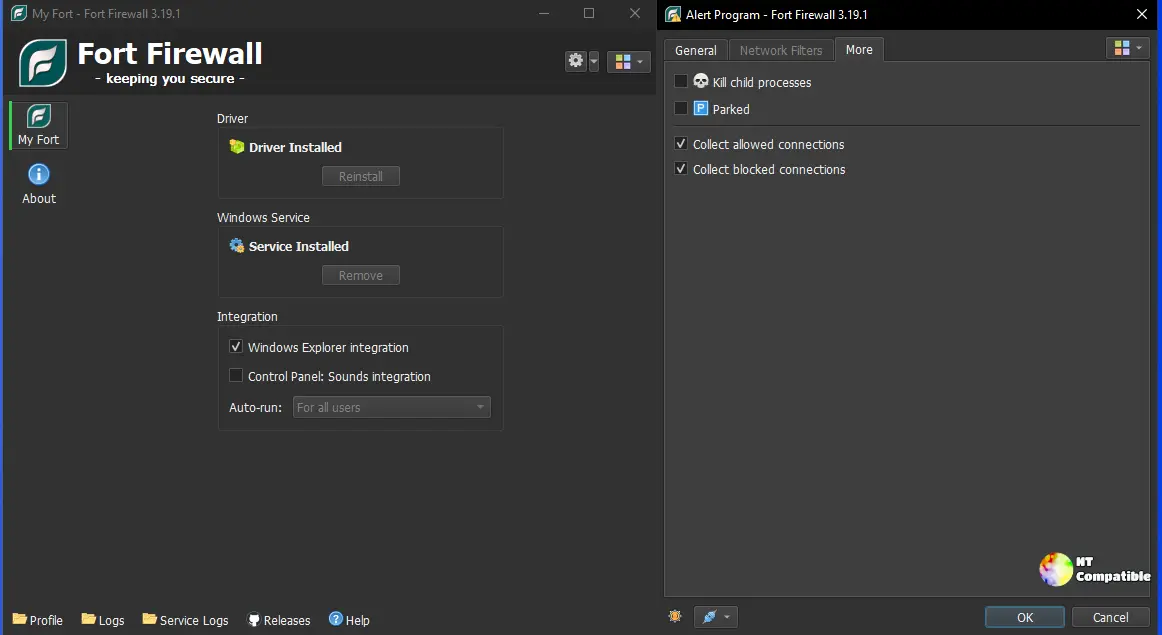
Fort Firewall 3.20.7 is a minor update focused on user interface enhancements, including options for font and icon sizes, a graph window that retains its size, and improved column sorting in the programs list. This update follows a series of frequent releases in October that introduced significant features like the "Ask to Connect" mode and a restructured speed-limit system. However, users must disable Windows Memory Integrity (HVCI) for the firewall to function properly, which poses a security tradeoff. Developed by a single individual, Fort Firewall is an open-source project supported by donations, but its reliance on one developer raises concerns about long-term sustainability
Fort Firewall 3.20.7 Release: What's New, Download and Key Changes
Fort Firewall 3.20.7 is a small polish-and-fix update for the popular free open-source Windows firewall. The changes include font and icon-size options, a graph window that remembers its size, universal column sorting, and a fix for an option-loading regression from the 3.20.0 rework. It arrives at the end of a near-daily October sprint that brought back the long-requested "Ask to Connect" mode and rebuilt the grouping and speed-limit system. However, Fort still requires users to disable Windows Memory Integrity (HVCI) and runs a kernel driver, a tradeoff worth weighing before installing.
Fort Firewall 3.20.7 Release: What's New, Download and Key Changes @ NT Compatible